
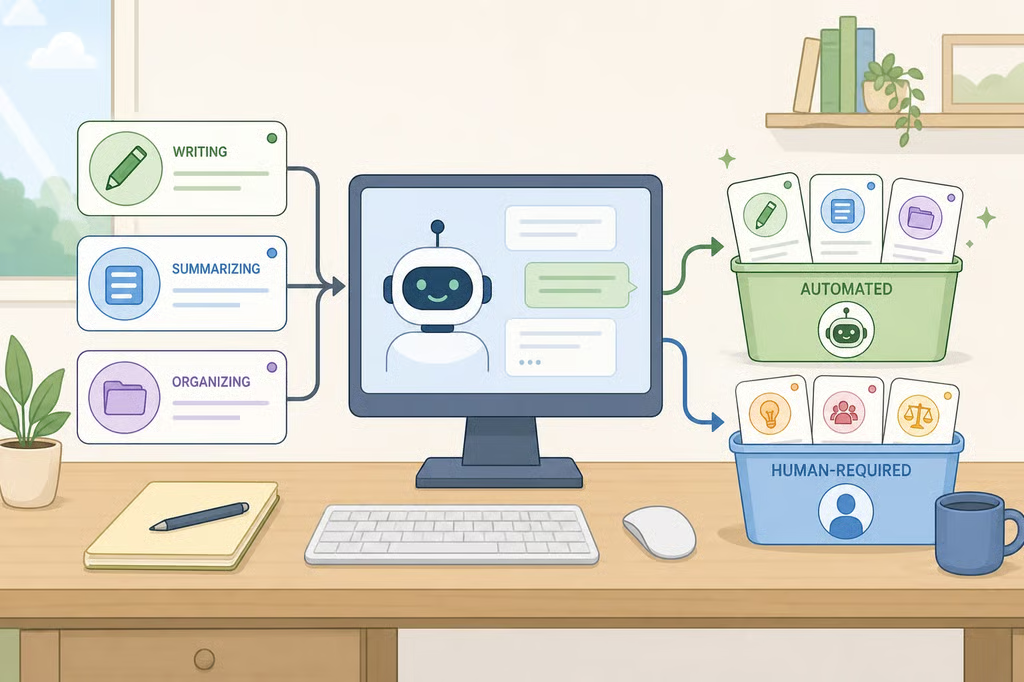
Which parts of my job can AI automate? A 3-bucket task audit
Instead of asking whether AI will take a job, a sharper question is which parts of my job can AI automate right now, and which still need a person. Microsoft's analysis of 200,000 anonymized conversations with its Copilot assistant found AI applicability is widespread across occupations, mostly because most occupations have information-work components, like writing, summarizing, or organizing information, according to Microsoft's study. That is not the same as whole jobs becoming automatable.
The rest of the research backs up that distinction. The ILO estimates one in four workers globally works in an occupation with some generative AI exposure, but the agency frames "transformation" as the likely outcome rather than replacement, since most occupations still require human input, according to the ILO. In Korea, a majority of firms that had adopted AI reported it replacing specific tasks within jobs, while nearly all surveyed Korean firms reported no department- or team-level workforce changes so far, OECD research shows.
That gap between "AI touched this task" and "AI took this job" is exactly what a task-by-task audit is built to sort out. Break a job into its actual tasks, then place each one into one of three buckets: delegate, AI-assisted with review, or human-led. The framework below applies the findings above to a workplace decision; it's a practical method built from research, not a verified rule from any single study for a specific employer or role. It fits knowledge-work and office jobs most directly. Anyone in a hands-on, clinical, field, or heavily regulated role should weigh physical execution, licensing rules, and confidentiality requirements more heavily than this framework assumes.
How to tell if AI can automate your job tasks
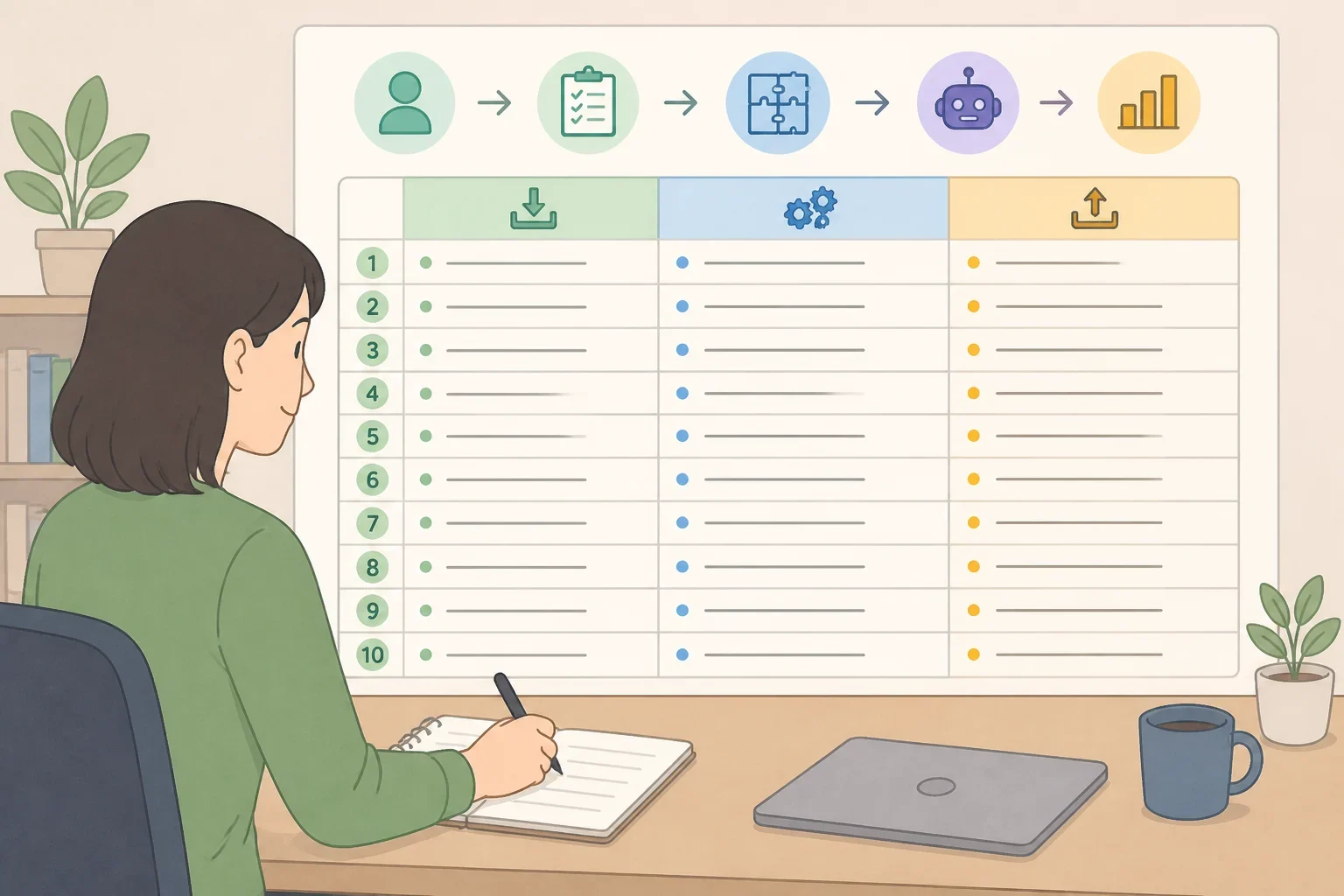
Before deciding whether AI can handle any part of a job, break the job down into its component tasks. Most roles blend work a chatbot can help with and work that still needs a person in the room, so grouping everything under one job title hides more than it reveals.
Step 1: inventory your tasks, not your job title
Microsoft's researchers matched real Copilot conversations to O*NET work activities, comparing what a user intended to accomplish against what the AI actually did in that conversation. The two sets of activities were completely different in 40% of conversations, and in 96% of conversations there were more activities unique to one side than shared between them, according to Microsoft. The study classified what users asked for and what AI did, not whether handing off the task was safe or appropriate for a given workplace. Still, the gap is worth sitting with: asking AI for help with a task is not the same as handing the whole task over.
The study has two important limits. It reflects public, free Copilot conversations from U.S. users collected in 2024, so it shows what people asked AI to do rather than a verified map of what every workplace tool can safely handle with proprietary data or internal systems, according to Microsoft. The WORKBank database used later in this framework covers 104 occupations, a subset of the 287 computer-using occupations O*NET tracks, so its findings work better as a starting reference than a final ruling on any single job, according to WORKBank researchers.
With those limits in mind, list 10 to 15 recurring tasks, noting the hours spent on each per week and what goes in and comes out: a document, a decision, a conversation, a physical action. That list becomes the raw material for the next two steps and, eventually, the first column of a completed audit table.
Picture a project coordinator whose week includes drafting status reports, scheduling meetings, writing vendor emails, tracking budgets, resolving scope disputes, and sending client updates. That example carries through the rest of the audit below.
Step 2: test capability, data permission, and accountability
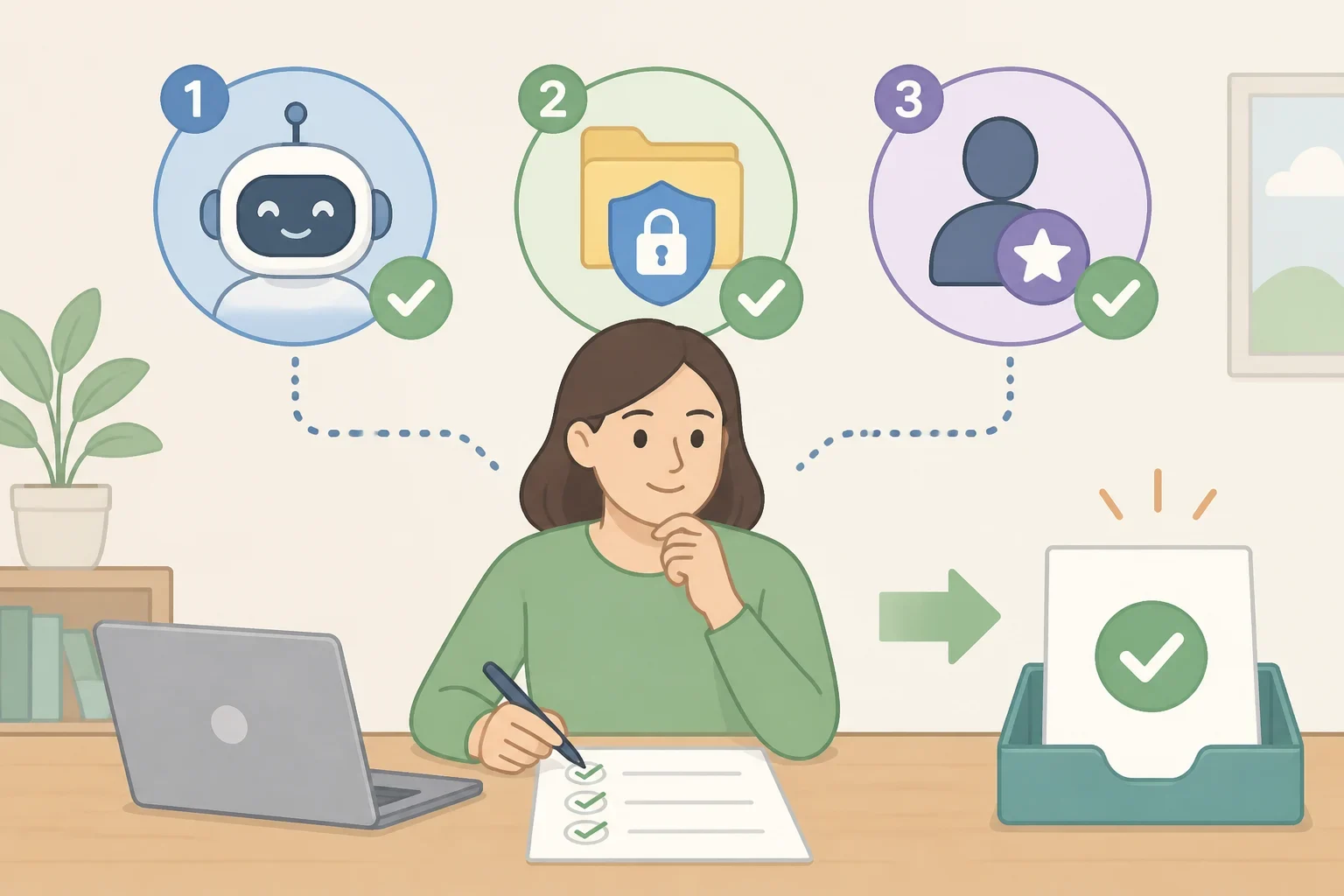
The research above measures whether AI is technically capable of a task. It doesn't say whether that task should move to AI in a specific job. A workplace-level audit needs two practical checks the studies don't measure on their own: data permission and accountability.
The first check is capability. AI performs best on tasks that are digital, repeatable, and information-based; creating, processing, and communicating information was the most common and most successful use case in Microsoft's data, while the tool performed measurably worse on image generation and data analysis, according to Microsoft. The ILO's exposure index tells a similar story: clerical work carries the highest generative AI exposure, with rising exposure showing up in digitized professional and technical roles too, according to the ILO.
Passing the capability check doesn't mean full automation follows. The WORKBank framework paired 1,500 workers' preferences with AI-expert capability ratings across 844 tasks. Equal partnership between a person and an AI tool was the dominant worker-preferred level in 45.2% of the 104 occupations studied, according to WORKBank. But worker preference and technical capability rarely lined up: only 26.9% of the 844 tasks got matching levels between what workers wanted and what AI experts judged technically possible.
The second and third checks follow from a different finding: skill demands tend to rise alongside AI adoption rather than disappear. In Korea, roughly a third of firms that had adopted AI said it increased the variety of skills needed for current tasks, and a similar share said it raised the skill level required, OECD survey data shows. Someone still needs enough expertise to check the output before a task counts as safely automated. A technically capable task can still fail this part of the audit if company policy bars entering the information into a public AI tool, or if no one is positioned to catch a mistake before it goes out.
For each task that clears the capability check, ask two follow-up questions: is entering this information into this tool allowed under employer policy, and if the output is wrong, will someone catch it and take responsibility for the final version? A task that clears all three checks fits what this guide calls the delegate bucket, meaning AI produces the first version of the work, subject to whatever approval and review process an employer requires, not an unsupervised, permanent handoff. A task that clears capability and accountability but involves higher stakes or judgment calls belongs in the AI-assisted bucket instead.
Back to the project coordinator: drafting status reports and scheduling meetings clear all three checks and make reasonable pilot candidates. Budget-tracking summaries clear the capability and permission checks but still need the coordinator's review before anything goes to a client, landing them in the AI-assisted bucket.
Step 3: flag work that needs a person

Some tasks should remain human-led under a cautious workplace policy, even when AI can assist with part of them, and the research offers a useful lens for spotting them.
MIT Sloan researchers built a framework called EPOCH, covering empathy and emotional intelligence; presence, networking, and connectedness; opinion, judgment, and ethics; creativity and imagination; and hope, vision, and leadership. Tasks relying on these capabilities were associated with employment growth in the U.S. labor force between 2016 and 2024, according to MIT Sloan. Treat that as a longer-run labor-market association worth watching, not proof that current generative AI tools are already causing layoffs in these categories.
A more practical test: a task belongs in the human-led bucket when at least one of the following is true. Errors are hard to detect after the fact. The consequences of a mistake are serious. The source material is confidential or legally restricted. Or the role requires a specific person to exercise professional judgment, authority, or accountability, a signature, a diagnosis, a hiring decision, a client relationship. MIT Sloan's researchers note, in discussing AI's current limitations, that it struggles to extrapolate from small datasets, weigh several equally valid options, or make principle-driven decisions that run against available data, according to MIT Sloan.
The research also complicates a simple claim that AI cannot be creative: it can brainstorm and generate content, so that shorthand oversimplifies things. The more defensible line runs between generating options and being accountable for the final call, according to MIT Sloan.
For the project coordinator, scope disputes with vendors and day-to-day client relationship management stay human-led. Both require trust built over time, reading tension that never gets written down, and owning the outcome, not just producing a document about it.
What this audit can't tell you about job security
This audit sorts tasks; it doesn't predict headcount. Exposure, technical capability, employer adoption, and actual job loss are four different things, and evidence about one doesn't establish the others. So far, across OECD countries broadly, there is little evidence of negative aggregate employment effects from AI, and no statistically significant link between AI exposure and economy-wide wage growth, OECD research shows.
In Korea specifically, more traditional AI, not generative AI, was associated with slower growth in full-time, permanent manufacturing jobs between 2018 and 2023, particularly among younger, lower-skilled, and female workers; the OECD notes that association wasn't found for generative AI. That's one country's data on one type of AI, not a verdict on any occupation elsewhere.
Build the worksheet, then pilot one task
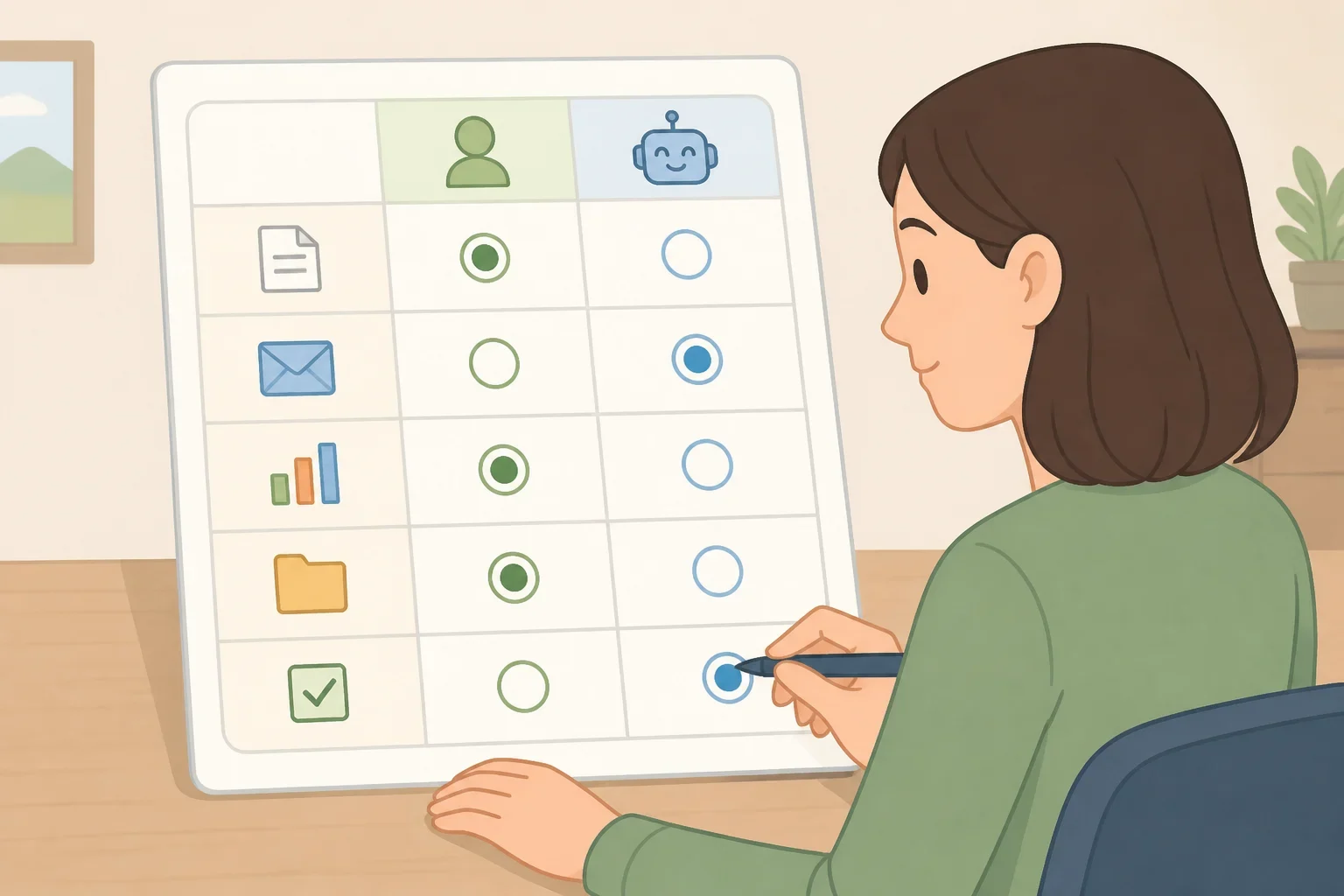
The list below is an editorial framework applying the research above to one hypothetical case. The studies don't evaluate project coordinators specifically, and the checks and dispositions here are assumptions for illustration, not universal findings.
Task Hours/week Capability check Data permission & accountability Human-judgment factors Disposition Status reports 4 Passes (repeatable, digital) Assumed cleared; coordinator reviews before sending Low stakes, easy to verify Delegate (pilot) Meeting scheduling 3 Passes (repeatable, digital) Assumed cleared; no sensitive data Low stakes Delegate (pilot) Budget-tracking summaries 5 Passes Assumed cleared, but coordinator must sign off Moderate stakes, figures need checking AI-assisted Routine vendor emails 3 Passes Assumed cleared Low stakes AI-assisted Scope disputes with vendors 4 Limited Not applicable; requires judgment High stakes, relationship-dependent Human-led Client relationship updates 6 Limited Not applicable High stakes, trust-dependent Human-led
Every reader's version will look different depending on which tools an employer has approved, how sensitive the underlying data is, and how much judgment a given task actually requires.
Before piloting anything from the delegate bucket, work through this short checklist:
- Confirm the employer's written policy on entering work information into AI tools, rather than assuming it's allowed.
- Identify who is authorized to sign off on AI-assisted output before it goes out the door.
- Pick one delegate-bucket task and track time saved and error rate over two to three weeks.
- Write down the exact workflow used, including which tool and what prompts.
- Bring the results to a manager with a specific question: which tools are approved, and what review step do they expect going forward.
Those standards vary by employer, industry, and role, so they're worth verifying directly with a manager or IT policy rather than assuming.
