
- How to Prove AI Improved Your Work: A Practical Guide
- Why AI measurement is becoming part of the workplace conversation
- How to measure AI productivity at work: setting a baseline
- AI productivity metrics for employees: what to track and how to verify it
- How to document AI's impact for a manager
- What to do next
How to Prove AI Improved Your Work: A Practical Guide
Employers aren't just watching whether employees use AI anymore. Microsoft's 2025 Work Trend Index found that 82% of business leaders expected to deploy AI-driven solutions within the following 12 to 18 months, according to Microsoft's EMEA report on the Work Trend Index. The same report found that 78% of leaders were considering hiring for AI-specific roles, a figure that rose to 95% at organizations Microsoft calls "Frontier Firms."
Those numbers describe forecasts and hiring considerations reported in 2025, not confirmed staffing changes happening today. Still, the same survey found that 47% of leaders named upskilling their current workforce a top priority over that same window, according to Microsoft. Read together, the figures point toward a workplace where general AI familiarity may not be enough on its own, which is why learning how to prove AI improved your work is worth doing before anyone asks. This article walks through what the available research actually supports about measuring AI productivity at work, where that research stops short, and what an employee can reasonably document without overstating the case.
Why AI measurement is becoming part of the workplace conversation
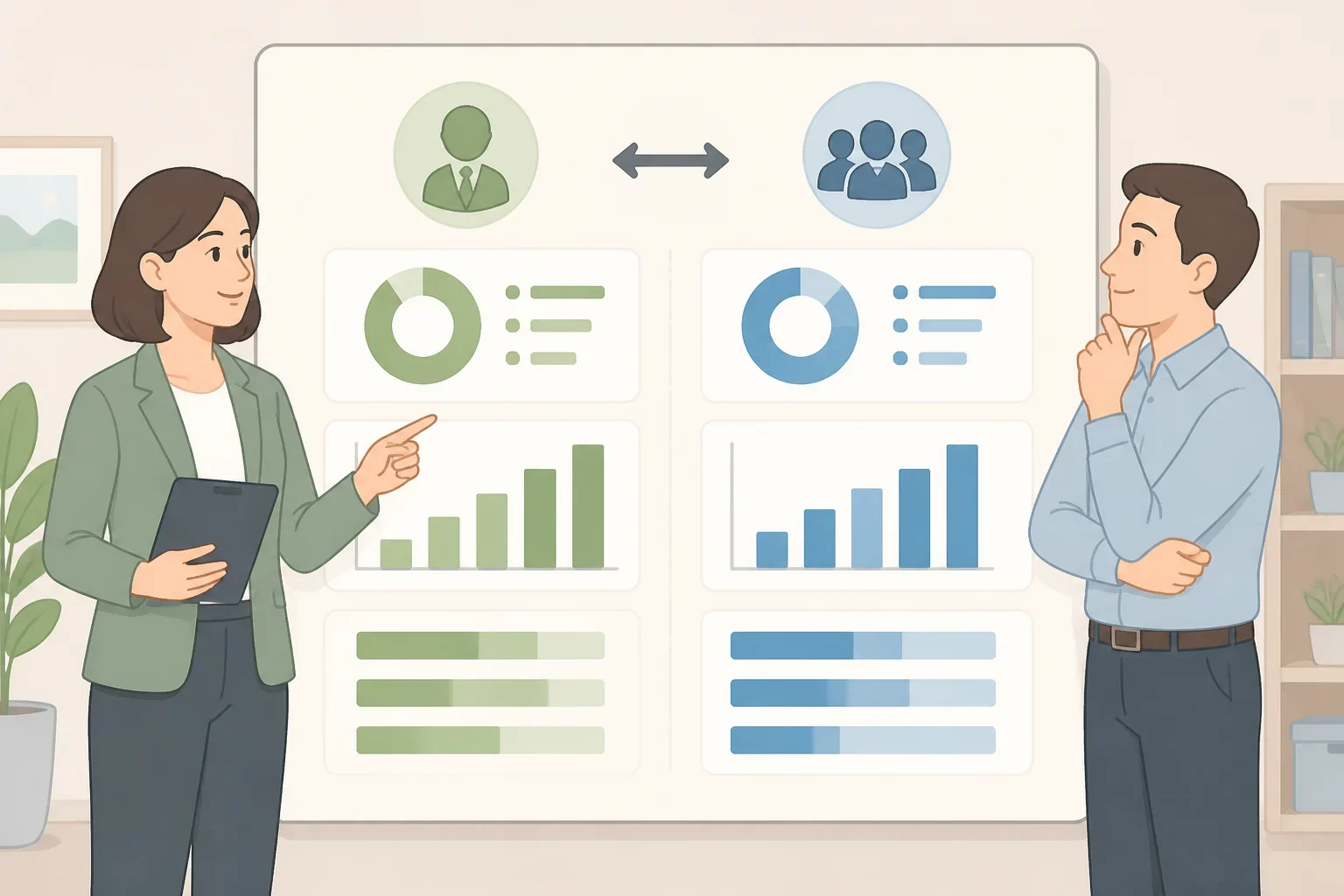
Microsoft's report describes a shift toward what it calls "outcome-driven work charts," where human-agent teams collaborate fluidly to achieve results at scale, according to Microsoft. That's a description of how some organizations are restructuring, not a claim that individual employees are already being evaluated on documented AI results.
A gap between leadership and staff shows up throughout the same survey. Sixty-seven percent of leaders reported familiarity with AI agents, compared with 40% of employees, and 79% of leaders believed AI would accelerate their careers versus 67% of employees, according to Microsoft. Microsoft frames that gap as evidence of an urgent need for AI education, not as an advantage already locked in for either side.
Leaders were also weighing hires built specifically around AI oversight and measurement. Roles under consideration included AI trainers, data specialists, security specialists, AI agent specialists, ROI analysts, and AI strategists across marketing, finance, customer support, and consulting, according to Microsoft. That's a reported consideration at the time of the survey, not proof those roles are staffed at scale now.
None of this establishes that employers currently require individual workers to document AI results, and the report doesn't say that documented AI use affects resumes or performance reviews. What it does suggest is that a workforce weighing dedicated ROI analysts is one that may eventually want a way to tell whether AI use is paying off. An employee who already has a simple answer to that question is better positioned than one who doesn't, even if no manager has asked yet.
How to measure AI productivity at work: setting a baseline
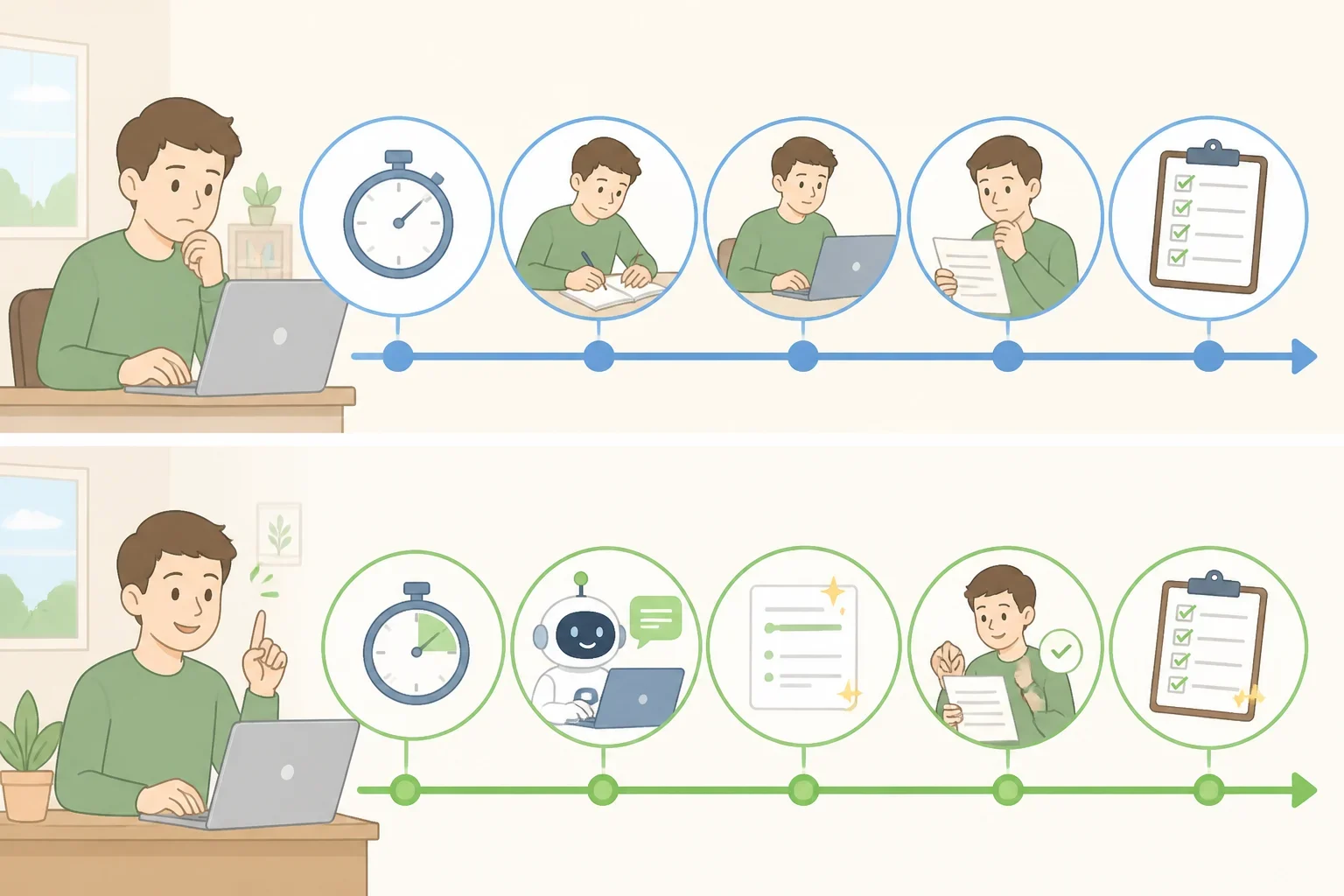
Microsoft describes current workloads as "pushing the limits of humans alone," language the company uses to argue that employees are kept from higher-value work tied to growth and innovation, according to Microsoft. That's Microsoft's own argument for why AI assistance matters, and it doubles as a reason a productivity claim needs a documented comparison point rather than a general sense of feeling faster.
Microsoft describes its Copilot Control System as a feature built to monitor and manage agent usage and separately track agent ROI, according to Microsoft. Treating usage and return as two distinct things worth measuring on their own is a useful model for an individual employee, too.
NIST's AI Risk Management Framework, published in 2023, defines risk as a combination of how likely an event is and how severe its consequences would be. Applying that loosely to a productivity claim, which is this article's interpretation rather than something NIST states directly, means weighing downstream costs, including late-discovered errors, rework, and extra review time, against a faster first draft. A task that saves time up front but creates more correction work later isn't a documented improvement; it's an unresolved trade.
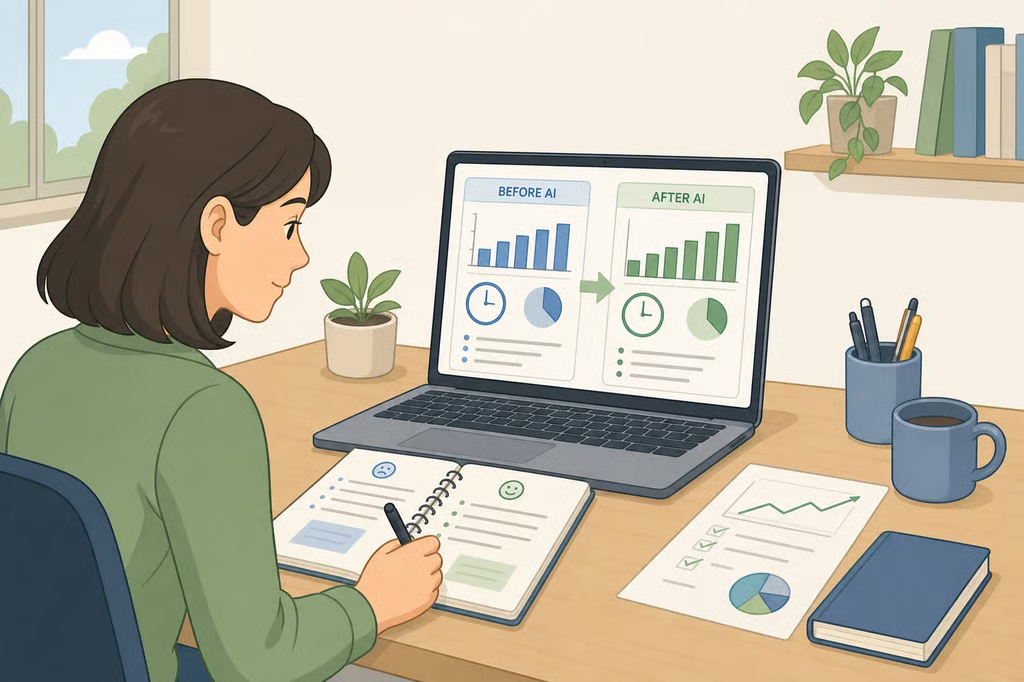
A comparison only holds up under specific conditions: the task's difficulty needs to stay roughly the same, the workload can't shift for seasonal or unrelated reasons, and the same reviewer needs to apply the same standard before and after. Change any of those variables and the comparison stops measuring what AI actually did. Picking one repeatable, low-risk, employer-approved task and recording how long it normally takes and how it's normally reviewed, before introducing AI, is what gives a later comparison something solid to stand on.
Measuring personal productivity is not the same exercise as establishing organizational AI ROI. Documenting a faster task or a steady revision rate is evidence of how well one process runs; it is not a calculation of AI ROI for employees at the department or company level, which typically requires cost data, adoption expenses, and revenue or service outcomes an individual worker doesn't have access to.
AI productivity metrics for employees: what to track and how to verify it
Speed alone is a thin claim. NIST's Generative AI Profile, published in 2024, warns that generative AI can worsen existing AI risks and introduce new ones, including "confabulation," where a system confidently produces false or inaccurate content, according to NIST's Generative AI Profile. A faster draft that's also wrong isn't an improvement worth reporting to anyone.
NIST's companion roadmap, published in 2023, flags several areas still needing guidance, including explainability, human-AI teaming, and methods for developing reasonable risk tolerances, according to NIST's AI RMF Roadmap. The Roadmap indicates that guidance in these areas was still being developed at the time of publication; it doesn't describe how far industry practice has come since. The broader AI RMF is meant to help organizations manage AI's risks and promote trustworthy, responsible use, according to NIST. Neither document tells an individual worker how to calculate a personal AI productivity metric; both support the general point that speed and quality need separate verification.
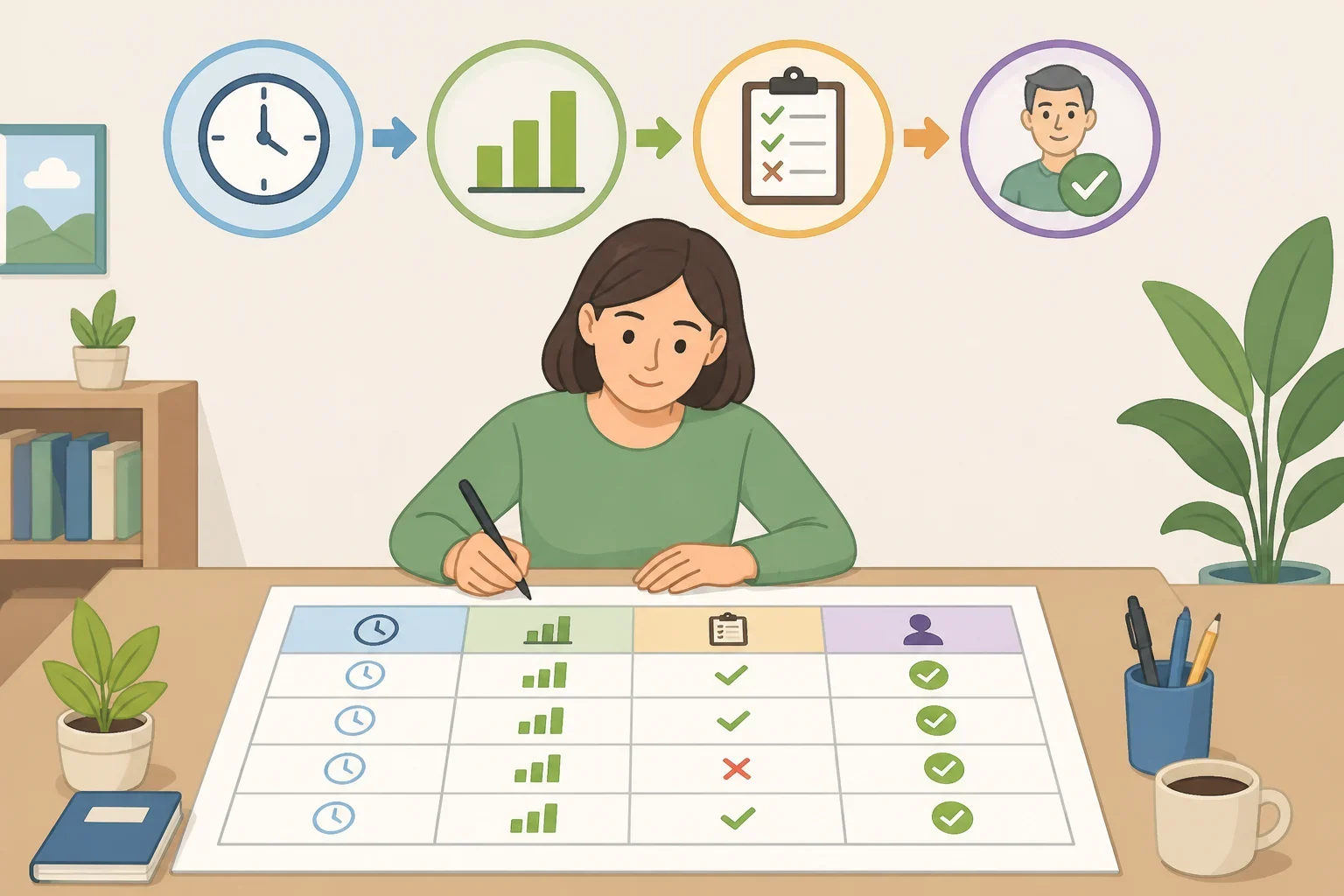
For an employee-level comparison, four practical categories cover most of what matters, and none of them stand on their own:
- Baseline task time: how long the task took before AI assistance, measured under matching conditions.
- Output volume: how much work got completed in a given period, not just how fast one instance moved.
- Quality and revision results: how often the AI-assisted version needed correction, compared with the prior process.
- Reviewer sign-off: who checked the work, and whether that review step stayed consistent.
Consider a hypothetical, offered here purely as an illustration and not a documented finding: an employee compiles a recurring weekly status report. Before AI drafting assistance, the task takes 90 minutes and goes through one supervisor review before distribution. After introducing an approved AI tool, drafting takes 40 minutes, the same supervisor still reviews it, and the rate of sent-back corrections stays flat. That example only holds up if the review process and the quality standard stay identical across both versions; a flat revision rate measured against a looser review, or a different reviewer, wouldn't prove the same thing.
How to document AI's impact for a manager
Microsoft's report describes an emerging "agent boss" model, in which employees build, delegate to, and manage AI tools rather than simply operating them, and leaders anticipated that within five years teams would regularly train and manage AI agents as part of standard responsibilities, according to Microsoft. That's a five-year forecast leaders held at the time of the report, not a description of how most jobs work right now.
The same report found that workers at Frontier Firms were far more likely than others to use AI for tasks in marketing, customer success, internal communications, and data science, according to Microsoft. Microsoft doesn't claim that documented examples outweigh general familiarity in a hiring or review decision. The usage pattern by function is still a reasonable cue for which task to document first, since it shows where AI use is already concentrated in similar roles.
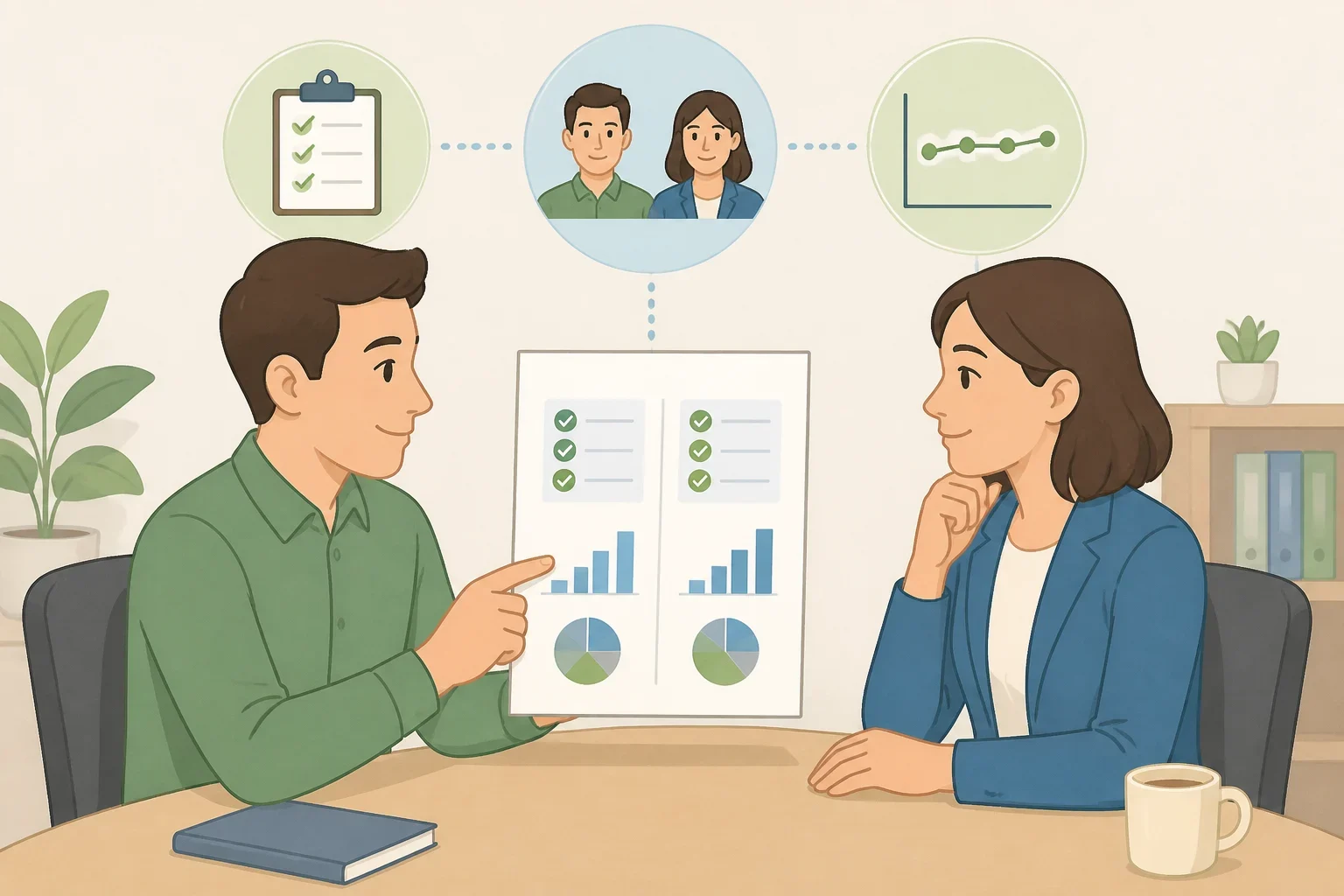
The four measurement categories above give a manager something concrete: a shortened turnaround, a steady revision rate, a named reviewer. They are evidence of a possible contribution, not proof of financial return. Time saved on one task can just as easily get absorbed into other work rather than converted into a measurable business outcome, and only the employer is positioned to make that connection.
Confirming internal policy on data use, confidentiality, and disclosure before running any comparison is a reasonable precaution, since those rules vary by employer and industry. It's a sensible step even though it isn't something the research here establishes.
What to do next
An employee-level comparison can document that a work process changed: a task took less time, output held steady or grew, and a reviewer confirmed the quality stayed consistent. It cannot, on its own, establish organizational AI ROI, since that calculation depends on cost and outcome data an individual worker typically doesn't hold.
The realistic next step is narrower than proving AI's overall value to a company. Pick one approved, low-risk task, record how it worked before AI assistance, hold the review process constant, and let the employer decide what that comparison means for their broader numbers.
