
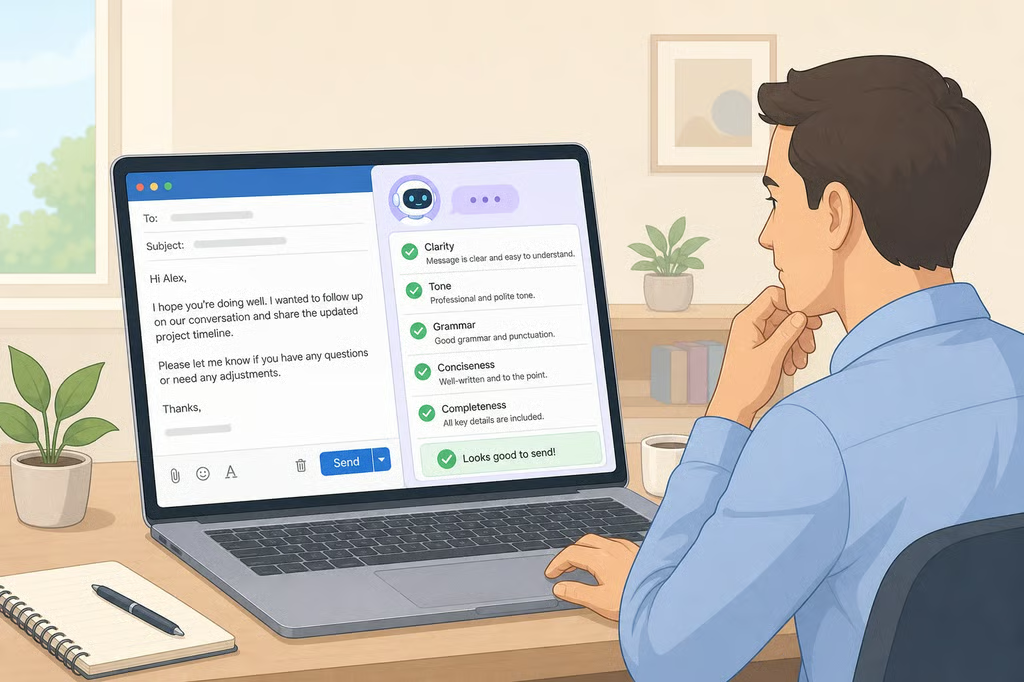
AI can turn a rough idea into a polished email, summary, or report in seconds. The harder part is knowing whether that polished draft is actually accurate, useful, and ready to carry your name.
That question is becoming more relevant as AI moves deeper into everyday work. SHRM reported in June 2026 that 41% of U.S. workers use AI on the job, and 44% of those users said some of their output qualifies as “AI slop.” Among entry-level and early-career professionals, 45% said they feel pressure to use AI in their roles.
For workers using ChatGPT, Gemini, Copilot, Claude, or similar tools, the challenge is no longer simply whether to use AI. It is how to use it without passing along inaccurate information, generic thinking, or unfinished work that someone else has to fix.
Research also suggests that heavy AI assistance can affect how the sender is perceived. A study by University of Southern California researcher Peter Cardon and University of Florida researcher Anthony Coman surveyed 1,100 working professionals about AI-assisted workplace communication. Participants evaluated a congratulatory workplace message presented with different levels of AI assistance and rated both the message and its sender.
Why AI slop creates more work
Researchers at BetterUp Labs and Stanford Social Media Lab use the term “workslop” for AI-generated material that appears complete but lacks the context or substance coworkers need. In a September 2025 survey of 1,150 full-time U.S. desk workers, 40% said they had received workslop in the previous month. Respondents estimated spending about two hours resolving each incident.
That is what makes low-quality AI output a workplace problem. A draft may look finished while still requiring someone else to verify the facts, fill in missing context, decipher vague recommendations, or redo the underlying analysis.
There can also be a reputational cost. Cardon and Coman found that participants generally viewed AI-assisted writing itself as professional, but greater reliance on AI changed how they viewed the person sending it.
The difference was particularly clear for supervisors. According to the University of Florida's report on the findings, 40% to 52% of employees viewed supervisors as sincere when messages involved high levels of AI assistance, compared with 83% when assistance was low. The share viewing the messages as professional fell from 95% with low AI assistance to between 69% and 73% at higher levels.
There is an important limit to those findings. Participants evaluated a congratulatory workplace message, not every kind of email, report, presentation, or chat. The results therefore should not be treated as proof that routine status updates or factual announcements produce the same reaction.
They do suggest greater caution when communication depends on personal knowledge or trust. AI can help organize praise, feedback, recognition, or other sensitive messages, but the sender still has to provide the specifics that make those messages meaningful.
5 checks before you send AI-assisted work
1. Check the facts
Generative AI can produce incorrect information in confident, convincing language. The National Institute of Standards and Technology identifies this problem as “confabulation” in its guidance on generative AI risks.
Verify names, dates, numbers, links, quotations, statistics, and other factual claims against an original or authoritative source before sending the draft.
Be especially careful with information that looks unusually precise. An exact figure, study result, company policy, or quotation may appear trustworthy simply because it is specific.
2. Make sure it answers the request
Compare the draft with what the recipient actually asked for.
If a manager requested three project risks, those risks should be easy to find. If a coworker asked for a recommendation, give one. If a client needs a decision and a next step, neither should be buried beneath several paragraphs of background.
Cut generic introductions, repeated conclusions, unnecessary summaries, and anything else that makes the recipient search for the point. More text is not necessarily more useful.
3. Add details only you would know
Personal communication should contain actual personal knowledge.
For praise, feedback, recognition, or other relationship-oriented messages, add specific context: a project, result, challenge, example, or shared experience. “Great job on the presentation” carries less meaning than explaining which analysis, decision, or result stood out.
This is not about making AI-written language harder to detect. It is about ensuring that the final message contains the knowledge and judgment expected from the person sending it.
4. Check company AI and data rules
Workplace AI rules vary considerably. SHRM's 2026 research on AI governance found that 49% of organizations had policies regulating employee AI use, while only a quarter considered those policies ready for future developments.
Before entering client information, employee data, internal documents, proprietary material, or other sensitive information into an AI tool, check which services and uses your employer permits.
If the rules are unclear, ask the appropriate manager or the team responsible for AI, IT, security, compliance, or HR. Do not assume that a publicly available AI service is automatically approved for company information.
5. Read it once as the sender
Treat AI output as a draft rather than the final product.
Before sending it under your name, read the whole message for accuracy, tone, missing context, and unsupported claims. Look for recommendations you do not actually agree with, sentences that sound more certain than the evidence allows, and language that does not fit the person receiving it.
One final question can catch a surprising number of problems: If someone asked why you wrote a particular sentence, could you explain and defend it yourself?
Your employer's AI rules come first
Some employers specify which AI tools employees may use, what information can enter a prompt, and whether AI-assisted work requires additional review or disclosure. Others provide much less formal guidance.
These five checks do not override those rules. If your employer prohibits a particular tool or restricts certain information from being entered into generative AI systems, carefully editing the finished output does not make the underlying use acceptable.
AI can save time on drafting, organizing, and revising work, but the final judgment still belongs to the person sending it. A polished draft is not necessarily a finished one. Check what is true, make sure the message does the job it was supposed to do, and send only work you are prepared to stand behind.
