

- Loud working explained: Communicate progress without bragging
- What does loud working mean?
- Why visibility helps managers understand work
- How to communicate accomplishments at work
- What loud working looks like in different roles
- Four practical formats
- When not to broadcast information
- Treat workplace research as context, not a guarantee
- A simple test for the next month
Loud working explained: Communicate progress without bragging
Good work can be difficult to evaluate when its progress is scattered across meetings, project tools, email, chat, and shared documents. A manager may see the final result without seeing the decisions, obstacles, collaboration, or problem-solving that made it possible.
“Loud working” is an informal workplace label for communicating progress, results, ownership, and risks clearly instead of assuming the work will be noticed on its own. The approach can help employees make important work easier to understand, especially when a manager is not involved in every step.
It does not mean announcing every task, claiming credit for shared work, or performing busyness. It means reducing information gaps. The practical goal is straightforward: give the right person enough context to understand what changed, what happens next, and where support is needed.
What does loud working mean?
The phrase is often used as a counterpart to “quiet quitting,” but it should not be treated as a formal workplace standard. Employers may use different terms, such as status reporting, stakeholder communication, project visibility, or accomplishment tracking.
The label matters less than the underlying habit: making relevant work easier to follow.
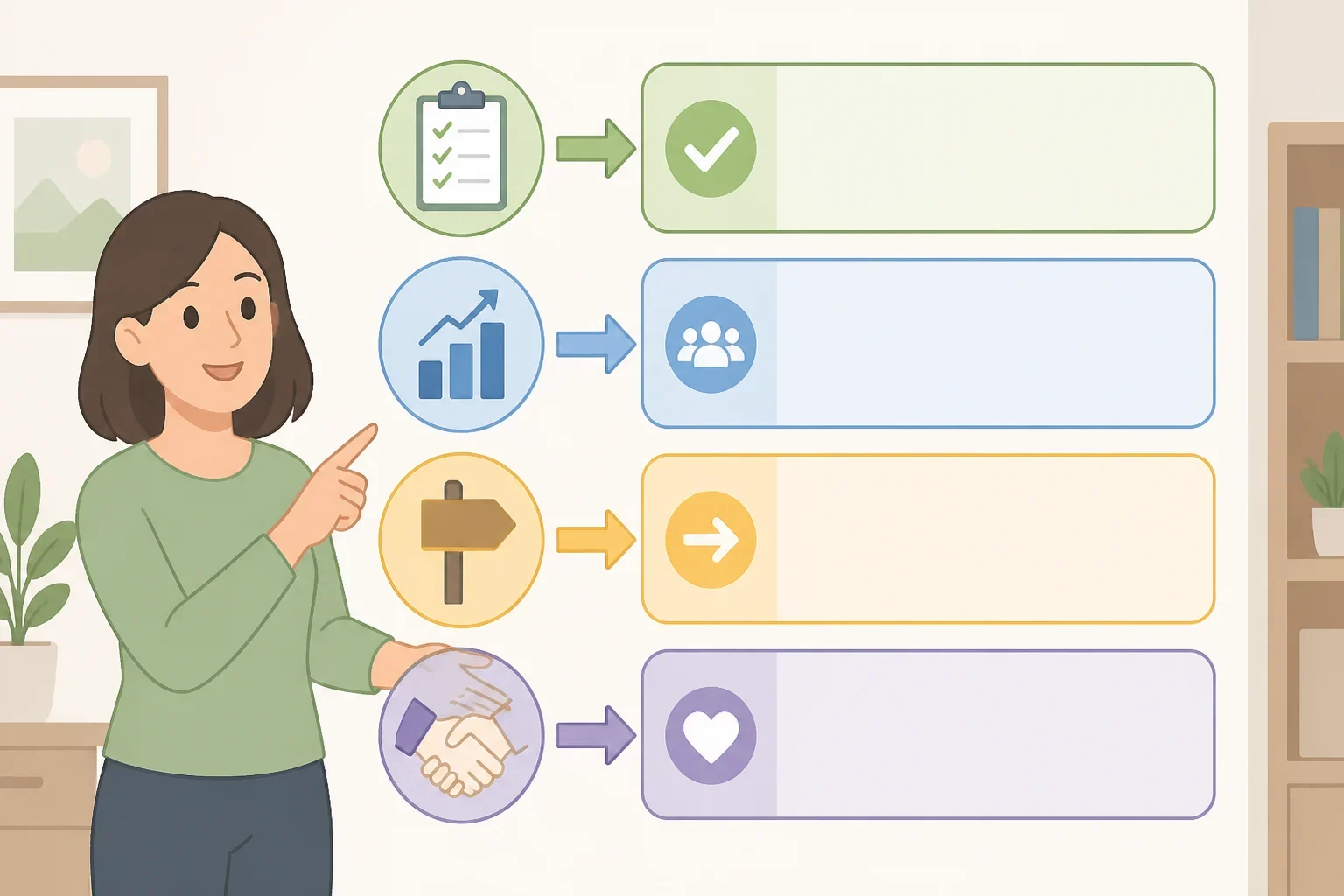
A useful update usually answers four questions:
- What was completed?
- What changed because of it?
- What happens next?
- Is a decision, resource, or review needed?
For example:
Completed: Finished testing the new intake process.
Impact: Found two dependencies that could affect the planned launch.
Next: Confirming owners and dates for both items.
Needs: A decision about which dependency should be addressed first.
The example is specific without exaggerating the result. It gives a manager enough information to respond.
That is the difference between useful visibility and self-promotion. Self-promotion centers attention on the person. Good visibility centers attention on the work, its effect, and the next decision.
Why visibility helps managers understand work
The strongest case for loud working does not depend on proving that visibility determines who keeps a job or receives a promotion. Employment decisions can involve business conditions, role changes, budgets, performance expectations, and compensation. A clear update cannot control those decisions.
Visibility can still make everyday management easier. It can help a manager:
- assess whether current priorities are still correct
- make decisions before blocked work sits idle
- identify risks that are not obvious from a final deliverable
- recognize collaboration accurately
- prepare for a performance conversation
- understand which support or resources are needed
Consider two employees who complete equally valuable work. One provides a short explanation of the outcome, open questions, and next step. The other submits the work without context. The work may be strong in both cases, but the first employee has made evaluation and follow-up easier.
That does not make the second employee ineffective. It shows why completed work and communicated work are not always the same thing.
Visibility also has limits. It cannot repair weak results, unclear expectations, poor management, inadequate staffing, or a role that has been eliminated. It should support performance, not disguise its absence.
How to communicate accomplishments at work

Start with the channel where the work already lives. Before creating a new email habit or sending more chat messages, review how the manager and team currently exchange information.
Look at:
- one-on-one meeting notes
- project trackers
- team meeting agendas
- shared dashboards
- email threads
- chat discussions
- performance documentation
Ask three practical questions:
- Could the manager identify the most important work completed recently?
- Would the manager understand what changed because of it?
- Would the manager know where a decision or resource was needed?
If the answer is no, the gap may be missing context rather than poor performance. More communication will not solve unclear priorities or a team that has not agreed on how work should be tracked.
The existing channel is usually the best place to begin. If a manager reviews a project tracker during one-on-ones, keep the tracker current. If the manager prefers a short written summary before a weekly meeting, use that format. If decisions happen in team meetings, raise the relevant issue there and record the decision afterward.
One channel, used consistently, is better than sending the same information through email, chat, and a project tool.
What loud working looks like in different roles
The structure can stay consistent while the evidence changes.
Individual contributor

An individual contributor can connect a completed task to its outcome and next step:
Completed: Updated the customer onboarding guide after reviewing recurring questions.
Impact: Added clearer instructions for the three steps that caused the most confusion.
Next: Reviewing the revised version with the support team.
Needs: Feedback on whether the language is clear for new customers.
The update does not claim that the guide solved every customer problem. It accurately describes the work and identifies what still needs review.
Project manager
A project manager may need to emphasize decisions, dependencies, and ownership:
Completed: Confirmed the testing schedule with the product and operations teams.
Impact: The schedule shows a conflict with the planned training session.
Next: Revising the sequence and circulating an updated timeline.
Needs: Confirmation from the training owner before the change is finalized.
Here, the important contribution is coordination. The update should not suggest that the project manager completed work owned by other people.
Customer-facing employee
A customer-facing employee can report patterns without exposing confidential information:
Completed: Grouped recurring questions from recent support conversations by topic.
Impact: One setup step appears to be generating repeated confusion.
Next: Sharing the pattern with the documentation owner.
Needs: Guidance on whether the issue should be escalated for a product review.
The message should leave out private customer details, account information, and anything the team does not have permission to share. Visibility does not override confidentiality.
Early-career employee
An early-career employee does not need to present every task as a major achievement. A useful update can show learning and responsible follow-through:
Completed: Compared the two reporting methods requested in the project brief.
Impact: Identified a difference in how each method handles incomplete records.
Next: Checking the assumption with the analyst who owns the report.
Needs: Feedback on which approach fits the project’s purpose.
This communicates progress without pretending to have final authority. It also gives a manager a natural opportunity to provide guidance.
Four practical formats
A concise weekly update

Use a weekly update when a manager needs a quick view across several responsibilities. Keep it short enough to scan:
- Completed: the deliverable or task finished
- Impact: the result, decision, or risk connected to it
- Next: the next milestone
- Needs: a question, approval, or resource request
Not every item needs all four sections. A routine task may only need to appear in a tracker. A blocked project may require a direct message rather than waiting for the next summary.
A project handoff
A handoff should help another person continue the work. Include the current status, completed work, open questions, relevant files, known risks, and next owner.
Accurate attribution matters. State who completed each part, who reviewed it, and who will take the next step. A handoff that gives one person credit for a group effort may create short-term visibility but damage trust later.
Sensitive personnel matters, unresolved interpersonal problems, and confidential client information do not belong in a broad project update. Use the private channel and the appropriate person for those issues.
A one-on-one summary
A one-on-one does not need a complete inventory of every task. Select the work that needs discussion:
- one meaningful result
- one obstacle or unresolved question
- one priority for the next period
- one request for feedback or support
A statement such as “everything is going well” gives a manager little to work with. A short summary creates a more useful conversation about priorities, quality, development, and support.
Gallup’s State of the Global Workplace is a source readers can consult for workplace engagement research. Any specific finding should be checked against the relevant edition and wording. Engagement research does not prove that sending more updates causes trust, retention, or advancement.
A private accomplishment record
Keep a private record of completed work throughout the year rather than trying to reconstruct it before a review. For each entry, note:
- the situation or problem
- the action taken
- the result
- collaborators and reviewers
- evidence that can be verified
- the skill demonstrated
This record can make preparation for a performance conversation easier, but it should remain accurate. If a result came from a team effort, describe the team effort. If the outcome is not measurable, record the decision supported, risk reduced, process clarified, or deliverable completed.
The same notes may later help with a resume or job application. They should not become a collection of inflated claims.
When not to broadcast information
Not every issue should be made visible to a large audience. Avoid broad updates when the message includes:
- confidential client or customer details
- private personnel information
- sensitive compensation information
- an unresolved concern involving a colleague
- speculation presented as a confirmed result
- a problem that requires immediate escalation through a private channel
A serious risk should not wait for the next routine update simply to maintain a tidy reporting schedule. Contact the person who can act on it, then document the decision in the appropriate place.
Visibility also becomes excessive when updates create more work than clarity. Warning signs include repeated messages across multiple platforms, announcements about routine tasks that require no action, vague claims such as “huge win,” copying senior leaders mainly to create an audience, and presenting shared work as individual work.
The right frequency depends on the work. A fast-moving project may need frequent decisions and risk updates. A longer research effort may be better served by milestone summaries. Watch how effective colleagues communicate, then adapt the structure to the team’s norms without copying someone else’s style.
Treat workplace research as context, not a guarantee
Workplace surveys can provide context, but they should not be used to make universal claims about every employer. Before relying on material from ResumeBuilder.com, check the survey date, sample, methodology, and question wording. Reported preferences are not proof of what every workplace does.
The same caution applies to engagement research. A study may describe patterns across a group of workers, but it cannot tell an individual employee exactly how a particular manager will evaluate a status update.
That distinction keeps loud working practical. The habit does not require a dramatic claim about the job market. Employees can improve clarity when conditions are stable, during a busy project, or before a performance discussion. The useful question is whether the communication helps the people responsible for decisions understand the work.
A simple test for the next month
Choose one work channel, one recurring format, and one type of evidence to report for the next month.
For example, use the team’s project tracker, add a short weekly summary, and focus on outcomes or decisions rather than activity. Ask the manager whether the format and frequency are useful. Then observe what happens: Does the manager make a decision sooner, ask a more precise follow-up question, correct a priority, or refer back to the update?
Those observations can help evaluate the experiment. If the manager wants less detail, shorten it. If the update receives no attention, move it to the channel where the work is reviewed. If it takes too long to prepare, simplify it.
Loud working is not about being the most visible person in the room. It is about making important work easier to understand while keeping credit accurate and communication proportionate. One clear update, sent in the right place and tied to evidence, is a practical way to start.
