
- How to Use AI for Job Search: 5 Honest Steps
- Before using AI, set four boundaries
- 1. Research careers and employers with AI job search tools
- 2. Tailor your resume to the job posting
- 3. Use AI to write a resume and cover letter without losing your reason for applying
- 4. Prepare networking messages that do not sound mass-produced
- 5. Use AI for interview preparation, not live answers
- What varies by employer
How to Use AI for Job Search: 5 Honest Steps
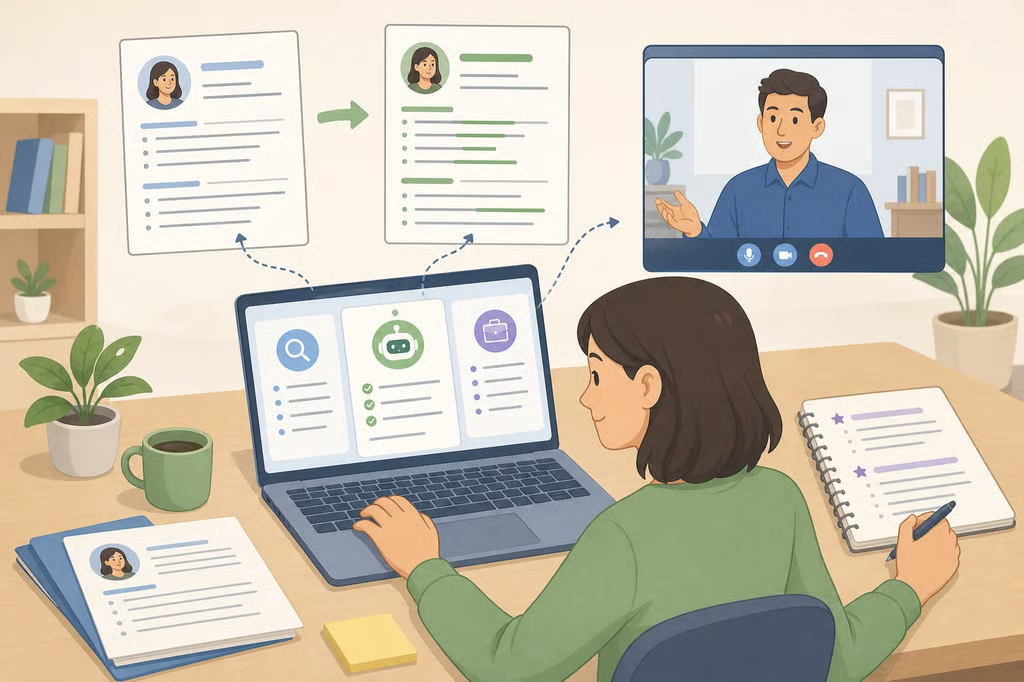
Learning how to use AI for job search can help students, recent graduates, career changers, and other job seekers move through research, applications, networking, and interview practice more efficiently. This guide shows how to use AI job search tools to organize information, tailor a resume and cover letter, prepare outreach, and rehearse answers without letting a chatbot invent qualifications or replace your judgment.
The distinction matters. In May, NACE/SRG reported that more than 60% of surveyed students had used generative AI to write or edit resumes or cover letters, while 48% had used it to prepare for interviews. At the same time, almost 60% said an employer’s use of AI in recruiting reduced their interest in that employer, compared with less than 20% who said it increased their interest. Students appear to see a difference between AI that helps them prepare and AI that employers use to evaluate them.
The University of Colorado Boulder’s career guidance, published in January, reaches a practical conclusion: AI can support research, application tailoring, and interview practice, but it can also generate inaccurate or outdated information. The five steps below pair each use with a verification step, so job seekers can save time without flattening their voice or misrepresenting their experience.
Before using AI, set four boundaries
Prepare the material yourself before opening ChatGPT, Microsoft Copilot, Gemini, or another tool. Start with the job posting, your current resume, notes about the employer, or examples from your experience. Do not assume a tool has current employer information unless you provide the source material and verify the result.
Set these boundaries:
- Remove unnecessary personal information, including your name, email address, phone number, home address, and other identifying details, before uploading documents.
- Treat every company detail, date, name, and qualification as something to check.
- Reject any suggested skill, responsibility, number, or accomplishment that you cannot support with real experience.
- Read the employer’s instructions before using AI in an application, assessment, writing exercise, or interview.
CU Boulder and UC Berkeley Career Engagement both advise protecting personal information and reviewing AI output rather than submitting it automatically.
1. Research careers and employers with AI job search tools
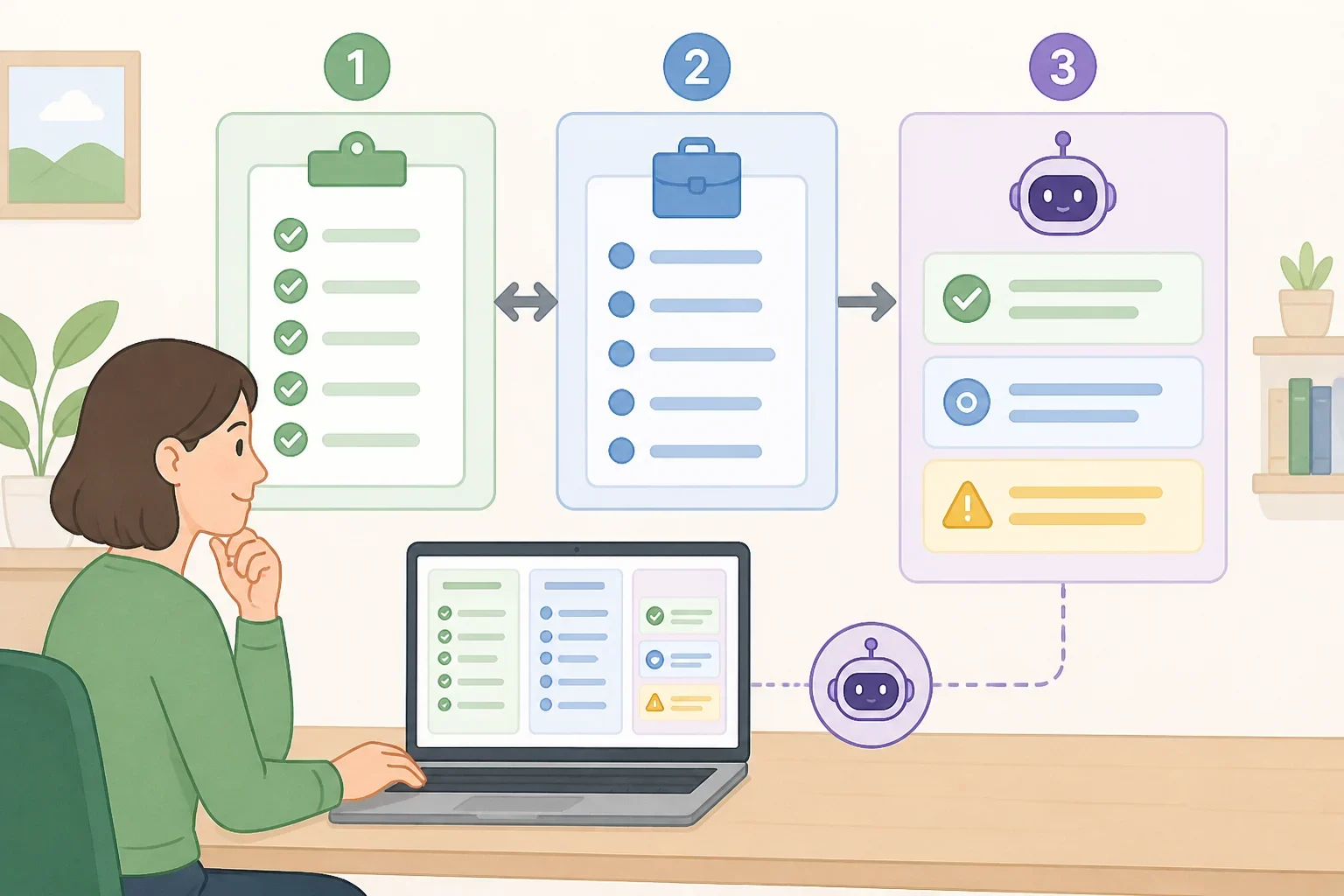
Begin with information that needs to be current. Open the employer’s careers page and the specific job posting. Check the role title, location, qualifications, application deadline if one is listed, and any instructions about materials or AI use.
For career exploration, gather the sources you want to compare, such as company pages, Handshake listings, or O*NET information. Then use AI to organize what you found. It can compare job families, group recurring skills, or turn several long pages into questions for further research. CU Boulder recommends starting with primary sources for current company information and using AI to organize or analyze that material.
Try a prompt like this after pasting the relevant job postings or notes:
Compare the three job descriptions below. Group the repeated skills, separate required qualifications from preferred qualifications when the postings make that distinction, and list differences in location, duties, or application requirements. Use only the information I provided. Mark anything that needs independent verification.
Inspect the response for details that do not appear in your source material. If the tool describes a company mission, open role, recent announcement, or deadline that you did not provide, return to the employer’s website and check it yourself. Handshake and O*NET can help verify different types of job and occupation information, but neither replaces the employer’s own posting for application instructions.
If several sources are involved, CU Boulder identifies Gemini Notebook as an approved tool for its students that can organize and explore information supplied by the user. That approval does not automatically apply to every reader, school, or workplace. Check the rules governing the account or tool being used.
2. Tailor your resume to the job posting
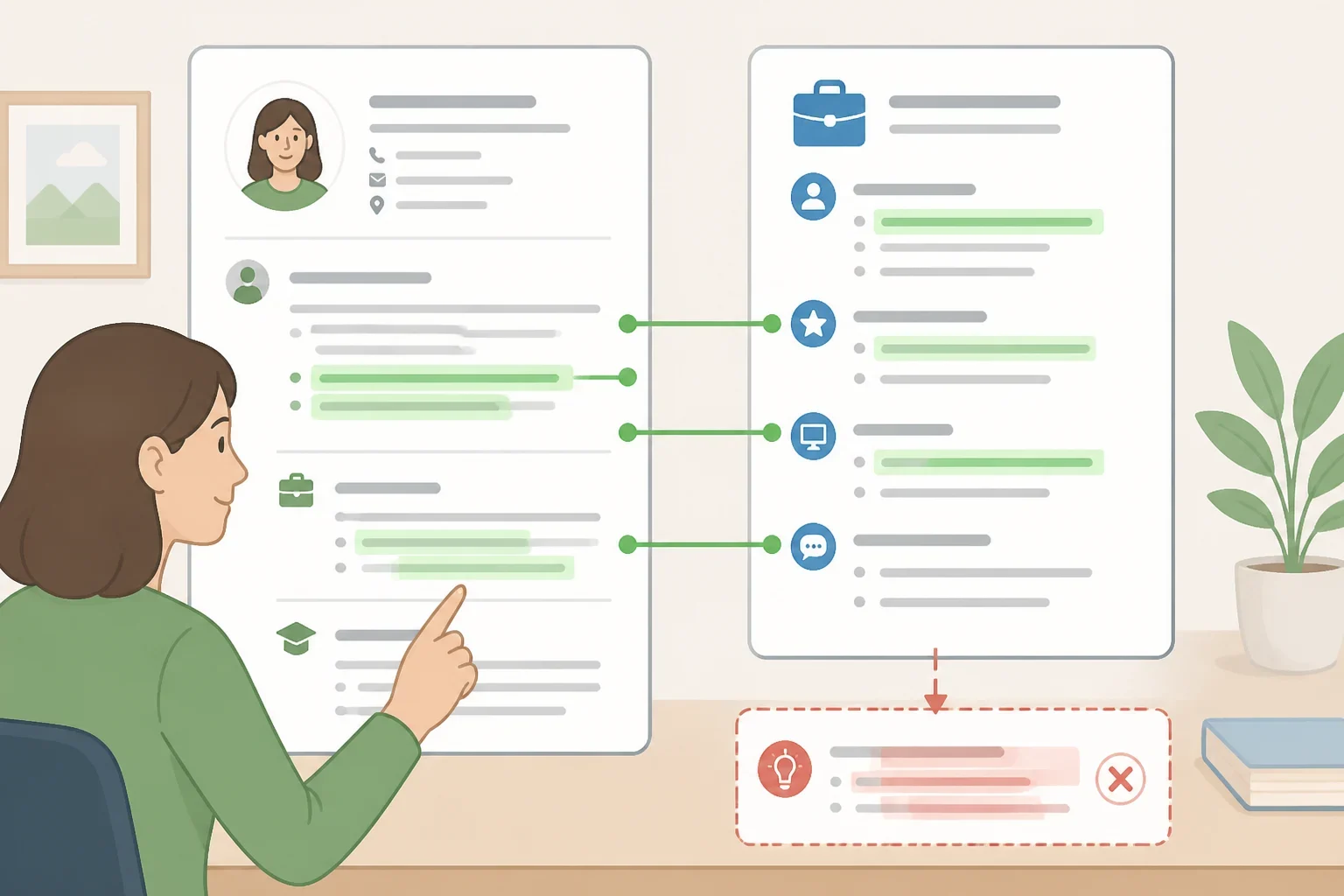
A strong resume makes relevant skills and experience easy for an employer to identify. AI is useful here as a comparison tool, not as a source of new qualifications.
Provide a redacted version of your resume and the job description. Ask the tool to identify connections already supported by your background. For example:
Compare my resume with this job description. Identify five qualifications from the posting that are supported by experience already listed in my resume. Suggest where those connections could be clearer. Do not add skills, responsibilities, accomplishments, numbers, or results that I have not provided.
The response should give you editing ideas, such as moving a relevant project higher on the page or replacing a vague phrase with a clearer description of work you actually completed. It should not create a stronger-sounding version of your history.
Check each suggestion against the original resume, employment records, project notes, or another document that confirms what you did. If AI changes “helped organize” to “managed,” or turns a general task into a numerical result, change it back unless the stronger wording is accurate and supportable. CU Boulder specifically advises reviewing every suggestion and not allowing AI to add untrue skills, responsibilities, numbers, or accomplishments.
UC Berkeley Career Engagement also notes that recruiters have technology intended to identify AI-generated resume and cover-letter content. That does not establish that every AI-assisted document will be detected. It does mean the substance should remain yours, and you should be ready to explain every line in an interview.
3. Use AI to write a resume and cover letter without losing your reason for applying
Resume tailoring focuses on evidence. A cover letter needs a different starting point: why the role interests you and how your experience connects to it.
Before asking AI to draft anything, write down two or three genuine points you want the employer to understand. These could include a project related to the role, a part of the organization’s work that interests you, or a specific reason the position fits your next step. Then provide those notes, a rough draft, and the job description.
Try this prompt:
Review my cover-letter draft alongside the job description. Identify two places where I should be more specific about my interest in the position or the connection between my experience and the role. Ask questions that will help me add accurate details. Do not invent motivation, employer information, or accomplishments.
This approach uses AI to find gaps and improve structure while leaving the personal reasoning with the applicant. CU Boulder recommends starting cover letters with the candidate’s own experiences and reasons for applying, then using AI to brainstorm or revise. UC Berkeley Career Engagement similarly advises beginning with original content and using AI to enhance, rather than replace, the applicant’s work.
Do not accept language that could apply to any employer. Phrases such as “your innovative company” or “I am excited to contribute my skills” need a specific explanation of which work, skill, or experience makes the statement true. Read the final letter aloud. If it sounds unlike the way you normally communicate, revise it before sending.
Upload only what the task requires. A redacted resume, the public job description, and a short draft are more appropriate than a complete application file containing contact details or sensitive information. UC Berkeley Career Engagement advises removing personally identifiable information before placing a resume in an AI chat.
4. Prepare networking messages that do not sound mass-produced
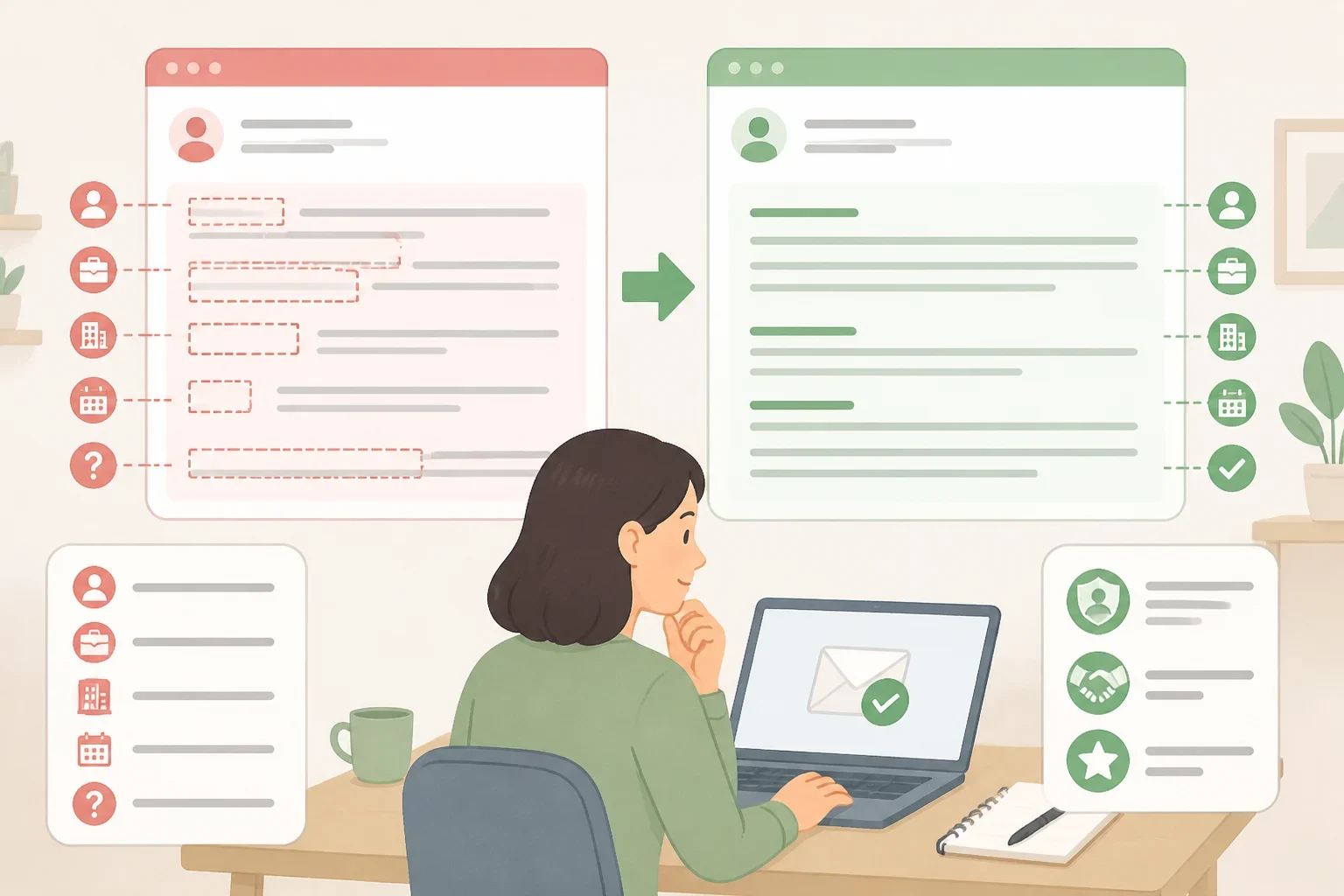
AI can help organize an outreach email, suggest questions for an informational interview, or adjust a draft’s tone. It cannot supply a real relationship or a genuine reason for contacting someone.
Start with the facts that make the message specific: how the person’s work connects to the career area, where the connection came from, and what the request is. Then ask AI to improve clarity without changing the purpose.
Revise this networking email for clarity and a respectful professional tone. Keep the reason for contacting this person, the requested time commitment, and all factual details exactly as written. Do not add claims about their work or imply that we know each other.
Before sending, compare the output with your notes. Confirm the person’s name, role, organization, and any reference to their work. Remove flattery or personal details that the draft did not earn. A short message that clearly explains the request is more useful than a polished paragraph that could have been sent to anyone.
UC Berkeley Career Engagement includes using generative AI to identify potential networking contacts, develop informational-interview questions, and draft an email request. CU Boulder likewise describes AI as a way to organize thoughts and find an appropriate tone when communicating with employers and professional connections.
Personalize the final message yourself. That is practical guidance, not a promise that personalization will produce a response. The purpose is to make sure the message reflects an actual question and a real connection rather than outsourcing the relationship.
5. Use AI for interview preparation, not live answers
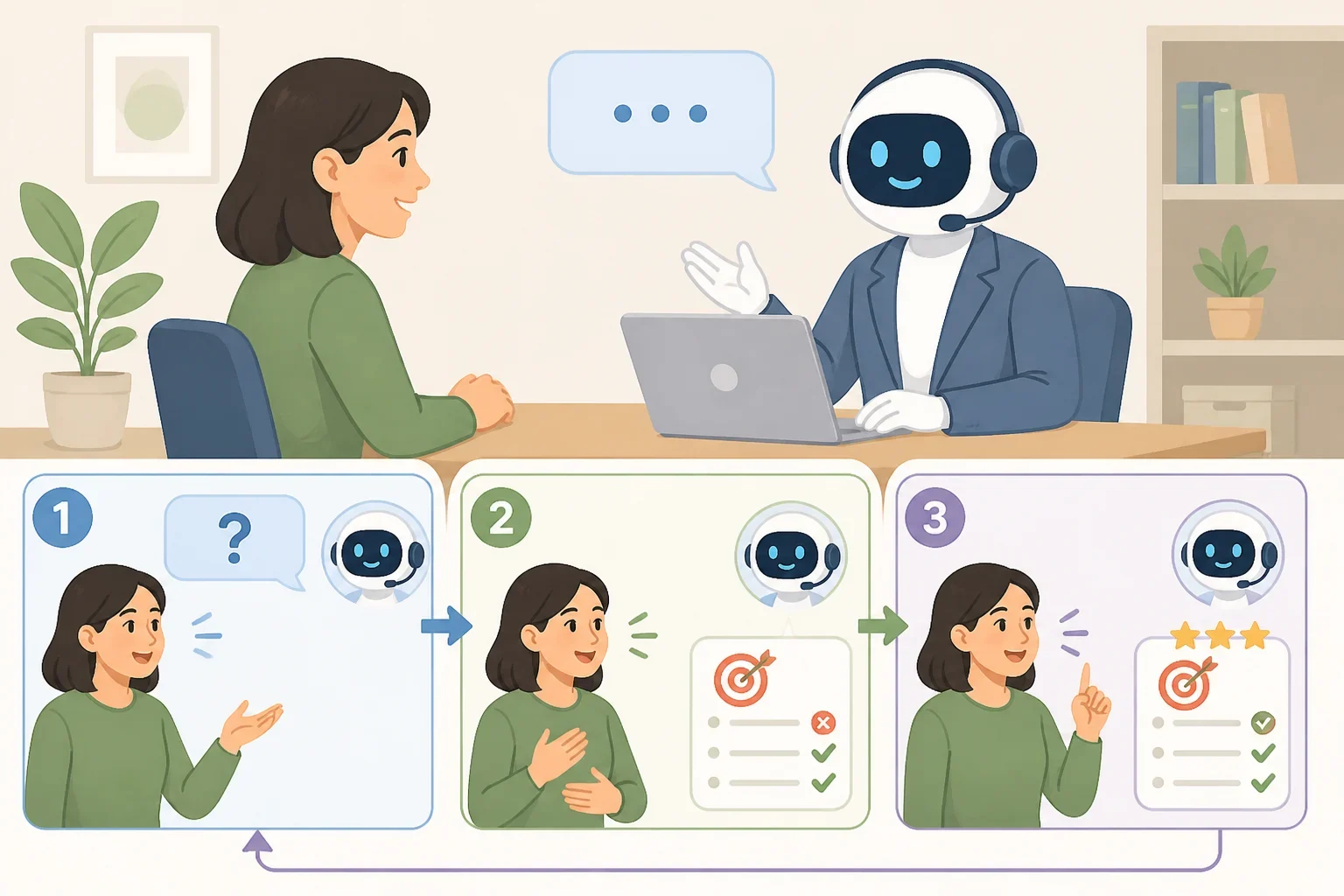
AI interview preparation works best as rehearsal. Give the tool the job description and ask it to act as an interviewer for that role.
Act as an interviewer for the position described below. Ask one question at a time. After each answer, comment on how clearly I explained my experience and suggest one way to make the answer more specific. Use only the experience I provide, then ask the next question.
Answer out loud, even if the tool responds in text. Notice whether the answer includes a clear example, what you did, and what you learned or accomplished. Do not memorize the suggested wording. CU Boulder recommends practicing responses aloud rather than memorizing AI-generated answers. The goal is to become more comfortable discussing actual experience in your own voice.
Check the employer’s current instructions before an interview or technical assessment. UC Berkeley Career Engagement reported in 2023 that many employers did not allow generative AI during technical interviews, while some allowed candidates to use a tool of their choice and others required a company tool. Policies can differ by employer and by stage of the process, so do not infer permission from general practice.
The student survey published in May found that 11% of surveyed students had used AI to help answer an interviewer’s questions in real time. NACE/SRG attributed that figure to surveyed students’ reported behavior, not all job seekers. Preparation remains the safer use when live AI assistance has not been clearly allowed.
What varies by employer
Candidate use of AI is not governed by one universal rule. An employer may address AI in application instructions, writing exercises, technical assessments, recorded interviews, or live interviews. Read those instructions carefully, and ask the recruiter for clarification when the policy is unclear.
Employer use of AI raises a separate concern. In May, NACE/SRG reported that about one in five surveyed students who encountered AI tools agreed they had received a fair and unbiased assessment. That finding describes surveyed students, not every applicant or screening system.
The EEOC said in 2021 that automated tools may mask or perpetuate bias or create new discriminatory barriers to jobs, while anti-discrimination laws still apply. This is general information, not a determination that a particular screening decision was unlawful. Anyone with concerns about an individual situation should seek a qualified employment-law resource rather than treating this article as legal guidance.
Before the next application, choose one task, such as comparing a resume with a job description. Use a redacted document, run one specific prompt, and check every suggestion against the original material. That test will show whether the tool is clarifying real qualifications or quietly changing them.
