

- How to Write a One-Page Decision Memo for Managers
- What to include in a one-page decision memo
- One-page decision memo template for manager approval
- How to write a decision brief with options and a recommendation
- Decision memo example: asking for approval
- When a one-page memo isn't the right format
- What to do next
How to Write a One-Page Decision Memo for Managers
Most documents employees send managers are status updates, not decisions, and that difference determines whether anything actually happens. A status email reports what occurred; a decision memo tells the reader what to choose, according to Maywise. Learning how to write a one-page decision memo starts with deciding, before a word gets typed, exactly what you're asking someone to approve.
Maywise's recommended structure puts the decision and the deadline first, then adds only the context, options, recommendation, risks, and approval needed, nothing extra (Maywise). A similar logic shows up in material written for executive audiences: Blue Prysm, a business-analysis vendor, builds its leadership briefings so a reader can approve, reject, or redirect a specific action within about 90 seconds (Blue Prysm). Analify, which sells business-writing templates, frames the opposite failure bluntly: a page that opens with "this document describes the current process" asks for nothing, so it gets nothing back except an invite to another meeting (Analify).
This guide covers what belongs in a one-page decision brief, a template to copy, and a full worked example. It applies to anyone preparing to ask a manager, director, or team lead for a decision, not just people writing for senior executives.
What to include in a one-page decision memo
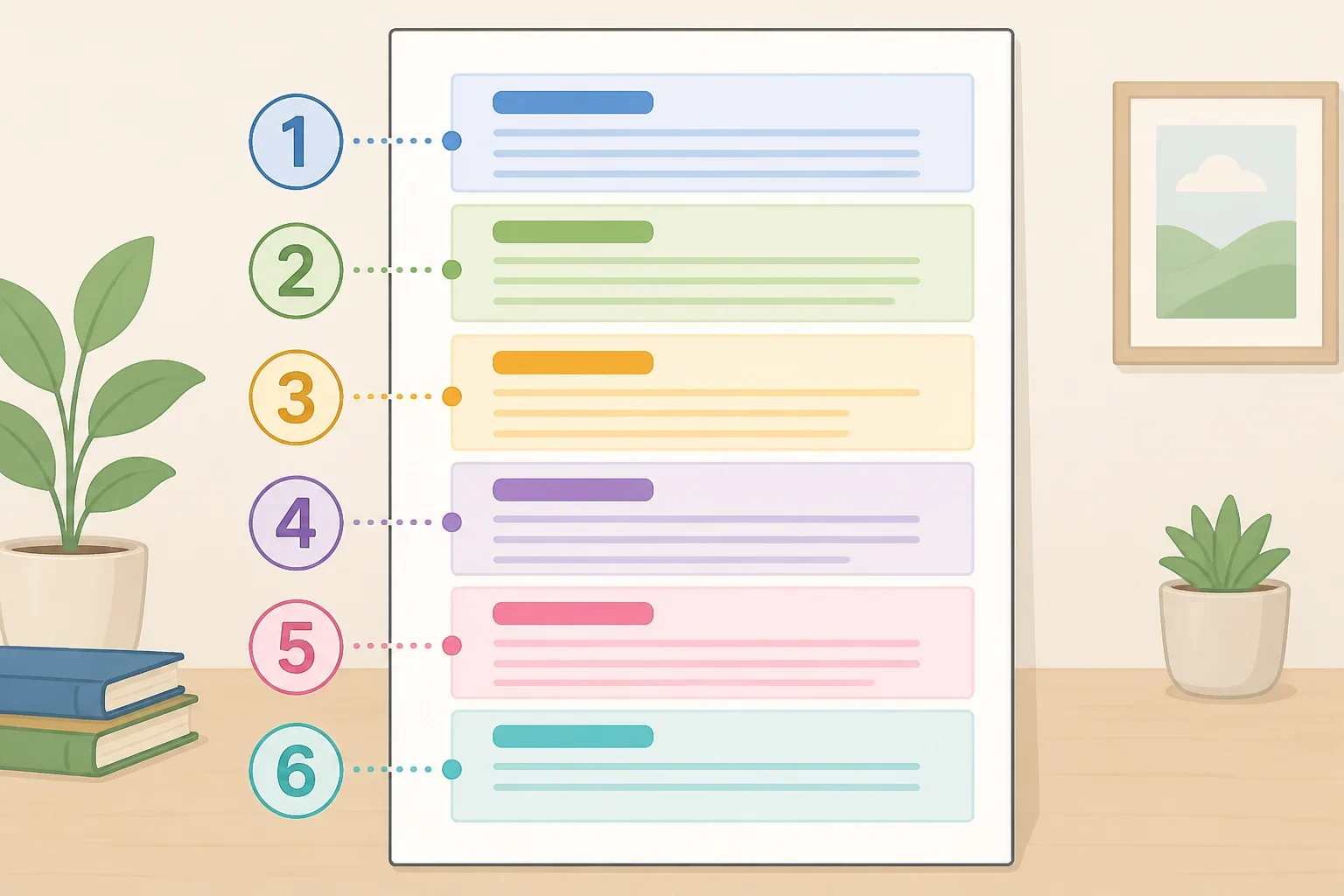
Maywise's structure limits a decision memo to six jobs: decision, context, options, recommendation, risks, and the ask. Content that doesn't serve one of those jobs doesn't belong in the memo, by Maywise's framing (Maywise).
Context is the section most writers over-fill. Maywise's guidance limits it to three things: the current situation, the key constraint, and what happens if nobody decides, rather than a full project history (Maywise). A full account of how a project got here belongs in a status update, not in the section that's supposed to help someone choose.
One-page decision memo template for manager approval

A workable one-page format runs roughly 450 to 550 words including any table, denser than a 90-second executive scan but still a single page at normal margins, according to Analify. A lighter version runs closer to 150 to 300 words, meant to be read in about 90 seconds, which Blue Prysm positions as the better fit when the audience is scanning between meetings (Blue Prysm).
Here's a structure to copy directly, based on Maywise's six-part breakdown (Maywise):
- Decision required: What exactly needs a yes, a no, or a choice, in one or two sentences, with a deadline if timing changes the choice.
- Context: What happened, why a decision is needed now, and which constraint matters.
- Options considered: Two or three real choices, each with a main benefit and main drawback.
- Recommendation: Which option, why it's strongest for the goal, and which assumption it depends on.
- Risks and mitigation: What could go wrong, and how to reduce the chance or the damage.
- Approval and next steps: What's needed from the reader, who owns the next action, and by when.
The subject line and opening line can do real work before the memo is even opened. Blue Prysm's format calls for lines like "Decision needed by Friday: Q3 vendor renewal ($180K)," so the ask is visible on first glance (Blue Prysm).
Word count isn't a fixed rule; Maywise frames the real test as whether every sentence still helps the reader choose (Maywise). As a practical matter, that likely means a quick approval to a manager who already knows the background can stay short, while a decision touching multiple teams may call for the denser version with a comparison table.
How to write a decision brief with options and a recommendation

Maywise's guidance calls for two or three realistic options a reasonable person could actually take, each with a stated main benefit and main drawback, and advises against decoy options added only to make one choice look smarter (Maywise). Analify adds a fairness test on top of that: judge every option against the same criteria, typically cost, risk, and effect on the problem named in the memo, so the comparison doesn't quietly favor one choice (Analify).
Both sources warn against stopping at a list with no verdict. Analify frames an option set with no named recommendation as handing the judgment back to the manager, which is often the exact work the writer was asked to do: a neutral summary works like a menu with no prices, and the choice defaults to whoever speaks last in the room (Analify).
The recommendation itself should name the preferred option, connect it to the goal and the evidence, and state the assumption it depends on, per Maywise. If a fact is genuinely missing, Maywise's advice is to say so directly and explain how the gap will close, rather than letting confidence stand in for evidence that isn't there.
Decision memo example: asking for approval

Maywise illustrates the difference between a status update and a decision memo with one swap. A vague opening like "This memo discusses the current status of the product launch" buries the decision; a decision-first version states it outright: "We need approval by Friday to either launch on schedule with reduced scope or delay the launch two weeks to resolve reliability issues" (Maywise).
Illustrative example adapted from Blue Prysm's vendor-renewal scenario (Blue Prysm). The contract terms, dollar figure, and option details below come from that source; the named owner and fallback language are the kind of detail a real memo would fill in with actual contacts and dates.
Subject: Decision needed by Friday: Q3 vendor renewal ($180,000)
Decision requested: Approve $180,000 to extend the current vendor contract through Q3.
Context: The current contract expires in 21 days. Without a renewal, the team risks a service gap.
Options considered: Option A, full renewal: higher cost, zero disruption, locks in current terms for 12 months. Option B, renegotiate scope: lower cost, two weeks of transition risk, preserves the vendor relationship. Option C, switch vendors: lowest long-term cost, a 6- to 8-week onboarding gap, unproven delivery.
Recommendation: Option B. It holds down cost without the onboarding risk of switching vendors, assuming the current vendor agrees to reduced terms before Friday. If that assumption doesn't hold, the fallback would be Option A.
Approval needed: Sign-off by Friday, with a named owner for vendor follow-up.
Notice what's missing: no project history, no account of how the vendor relationship started, no paragraph explaining why vendors matter in general. Everything left in belongs to one of the six jobs described earlier.
Before sending a real draft, Maywise suggests a quick check: if the manager reads only the subject line and the closing paragraph, can they tell what's being approved and by when (Maywise)? Blue Prysm describes a related method, timing how long it takes a colleague, or a cold read of the draft, to find the decision, the options, and the recommendation (Blue Prysm). Neither test guarantees the memo lands well, but both tend to catch problems a writer has stopped noticing in their own draft.
When a one-page memo isn't the right format
A one-page decision brief for a manager works well for routine approvals, but it isn't built for every kind of decision. Blue Prysm recommends a more formal decision memo, not the lighter one-pager, when sign-off requirements, statutory reasoning, or a permanent record are involved, since those documents need a named decision owner and explicit monitoring triggers that a casual one-pager tends to skip (Blue Prysm).
Maywise draws a similar line around document type rather than stakes: a self-appraisal records a year of work instead of asking for a decision, and if the actual decision is to leave a job, a resignation letter is the right document, not a memo arguing the case (Maywise). For anything touching legal, financial, HR, or compliance stakes specifically, that distinction is worth checking with the relevant department before assuming a one-pager is sufficient.
What to do next
Maywise's own pre-send checklist is worth running against any draft before it leaves the outbox (Maywise):
- The decision sits near the top.
- The deadline and the cost of waiting are clear.
- Each option is real and judged on the same criteria.
- The recommendation is explicit.
- The material risks and assumptions are visible.
- The ask names an action, with an owner and deadline where those are known.
- Every paragraph helps the reader decide.
- Long evidence is linked or attached, not pasted in to fill the page.
Treat one page as a working limit rather than a hard rule. If a decision genuinely needs more analysis, Maywise's advice is to keep the front page short and move supporting evidence to a linked appendix, rather than cutting a real risk just to make it fit (Maywise). Running that checklist, plus the subject-line test from earlier, before sending the brief to your manager is a better use of time than rewriting the whole memo after it comes back with more questions.
