
- 16 Resume Tips for Job Search: Build an ATS-Friendly Resume
- How to tailor your resume for each job application
- How to build an ATS-friendly resume that gets through screening
- Resume tips for stronger, results-based bullet points
- Using AI and formatting standards without losing authenticity
- What to do with these resume tips for 2026
16 Resume Tips for Job Search: Build an ATS-Friendly Resume
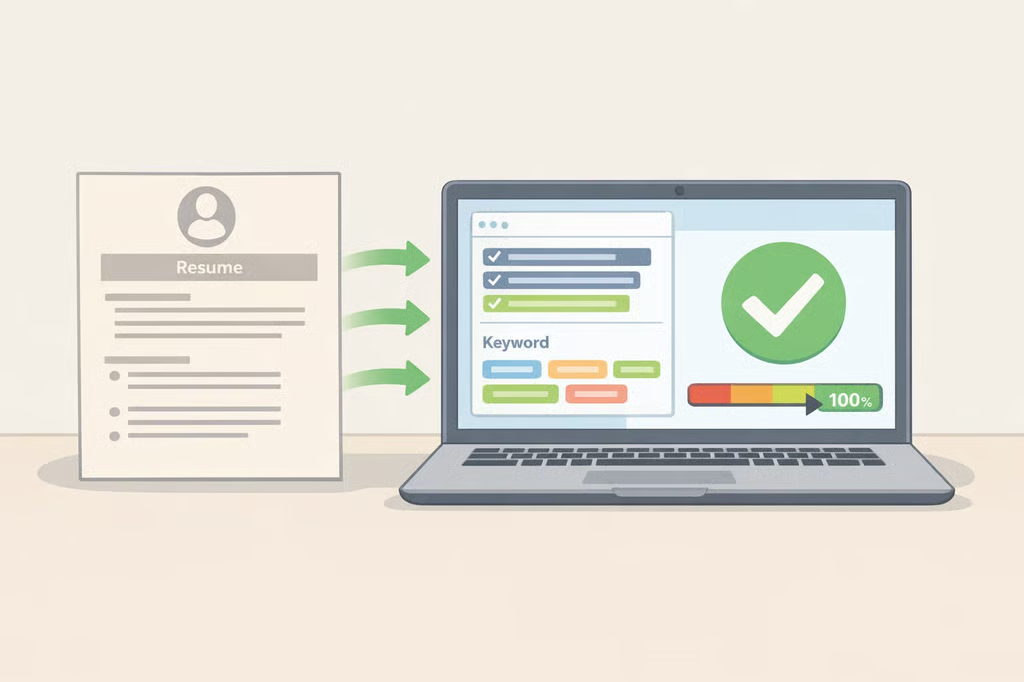
Before a hiring manager ever opens a resume, it may already have passed through an applicant tracking system that screens candidates against a set of criteria and decides which files even reach a person, according to guidance Harvard's career center published earlier this year (Harvard FAS Mignone Center for Career Success). That single fact reshapes how job seekers should approach resume tips for job search success this year. Formatting and word choice now have to satisfy software and a human reader, often in that order.
A resume alone won't land a job, but it remains a critical factor in earning an interview (Harvard College Guide to Creating a Strong Resume). That guide, along with Harvard's separate guidance on using AI in the application process (Harvard FAS, AI for Resumes and Cover Letters) and research on how career-services offices are adopting AI tools (NACE, "AI in Career Services"), points to four areas worth focusing on: tailoring content to the job, formatting for ATS compatibility, writing results-based bullet points, and using AI without losing authenticity.
Before working through the list, pull up a current or incomplete resume, one to three target job descriptions, and a plain-text or basic word-processing document for editing. The 16 tips below cover how to improve your resume across those four areas, each with a specific action to try before the next application goes out.
How to tailor your resume for each job application
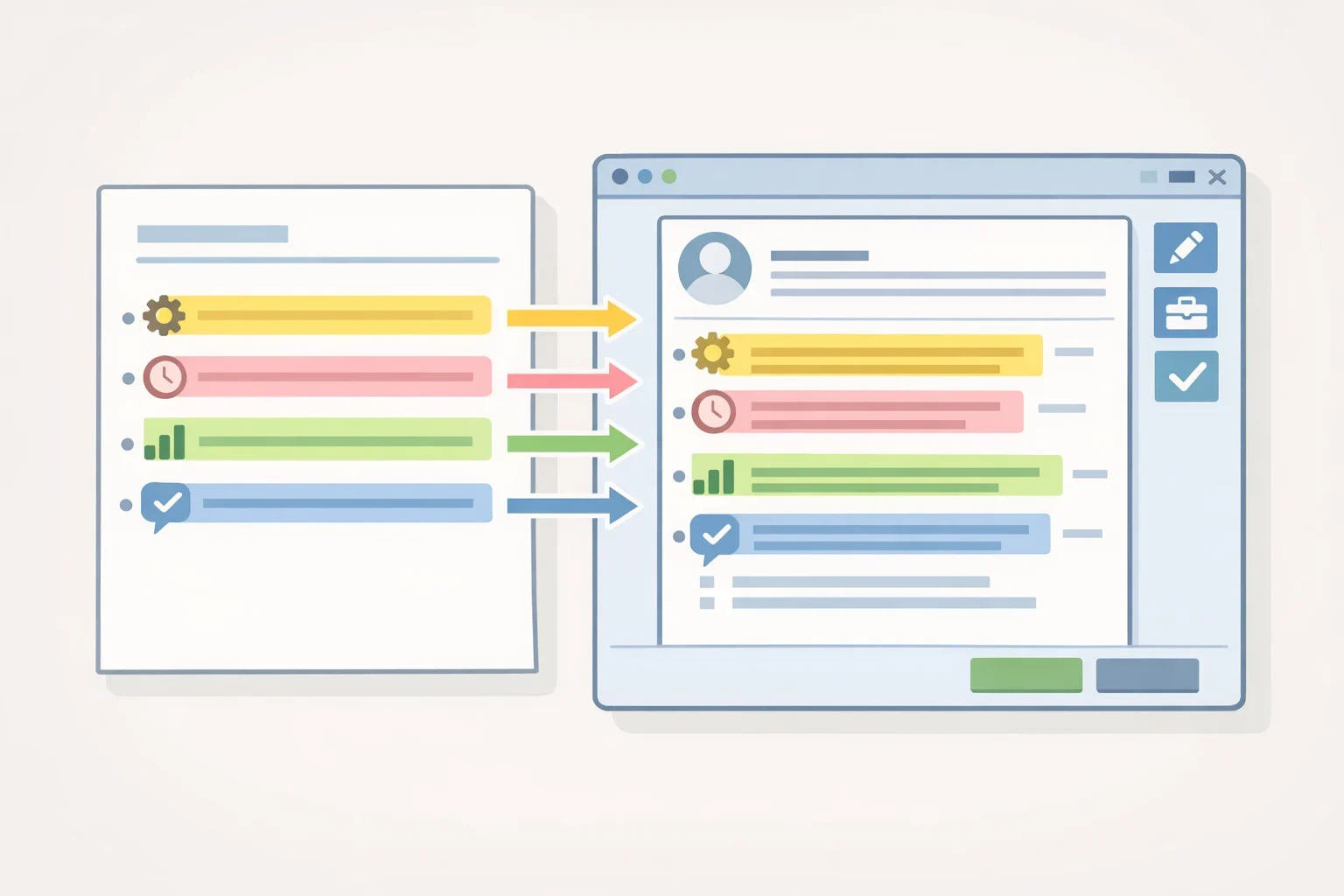
Sending the same resume to every opening wastes the one advantage tailoring provides: connecting a candidate's background to what a specific employer actually needs.
- Build a master resume first. Before adjusting anything for a specific job, pull together every relevant detail from past roles, including measurable outcomes and specific numbers (Harvard FAS, AI for Resumes and Cover Letters). Keep this master version on hand so each application starts as an edit, not a blank page.
- Match your language to the job posting. Consider what a specific employer is looking for, since that can differ from general industry advice, and adjust word choice to reflect the posting without copying it outright (Harvard FAS, AI for Resumes and Cover Letters). If a posting repeatedly mentions "cross-functional collaboration," find where that phrase genuinely fits your experience rather than swapping in a synonym.
- Connect unrelated experience to what the employer values. Tailoring doesn't mean every past job has to relate directly to the role you want. The resume should still reflect the types of skills that employer values, according to Harvard's career guide from two years ago (Harvard College Guide). A retail shift lead applying for a project coordinator role, for instance, can highlight scheduling, budgeting, or team communication instead of treating the job title as disqualifying.
- Revise the copy for every new posting. Treat the master resume as raw material, not a finished product. Copy it, then edit that copy against the specific job description before sending anything out; a version that worked for one application rarely fits the next one without changes to emphasis and word choice.
How to build an ATS-friendly resume that gets through screening
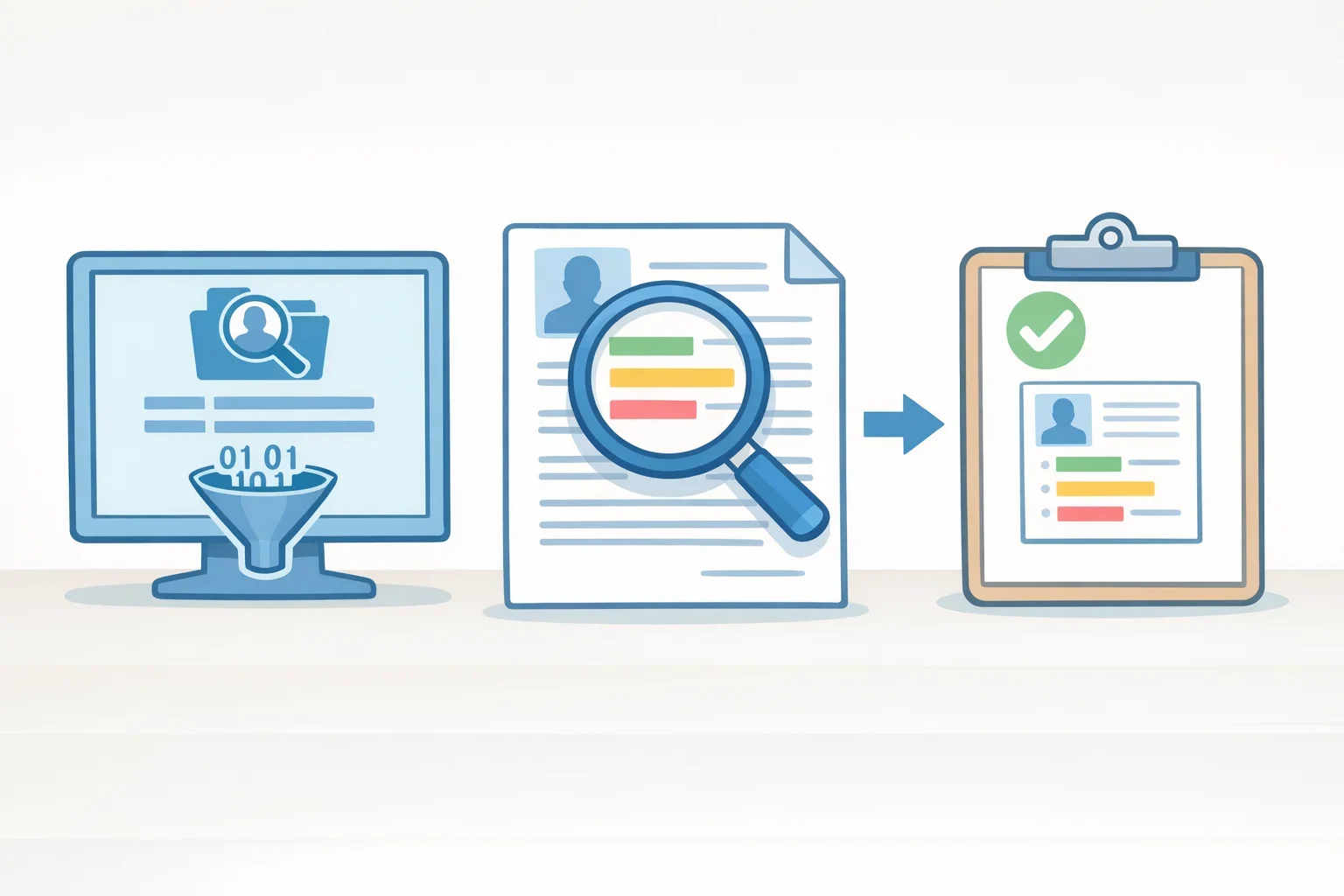
Employers that receive high volumes of applications often route resumes through applicant tracking systems that scan for specific keywords and phrases before anyone reads them (Harvard FAS, AI for Resumes and Cover Letters). Getting past that step matters. A resume that never reaches a hiring manager never gets the chance to make its case (Harvard FAS ATS guide).
- Understand what the system is checking for. Tracking systems accept or flag candidates based on how closely resume content matches criteria tied to the posting (Harvard FAS ATS guide). That's why keyword matching, the second tip above, does double duty: it speaks to a recruiter and a screening tool at the same time.
- Use simple, consistent formatting. Harvard's career center recommends basic formatting, an explicit skills section, and job-description keywords used in context rather than crammed into a dense paragraph (Harvard FAS, AI for Resumes and Cover Letters). Consistent spacing, clear headings, and reverse-chronological order also make a resume easier to scan quickly (Harvard College Guide).
- Check that your file converts cleanly. Confirm the formatting holds up if the document is saved or submitted as a PDF (Harvard College Guide). Open the converted file and read it the way a reviewer would. If columns shift or bullets disappear, fix the layout before it goes anywhere.
- Skip formatting gimmicks. Applicant tracking systems vary by employer and vendor, so no single formatting trick guarantees a resume clears every one of them. Standard headings and explicit, plain text remain the safer choice over dense columns or graphics that may not translate consistently across systems.
Resume tips for stronger, results-based bullet points
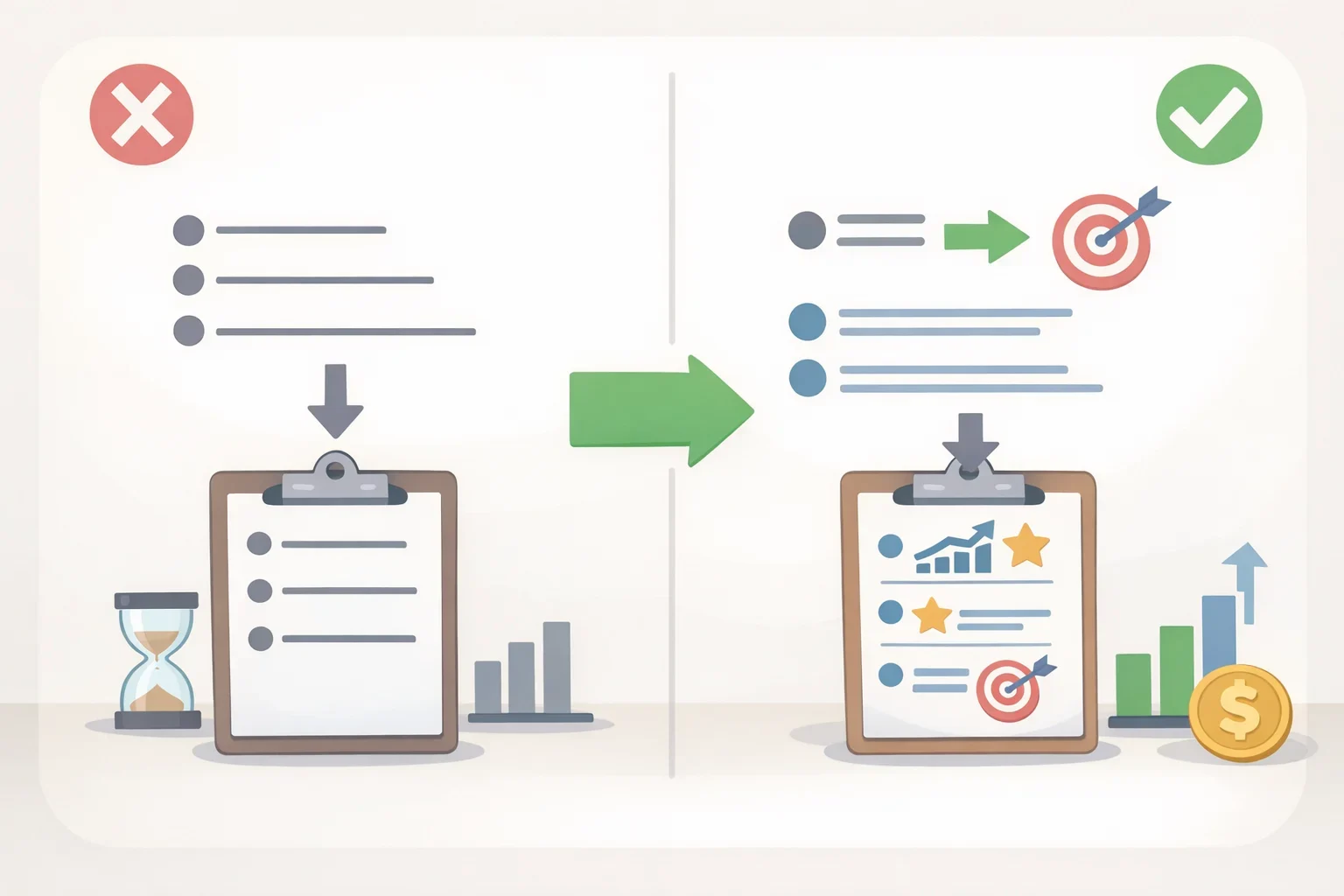
The words describing your experience matter almost as much as the experience itself. A vague list of duties is far less persuasive than a specific, measurable outcome.
- Start bullets with action verbs in active voice. Resume language should be specific and fact-based, using active verbs instead of passive descriptions of duties (Harvard College Guide). Instead of "responsible for social media strategy," write what you actually did and the result it produced, something concrete enough that a hiring manager can picture the work.
- Quantify results wherever you can. Language should be specific and fact-based rather than general, using numbers and qualifiers to show impact instead of simply listing duties (Harvard College Guide). Managed a budget? Name the amount. Trained new hires? Name how many.
- Check for the five most common resume mistakes. Harvard's career center identifies these as spelling and grammar errors, missing contact information, passive language instead of action words, weak organization that's hard to skim, and failing to demonstrate results (Harvard College Guide). Read through the resume once for each mistake individually instead of trying to catch all five in a single pass.
- Keep contact information current and professional. Use a professional email format, such as first name and last initial, tied to an inbox checked regularly. An address that looks unprofessional or goes unchecked can cost an interview invitation before a recruiter even finishes reading the resume. Anyone close to graduation should avoid relying on a school email address that may be deactivated once classes end.
Using AI and formatting standards without losing authenticity
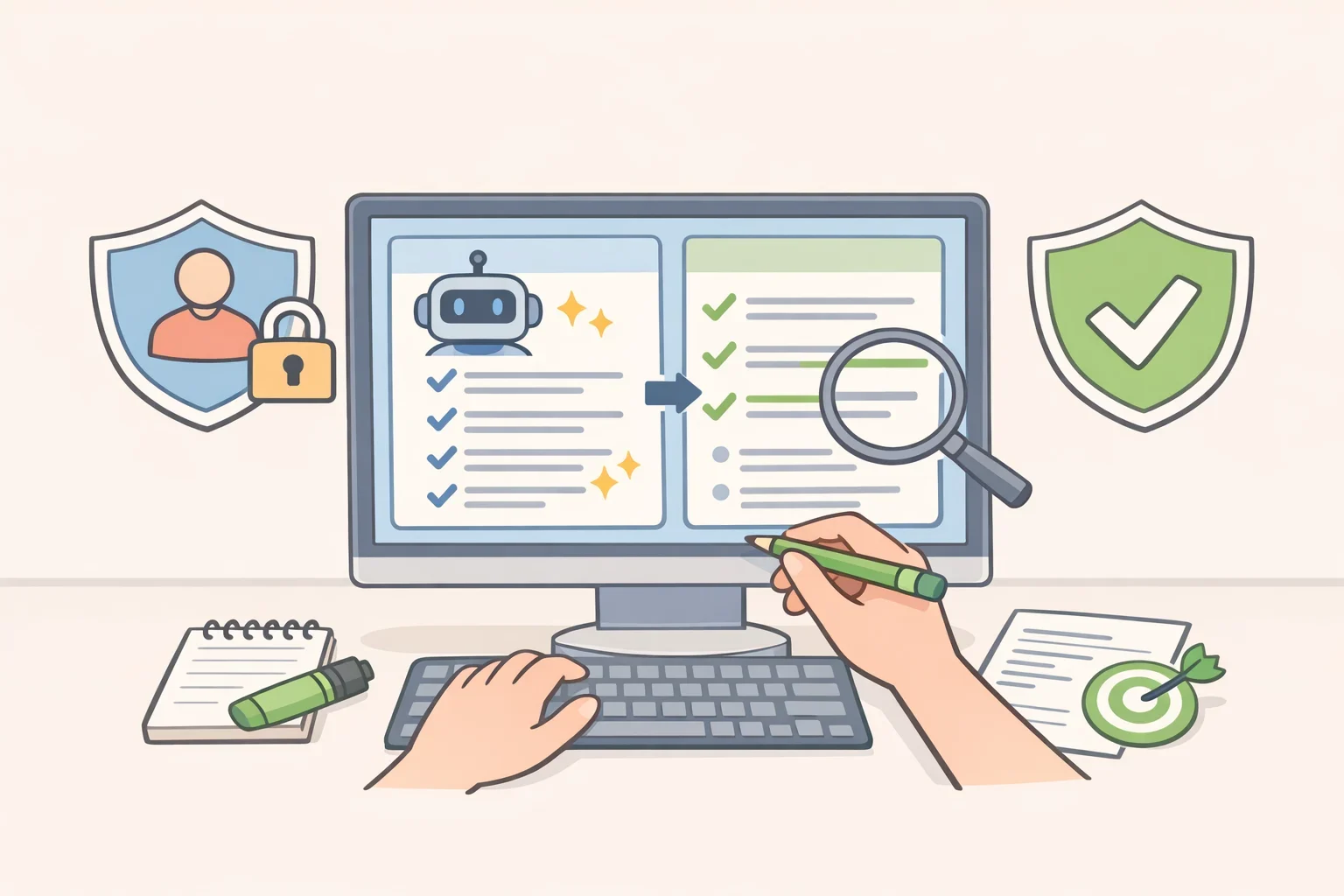
AI tools and formatting conventions can strengthen a resume, but only when they refine real experience rather than replace it.
- Use AI to edit, not to author. Generative AI can help brainstorm bullet-point revisions and identify keywords from a job description, but Harvard's career center warns that output tends to read generic if AI becomes the primary author rather than an editor (Harvard FAS, AI for Resumes and Cover Letters). A related point from career-services research published last year: AI is well-suited to catching missing ATS keywords precisely because that kind of pattern-matching isn't how people naturally read resumes (NACE, "AI in Career Services").
- Protect your information and follow the posting's rules. Avoid sharing personal or proprietary details with generative AI tools, and read application instructions carefully, since some employers restrict AI use in preparing materials (Harvard FAS, AI for Resumes and Cover Letters). The same career-services research cautions that AI tools can carry bias from their training data and should be checked regularly for fairness, particularly in anything tied to hiring (NACE, "AI in Career Services").
- Follow standard U.S. resume conventions. For resumes aimed at U.S. employers, Harvard's guide advises against including a photo, age, gender, or references (Harvard College Guide). This is U.S.-focused guidance. Norms shift for applicants working internationally, so anyone job hunting abroad should check country-specific guidance before reusing a U.S. template (Harvard College Guide).
- Be ready to defend every line. Read the finished resume aloud to catch repeated language or inaccuracies before submitting it, and be prepared to speak to any line if asked about it in an interview (Harvard FAS, AI for Resumes and Cover Letters). If a bullet came from an AI suggestion and doesn't sound like something you could explain in detail, revise it or cut it.
What to do with these resume tips for 2026
A resume that performs well right now combines three things: content tailored to the specific job posting (Harvard FAS, AI for Resumes and Cover Letters), formatting that both ATS software and human reviewers can move through quickly (Harvard FAS ATS guide), and specific, results-based language instead of a generic task list (Harvard College Guide).
These 16 tips reflect guidance from one university career center's resume and AI resources, plus published research on how career-services offices use AI tools. They're strong starting points, not a guarantee that any single formatting choice will pass every ATS platform or turn into an interview.
Pull up one active job posting, note the skills and keywords it repeats most, and revise a resume bullet for each one using a measurable result. Then check that posting's application instructions for any stated policy on AI-assisted materials before submitting.
