

How Social Media Affects Job Opportunities: Audit Guide
Before sending another application, search your own name in a logged-out browser window and see what turns up: profile photos, tagged posts, old accounts, anything carrying your name. That's where understanding how social media affects job opportunities actually starts, because what a recruiter finds in that search can change how they read everything else in your application. An experiment published last year found something close to that: when evaluators saw a negative social media profile attached to an otherwise highly qualified candidate, the usual link between that candidate's competence and hiring intention broke down, and evaluators leaned instead on a more subjective judgment about whether the candidate seemed like a good fit for the organization (Frontiers in Psychology).
How many employers actually check social profiles is harder to pin down than headlines suggest. A 2016 SHRM survey put the figure at 43%, and a 2014 Jobvite survey put it at 93%, two estimates too different and too old to serve as a reliable current rate (as cited in Frontiers in Psychology). The more useful takeaway from the newer experimental data is different: when a reviewer does look, what they find can change how they interpret the qualifications already in front of them, not just whether they spot something disqualifying.
This guide walks through checking your public profile the way a recruiter might, the categories of content that tend to draw concern, a step-by-step method for fixing what's fixable, and how to build a presence that supports the application you're sending, along with what an audit can and can't protect you from.
What social media screening by employers can reveal
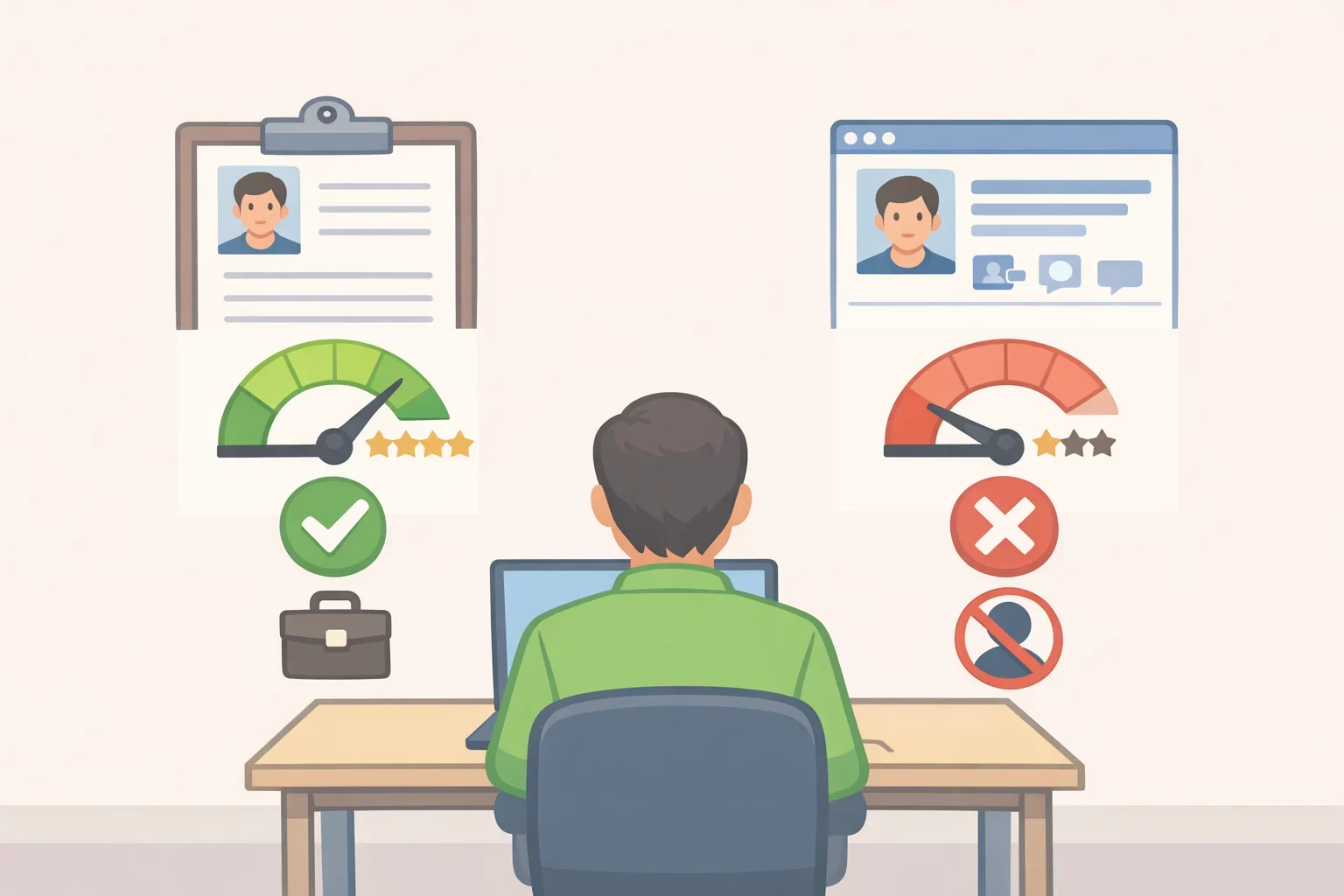
Researchers behind the Frontiers experiment describe a social profile less as a separate background check and more as something that reinforces or weakens the résumé already in front of a reviewer. In the experiment's mean evaluation scores, professional competence rated 3.66 in a neutral control condition, dropped to 3.49 once evaluators saw negative content on a profile, and rose to 3.90 when the content looked professional (Frontiers in Psychology).
The effect also depended on how strong a candidate's qualifications already were. For a candidate with standard qualifications, competence didn't significantly predict hiring intention in any condition; person-organization fit was a significant predictor across all three (Frontiers in Psychology). For a highly qualified candidate, the pattern looked different: in the control condition, hiring intention was shaped almost entirely by competence. Once evaluators saw a negative profile, that link lost statistical significance, and fit became the dominant factor instead (Frontiers in Psychology).
A separate pair of experiments found that personal information unrelated to job performance can move an evaluation too. Across two studies involving 209 American college students and 119 European college students, participants evaluated a hypothetical female candidate for a student union board position whose social media profile suggested either one romantic partner or several. Despite identical qualifications, the candidate linked to multiple partners was rated less likely to be hired in the U.S. study and was seen as a weaker fit for the organization in both studies (PMC study). That scenario involved student evaluators judging a candidate for a campus leadership role, not a professional hiring panel, so it shouldn't be generalized to every employer or occupation. It does show that reviewers can let information they never asked about shape a judgment that has nothing to do with the job.
These studies don't establish a current national screening rate, and no single experiment predicts how one hiring manager will react to a specific profile. What they show is that a public profile is worth treating as part of the application, not something separate from it.
What employers look for on social media
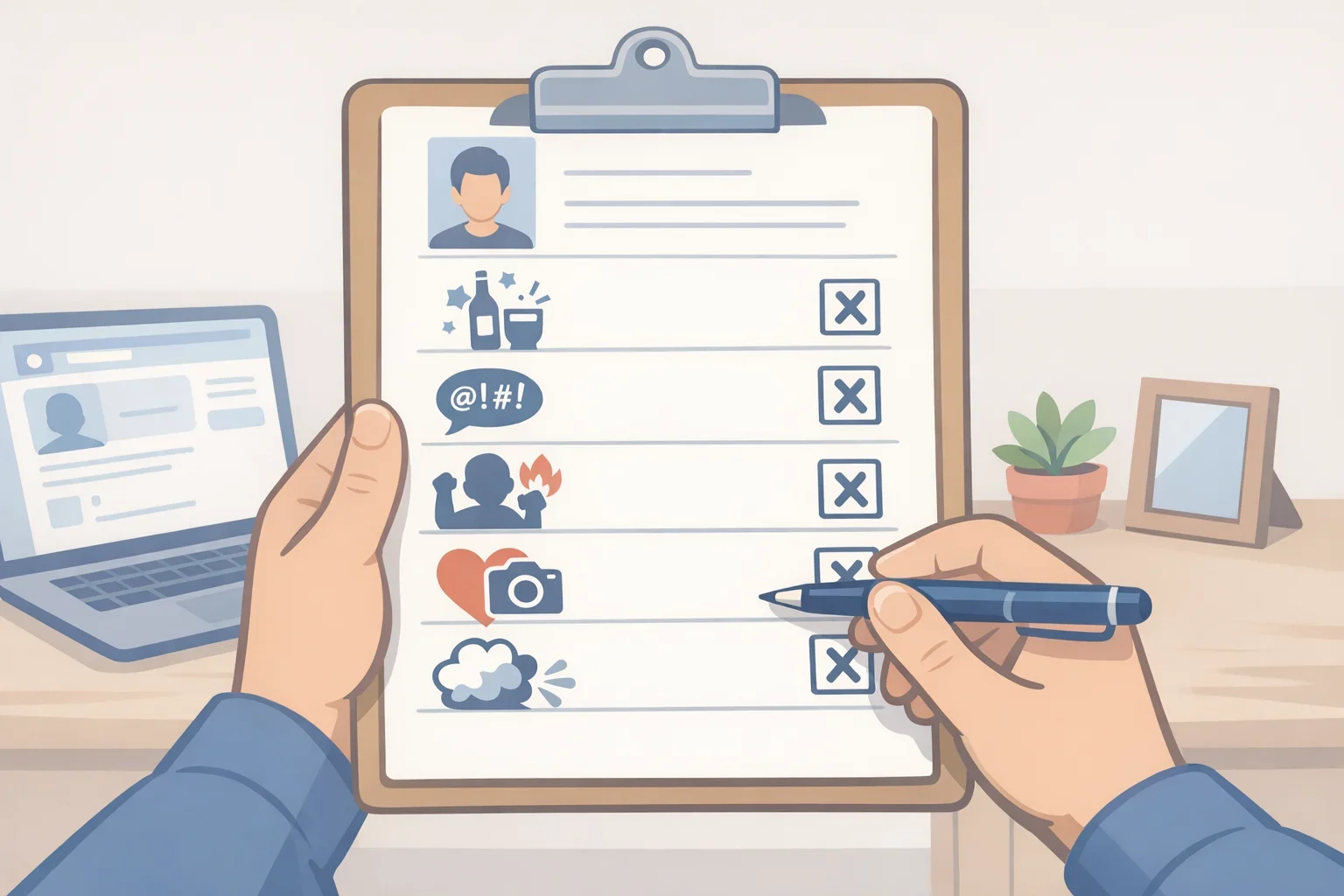
A 2017 CareerBuilder survey, cited in the Frontiers research, asked recruiters what convinced them to eliminate a candidate, not what they browse for in general. The most common reasons were provocative or inappropriate photos (46%), content involving alcohol or drugs (43%), discriminatory remarks (33%), public criticism of a former employer (31%), and poor communication skills (29%) (Frontiers in Psychology). The survey names categories worth reviewing, but it's nearly a decade old and too dated to serve as a current measure of employer behavior.
Beyond those categories, reviewers may also see posts, photos, events attended, relationships, and personal interests that never appear on a résumé, and any of it can shape a hiring decision in either direction (Frontiers in Psychology). The FTC's general advice for job seekers reflects that reality: think before posting anything a current or future employer wouldn't want to see, or limit who can see it (FTC).
Cleaning up flagged content reduces avoidable problems and keeps your public presence consistent, but it doesn't stop a reviewer from forming an impression based on something inferred rather than something you posted carelessly. The student-union study above is a reminder that even information unrelated to your qualifications can factor into someone's judgment, and that responsibility for a fair evaluation isn't solely yours.
How to clean up social media for a job
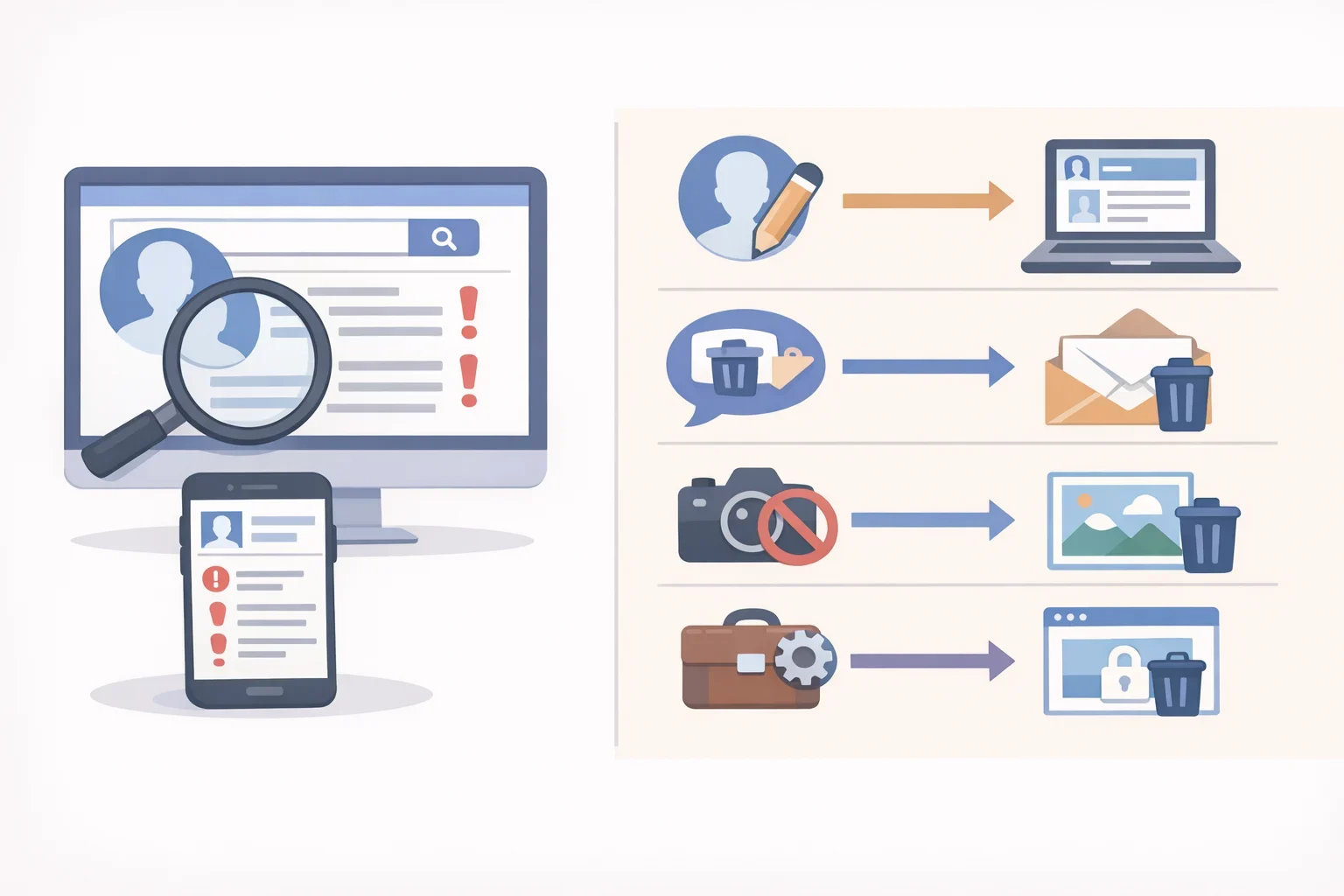
Before starting, gather login access to every platform you've used, including accounts you haven't touched in years, and keep your résumé open in a second tab for comparison.
- Search your own name in a private or incognito browser window, checking image results along with links, the same search suggested at the start of this guide. Results vary by location, search history, each platform's privacy settings, and whether the person searching is logged into an account connected to your network, so treat this as an approximation of what a recruiter might see, not an exact match.
- List every account you've created, including ones you no longer use. An old account may still turn up in search results if it remains public, so leaving it off this list means missing a real gap in what you're reviewing.
- Work through each platform using the checklist below, rather than skimming only your most recent posts.
Where to look What to check What to do Why it matters Profile and cover photos Whether images fit how you want a hiring manager to see you Replace or remove anything that clashes with that impression Often the first thing a reviewer notices on a profile Bio or "about" section Outdated job titles, employers, or vague descriptions Update it to match your current résumé An outdated bio can look inattentive or contradict your application Username or handle Old or unprofessional handles, especially on platforms like X or Reddit Change it if it wouldn't hold up in a professional context A handle picked years ago can still surface in a search under your name Comments, likes, and reactions Older activity that may be public depending on the platform and your settings Delete or hide anything that doesn't match the presence you want This activity can be visible even when your own posts are private Tags from other people Photos or posts you're tagged in that you didn't post yourself Untag yourself or request removal where the platform allows it Content posted by someone else can still appear in a search under your name Group memberships and pages you follow Whether the group or page reflects how you want to be seen professionally Leave groups that don't, where membership visibility can be adjusted Membership may surface in a search depending on the platform's settings
- Separate personal and professional accounts where possible. Keep LinkedIn, a portfolio site, or a field-specific account public and limited to content appropriate for an employer to see, and set accounts meant for friends and family to private. Using separate accounts for each purpose can make it easier to control what different audiences see than trying to make one account serve both roles.
- Compare LinkedIn to your résumé for dates, employer names, and any claims about credentials or accomplishments. Titles should be accurate and defensible in an interview, but a résumé can describe scope in more detail than a LinkedIn headline, so a difference in wording isn't automatically a problem. Differences in dates, employer names, or credentials need explanation and correction before you apply.
- Adjust privacy and tagging settings on each platform. Where a platform allows it, turn on tag review or approval settings so other people can't tag you into content without your review; not every platform offers this control, so check each one individually.
- Decide what to do with old, unused accounts based on what's actually posted there, not on a guess about how deleting an account might look. If the content doesn't serve your job search and you don't need the platform going forward, that's reason enough to remove or archive it.
Profiles can also reveal personal information, including family status, disability, religion, age, or other characteristics unrelated to job performance. Whether an employer may consider that kind of information depends on applicable law and the hiring context, and rules vary by jurisdiction. You can choose how much personal information to make public, but privacy settings can't prevent discrimination or guarantee a fair review.
One thing worth watching while tightening privacy settings: the same public information under review here is also what scammers running fake job postings look for. The FTC has described fake postings that collect personal details from candidates under the guise of an interview or onboarding process (FTC). Two patterns worth recognizing during a job search: being asked to front the cost of equipment that never arrives, and being sent a check to deposit with instructions to forward part of it elsewhere (FTC). Limiting what's publicly visible during this audit is a reasonable precaution against both an employer forming an unwanted impression and a scammer gathering targetable details, though it isn't a documented defense against fraud on its own.
How to build a professional social media presence
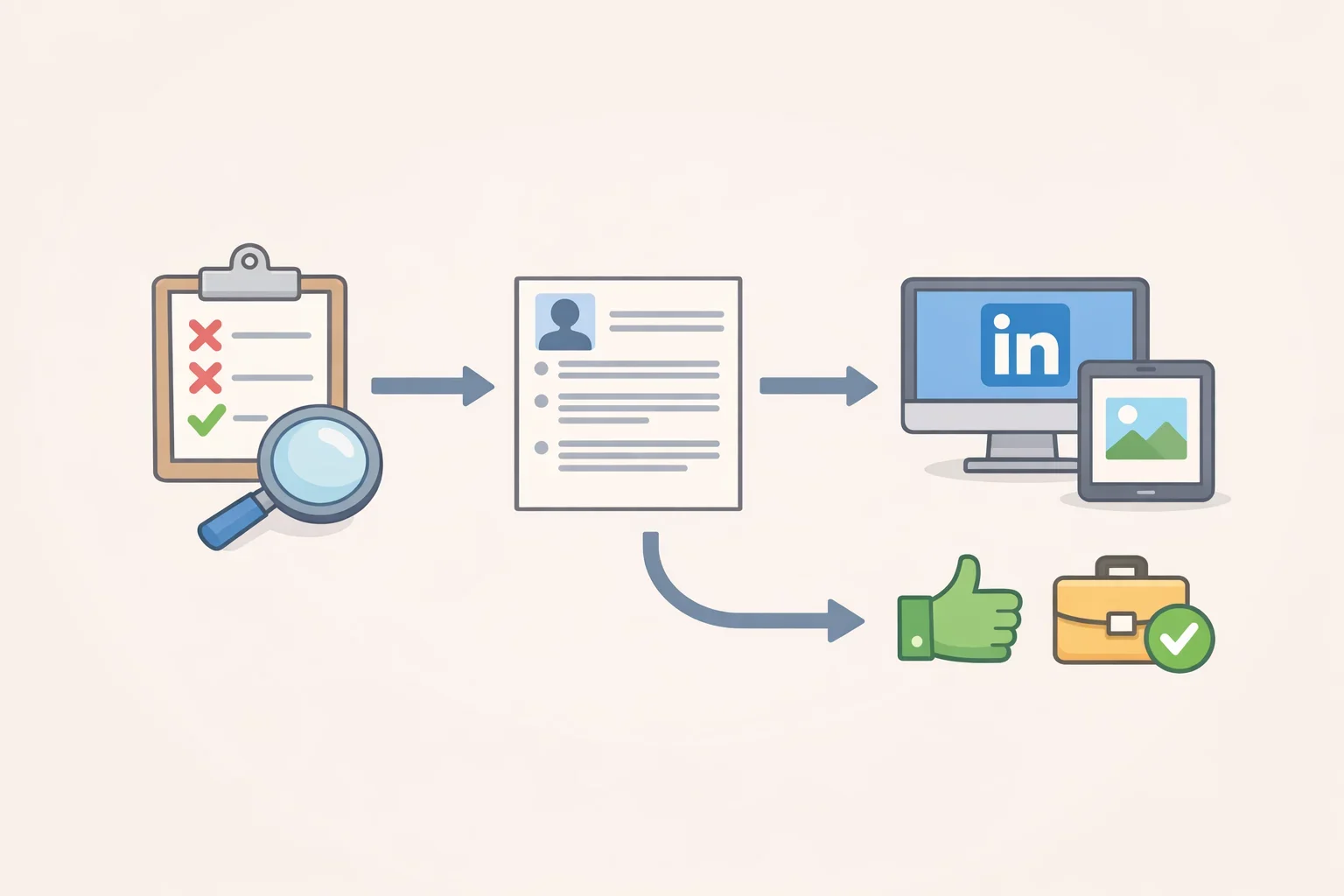
Auditing removes what works against an application. The same Frontiers experiment found that professional content was associated with higher hiring intention, functioning as a positive fit signal instead of only avoiding a negative one (Frontiers in Psychology).
A few practical steps that put that finding to use:
- Complete your LinkedIn profile with a headline, summary, and work history consistent with your résumé, using the reconciliation from the audit above.
- Follow organizations and topics tied to your target field. This wasn't tested directly in the research, but it's reasonable practical guidance: it may help communicate an area of interest alongside what your résumé already states.
- Keep a portfolio, GitHub, or personal site current if your field typically expects one, such as design, writing, or software roles. A current portfolio can give employers examples of your work in fields where portfolios are commonly expected.
- Update professional accounts with recent work or accomplishments during your search rather than logging in only the week before you apply. Inactivity alone isn't the concern; a profile with current, relevant information simply gives a reviewer more to work with than one that stopped updating years ago.
Treat this as upkeep to maintain during the search, not a fix to complete the week before applying.
Where to start today
An audit can't guarantee how a specific reviewer will weigh what they find, and it doesn't erase the kind of bias documented in the cited experiments. What it can do is put an accurate, consistent version of your professional history in front of anyone who looks, instead of something outdated or careless.
If time is short before an application goes out, start with the incognito name search and note what shows up on the first page. Next, reconcile any contradictions between your résumé and LinkedIn, specifically dates, employer names, titles, and credential claims. After that, work through tagging and privacy settings on the accounts most likely to surface in a search, and sort what remains into what to delete, archive, correct, or leave alone. Once the changes are made, repeat the search from a logged-out browser and review the public profile once more before submitting the next application.
