

Project Handoff Template: Checklist for a Clean Transfer
Sending the files and booking a meeting is not a handoff. It's the start of one, and the work isn't finished until your coworker can run it without circling back to you for basic answers. A project handoff template turns that gap into a short, specific document both sides can point to, instead of a string of hallway conversations nobody wrote down.
Workhint, which publishes process guidance for operations teams, argues that most handoffs fail before the meeting even takes place: the incoming owner gets the files, but not the operating context behind them (Workhint, 2 months ago). Elium's handover template guidance warns that when the whole transfer rides on a single meeting and a follow-up email, the reasoning behind past decisions can disappear with it, and that this kind of context loss tends to produce duplicated work and missed commitments later on (Elium, 8 months ago). Workhint's own definition of a finished handoff is specific: the incoming owner needs the context, access, and authority to run the work, and has to explicitly accept the transfer, exceptions included (Workhint, 2 months ago).
This guide covers transferring an active workstream between coworkers: covering someone's vacation, stepping into a new role, picking up a project with little notice, or taking permanent ownership of something long-term. It isn't a guide to closing a project out for good. That process involves its own steps, like releasing paid licenses, settling budget codes, ending vendor contracts, and archiving records, which sit outside an active handoff (Actionbridge, updated 3 months ago). What follows is a copyable template, a way to test whether your coworker is actually ready, and a short checklist to run before anyone calls the transfer done.
What "done" actually means

Finishing a task, getting it accepted, and handing over ownership of it are three separate milestones, not one event, according to Actionbridge (updated 3 months ago). Actionbridge draws a sharp line between them: a deliverable can be built, tested, and signed off while still having no one named to run it afterward. When that happens, the work stays with whoever built it, regardless of what the project plan says, according to Actionbridge.
Whether a handoff meeting happened doesn't settle which of those milestones got reached. ScreenGuide (10 months ago) frames the finish line more directly: a handoff is complete once the receiving person can operate the work without the outgoing owner's help. Files shared and a walkthrough held only prepare for that point; they don't prove it.
ScreenGuide's guidance also points to three recurring failure patterns in handoffs that skip this standard: the unsorted "data dump" of files, the purely verbal handoff that never gets written down, and documentation that covers the easy scenarios while skipping the known issues and workarounds that eat up the most time later (ScreenGuide, 10 months ago).
Scale the handoff to the situation. For short-notice coverage, Actionbridge describes a minimum handoff: a lightweight document answering four questions that can remove much of the support load that would otherwise fall on the outgoing owner indefinitely, and estimates it's realistic to write in about a day (Actionbridge, updated 3 months ago):
- How do I run the routine tasks, step by step?
- What's most likely to break, and how do I fix it?
- What looks wrong but is actually deliberate?
- Who do I call when something isn't covered here?
A permanent ownership change or a complex project calls for the full handoff template below, plus the readiness check that follows it.
How to write a project handoff document: the template
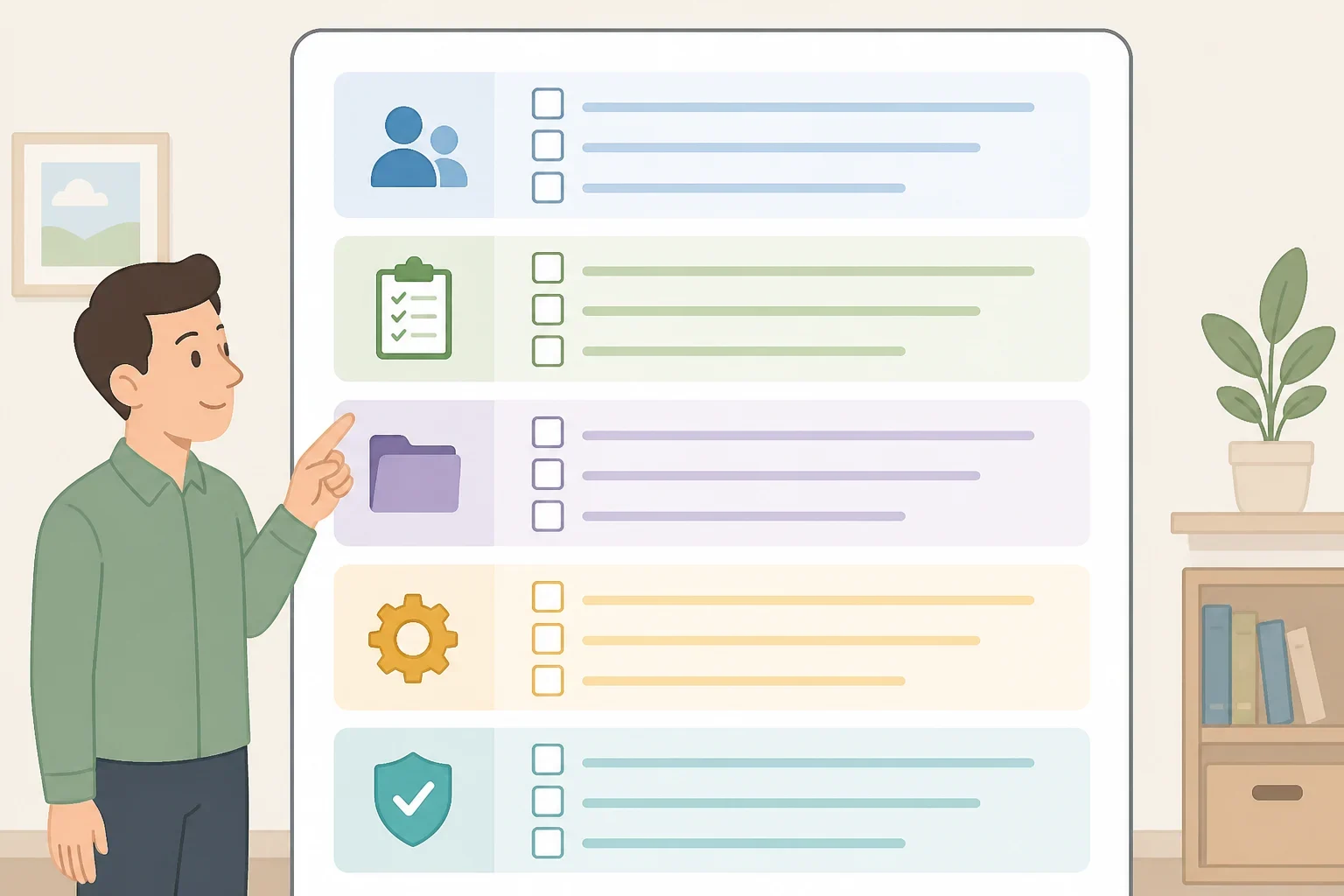
Some teams call this a project handover template. The label doesn't matter; the content does. The fields below make up the full version, built for a lasting ownership change or a complex project. If time is short, the four-question minimum above covers most of what matters, and fields from this list can be added only where there's room.
Copy the structure below into a doc and fill in each field before the handoff meeting, not during it.
- Trigger and scope: [why this handoff is happening] / [what's included] / [what's explicitly excluded]
- Workstream and status: [name of the work] / [phase] / [what's done] / [what's outstanding]
- Outgoing owner / Incoming owner / Effective date: [name] / [name] / [date]
- Open items: [task] / [owner] / [deadline] / [dependency] (repeat for each outstanding item)
- Decision rights: [decision type] / [who can make the call], named explicitly if more than one team touches the work
- Access and tools: [account or system] / [where to find the access, not the credentials themselves] / [who grants access]
- Required artifacts and document index: links to source files, runbooks, recordings, and other key records
- Decision log: for each major call, what was decided, what prompted it, the alternatives considered, why this option won, what it affected, and who participated or approved
- Operational procedures: routine tasks, monitoring checks, incident response steps, maintenance schedule, and escalation path
- Risks and known issues: [risk] / [likely impact] / [workaround, if any] / [owner]
- Stakeholder notes: [name or role] / [what they care about] / [how they prefer updates] / [any commitments made to them]
- Support window: [outgoing owner's availability] / [how to reach them] / [end date]
- First post-handoff review date: [date]
- Acceptance: [incoming owner's name] / [accepted, accepted with exceptions, or rejected] / [basis, including any unresolved conditions] / [date]
Workhint's guidance includes similar fields: scope, status, required documents, open risks, dependencies, stakeholder context, access needs, decision rights, acceptance criteria, and a first review date after the handoff (Workhint, 2 months ago).
Prioritize these fields. Name actual people in the owner fields, not a shared inbox: a shared inbox can receive a notice, but it can't be held responsible for how the work turns out (Workhint, 2 months ago). When a handoff crosses more than one team, Workhint recommends mapping decision rights with a simple RACI matrix, responsible, accountable, consulted, informed, so that field names an actual person instead of an assumption (Workhint, 2 months ago).
The decision log is the field that's hardest to reconstruct after the fact. For every major decision, record what was decided, the situation that prompted it, which alternatives came up, why the chosen option won, what it affected, and who participated or approved (ScreenGuide, 10 months ago). List each risk with an owner and a workaround if one exists, instead of a vague note about a problem (ScreenGuide, 10 months ago). Stakeholder notes should include anyone with real influence over the project, even without a formal title, along with how each person prefers to be updated (ScreenGuide, 10 months ago). Operational procedures should be detailed enough that the incoming owner can run, monitor, and maintain the work without routinely relying on the outgoing owner (ScreenGuide, 10 months ago).
Start this document early. A running decision log kept throughout the project, instead of one reconstructed from memory in the final week, turns the handoff package into something built with minimal added effort (ScreenGuide, 10 months ago).
Testing whether the project handoff process actually worked

What matters is whether the incoming owner can operate independently, not whether everything felt explained during the walkthrough. ScreenGuide recommends having the incoming owner perform the actual procedures while the outgoing owner watches: every point where they hesitate, ask a question, or make a mistake reveals a gap in the documentation (ScreenGuide, 10 months ago). Actionbridge frames the same idea more plainly: let them do it while you watch (Actionbridge, updated 3 months ago).
One practical way to run that test: have the incoming owner complete a routine task without help, locate the access it requires, name the next deadline on the open-items list, and explain how they'd handle the top item on the risk list. A wrong turn at any step shows exactly what the document still leaves out.
From there, the receiving person should formally accept the handoff, accept it with documented exceptions, or reject it until the gaps get resolved. That three-way option keeps anyone from treating an incomplete handoff as finished (Workhint, 2 months ago). Acceptance isn't valid without three specific things: a named person, a stated basis, and a date. Silence doesn't count as agreement (Actionbridge, updated 3 months ago).
If there's a disagreement over missing access, unclear scope, or who holds a decision right, a shared manager or project sponsor, not either coworker alone, should settle it (Workhint, 2 months ago). A support window works better with a hard end date than an open-ended offer to help. Actionbridge's example gets at why: "Priya answers questions through June 30; after that the work is fully yours" gives both sides something specific to point back to later (Actionbridge, updated 3 months ago).
A project transition checklist for before, during, and after
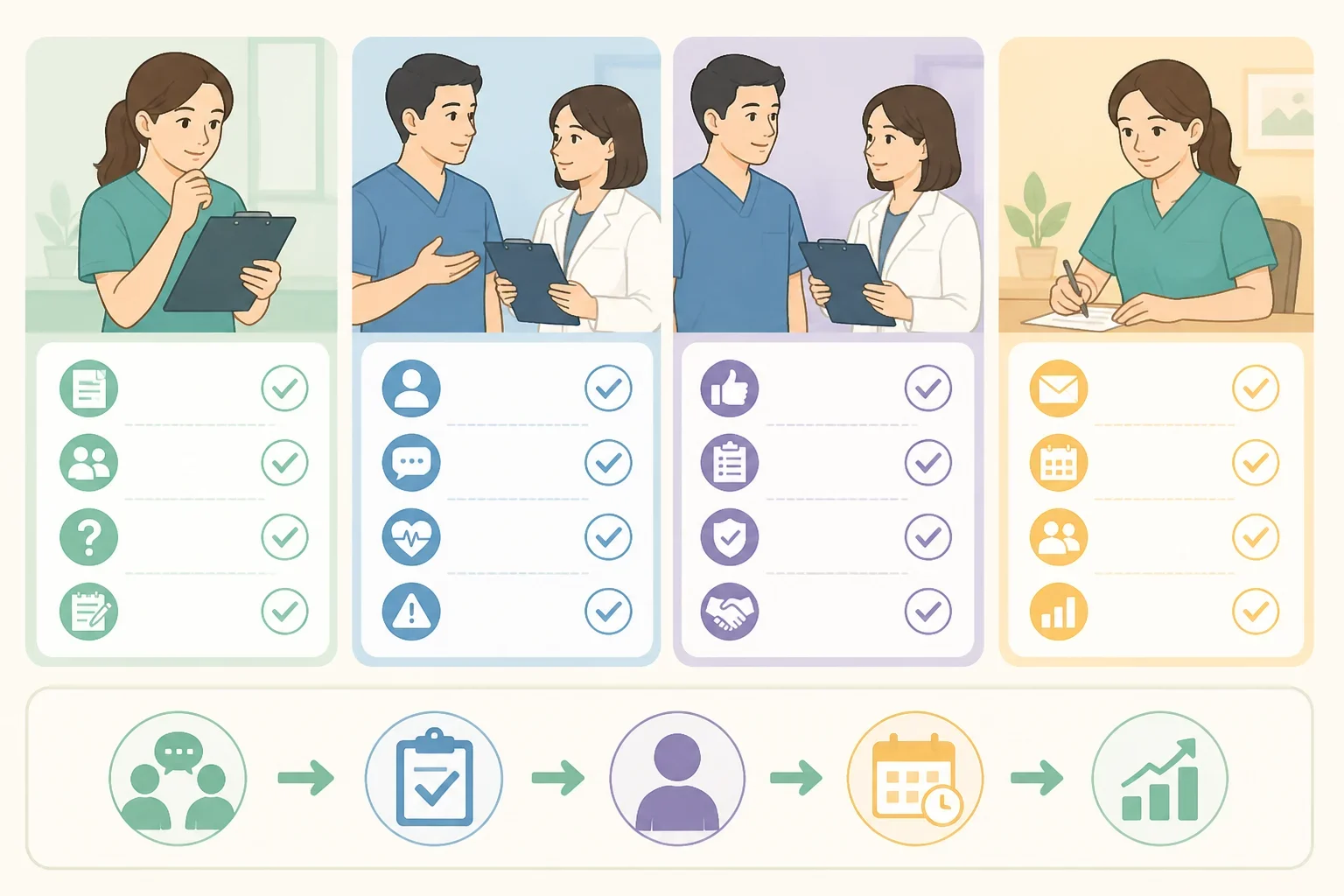
Workhint's guidance calls for a readiness gate: gaps should surface before acceptance, not after (Workhint, 2 months ago). The checklist below is built around that idea.
Before the meeting, have the incoming owner answer:
- What's still unclear after reading the document?
- What access or tool is still missing?
- What's one decision you wouldn't feel ready to make alone?
At the meeting:
- Confirm the incoming owner by name, with authority to accept, request changes, or reject
- Walk through the decision log and risk list together, rather than just sending them over
- Agree on the support window, who to contact and the end date, and write it down
- Record acceptance: name, basis, exceptions if any, date
After the handoff:
- Put a specific follow-up date on the calendar. Elium recommends checking in about a week after the transfer (Elium, 8 months ago), while monday.com points to a 30-day review as a way to catch gaps that surface later (monday.com, 9 months ago). Pick a date based on how complex the handoff is, but put an actual date on the calendar instead of a vague promise to check in later.
- Keep a rough count of how often the new owner reaches back out. ScreenGuide treats a count trending toward zero as a reasonable sign the transfer is holding (ScreenGuide, 10 months ago), though that number also reflects how complex the work is and how available the support window has been, not just whether the handoff succeeded.
What to do next
Copy the template into a doc today and send it to the incoming owner before the meeting, not during it. Use the four-question minimum if coverage is short notice, or the full version if ownership is changing for good, and schedule the first post-handoff review while you're at it. A handoff still depends on the incoming owner actually holding the authority and system access the document describes. Handing someone a well-written template without granting the access it lists is its own kind of unfinished handoff.
