
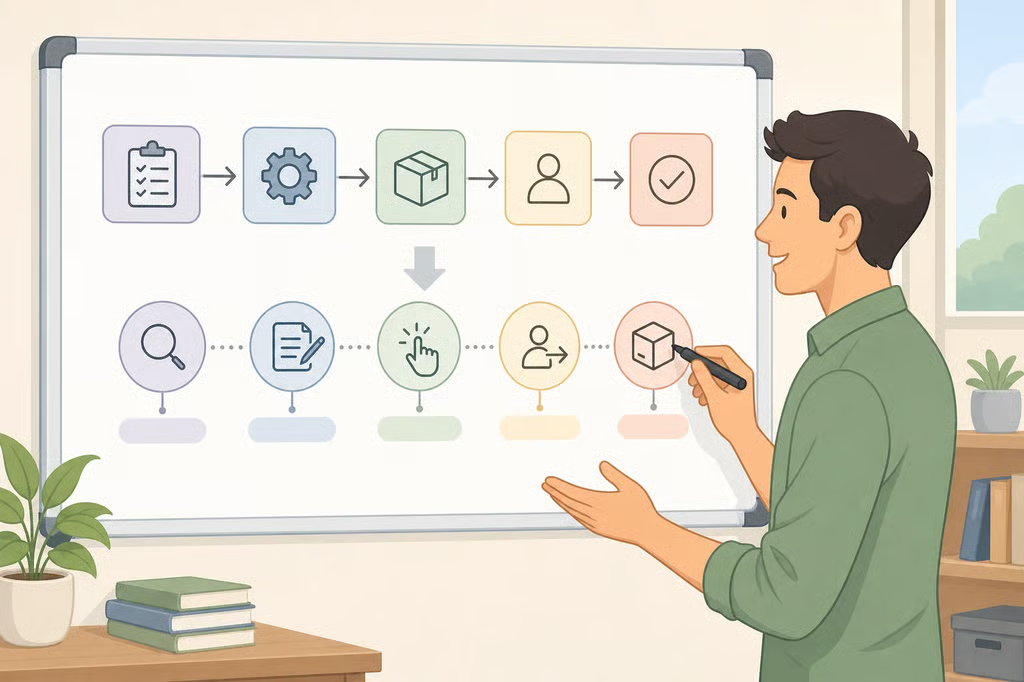
- How to Create a 10-Minute Training Session From a Process
- Decide whether a short workplace training session is the right fix
- Narrow the process to one measurable objective
- Build a time-boxed agenda for the 10-minute training session
- Match the format and job aid to how employees will use the skill
- Confirm the skill transferred
- A simple worksheet for turning a work process into training
How to Create a 10-Minute Training Session From a Process
One design mistake sinks most attempts at a 10-minute training session: cramming an entire workflow into the time slot instead of teaching one verified action, then stopping without checking whether the skill actually stuck. Knowing how to create a 10-minute training session starts with treating that time limit as a design constraint, not a shortcut.
CDC's quality framework sets eight standards for trainings the agency develops or funds, and all eight must be met for something to count as a CDC Quality Training. The list opens with a needs assessment and a defined learning objective, both required before any content gets built. This article borrows those eight standards as a planning checklist for short workplace sessions; CDC built them for its own public-health trainings, not as a universal workplace requirement.
A systematic review of 40 studies on short-form instruction, often called microlearning, found reported session lengths ranging from one to three minutes up to ten to fifteen minutes. The review's own conclusion is that no single duration counts as ideal, since length depends on what the learner needs to do. One workplace example it cites: employees receiving five-to-ten-minute video modules on topics like compliance or IT security instead of sitting through a full-day policy workshop.
This guide applies those findings to a repeatable method for turning a work process into training, including a time-boxed agenda and a fill-in planning worksheet. The running example is training an employee to submit an expense report correctly, using a sanitized sample report rather than a real one carrying another employee's financial details. It's written for managers, team leads, HR staff, or anyone asked to document a process and teach it to a coworker in a short workplace training session.
Decide whether a short workplace training session is the right fix
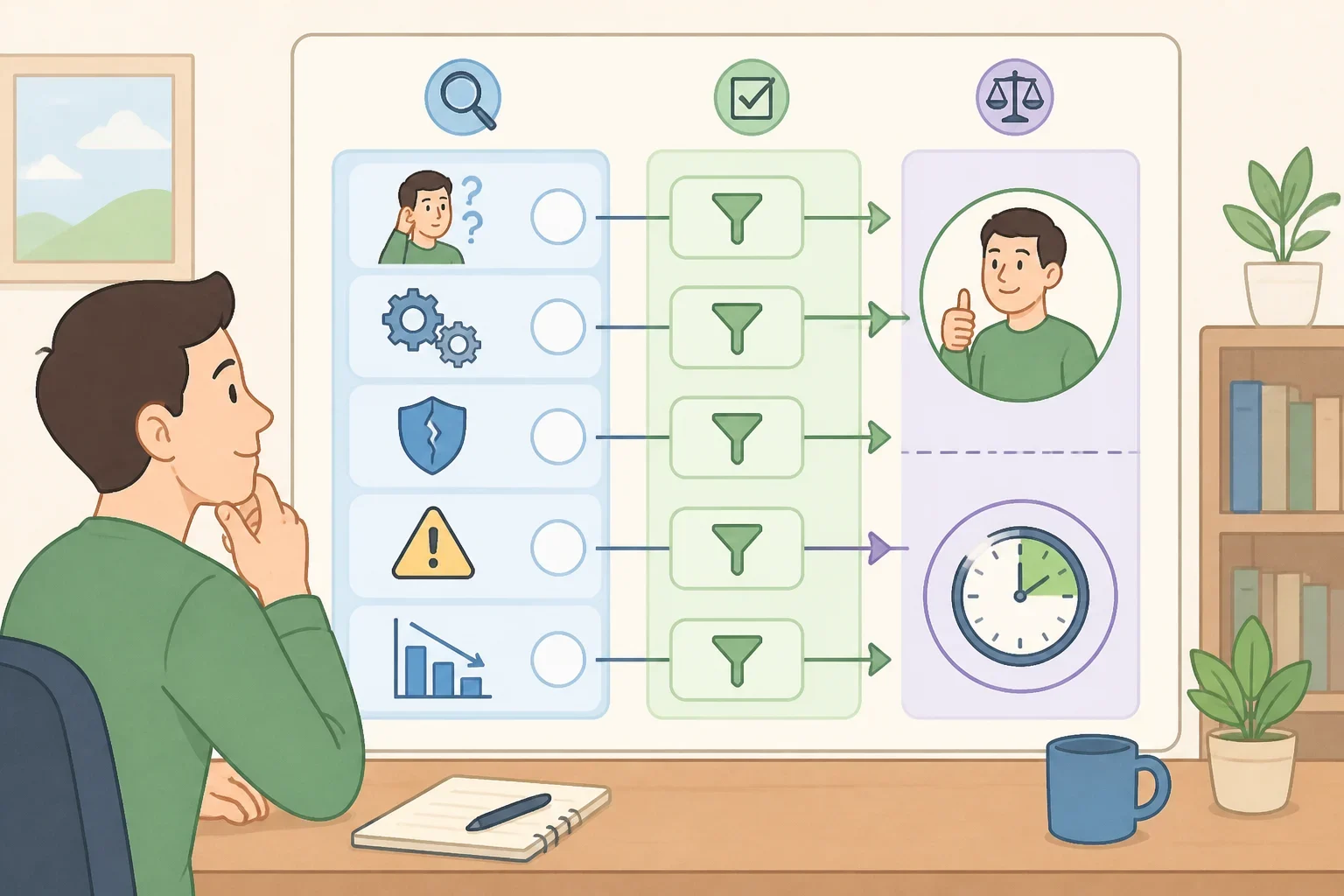
Before locking in a length or format, figure out who's struggling, what specifically goes wrong, and whether 10 minutes can realistically fix it. CDC lists needs assessment as the first of its eight training standards, meaning the problem and the audience get defined before anyone outlines a session. That's diagnostic work, not a formatting decision.
The PMC review's design framework builds individual, situational, and subject differences into instructional planning, which means the same process might suit a 10-minute employee training format for one group and not another. An experienced employee submitting a routine expense report needs something different than a new hire encountering the process for the first time (PMC systematic review).
Microlearning, as the review defines it, is action-oriented instruction built around one specific objective, not a condensed version of a longer course (PMC systematic review). If a process has many exceptions or no single correct path, it probably needs a longer session, or an additional format layered on top, rather than one 10-minute block.
These are screening questions, not hard rules, and employer or compliance requirements control for any regulated or safety-sensitive work. Check for them before building anything:
- The process is new, rarely performed, or still being finalized
- Mistakes carry safety, legal, or compliance consequences
- The task requires judgment across many scenarios rather than one repeatable path
- Employees lack the system access, permissions, or tools to practice during the session
Write down who's making the error, what the error actually is, not just "they don't know the process," and whether the gap is knowledge or access. If it's access, resolve that before building a training session around it.
Narrow the process to one measurable objective
A workable objective for a 10-minute session describes one observable action with a success standard, and it isn't the same as the longer-term job metric you're ultimately chasing. CDC's objective-writing guidance pairs a timeframe with an observable standard, such as completing a task "in under 10 minutes" or performing it "with 90% accuracy."
Some of CDC's own examples measure results well past the session itself, such as reducing data-entry errors "by at least 20%" within 30 days of training completion. That 20% figure comes from CDC's own sample objective, not a benchmark proven for expense reporting specifically; it illustrates a job-performance outcome, distinct from a check on whether the session itself worked. The review's definition of microlearning as instruction built around one specific objective reinforces the same point: a single session should target one skill demonstration, not a whole category of outcomes (PMC systematic review).
Applied to the running example, the session objective might read: "By the end of the session, the employee will submit an expense report with all required fields completed, the correct cost category selected, and required receipts attached." That standard covers only what the learner controls inside the session. Whether finance later requests a correction depends partly on finance's own review process and policy interpretation, so track correction requests separately, as a follow-up metric rather than the session's success standard.
A learner meets that session objective when they can show:
- all required fields completed
- correct cost category selected
- receipt attached when required
- submission completed in the designated system
Draft the session objective in this format: "By the end of this training, [employee] will be able to [observable action] with [standard]." Keep any longer-term metric on a separate line so the two don't get confused.
Build a time-boxed agenda for the 10-minute training session
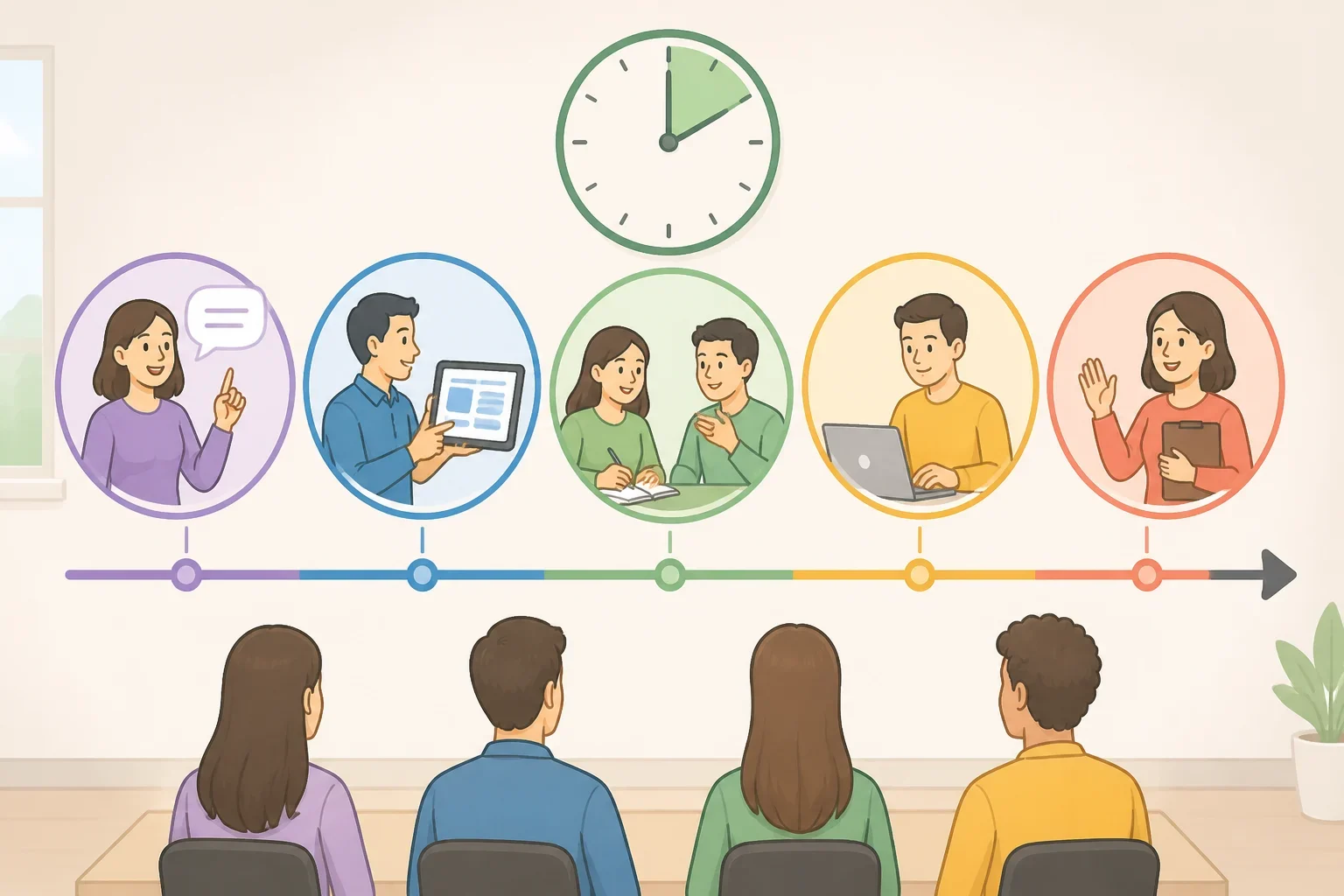
A 10-minute training session needs an actual time-boxed structure, not just a tight objective, or the time gets eaten by explanation instead of practice. CDC publishes adult-learning guidance for instructors who run in-person public-health trainings, and it states that mixing in varied, active teaching techniques produces more learning than lecture alone. That guidance was written specifically for in-person public-health instruction, but the underlying principle, that active practice beats passive explanation, applies just as well to a short workplace session built around one task.
The PMC review's design framework calls for bite-sized, interactive content built around a specific objective, meaning time should split between demonstration and practice rather than go entirely to information delivery (PMC systematic review). Breaking the 10 minutes into several small segments, rather than one continuous explanation, is this method's design choice. The review itself doesn't prescribe a single correct structure, only that studied segments ranged from one-to-three-minute blocks up through ten-to-fifteen-minute ones.
A sample agenda for the expense-report example:
- 1 minute: context, when and why this task comes up
- 2 minutes: demonstration, walk through a sanitized sample expense report
- 4 minutes: guided practice, the employee submits a sample report while you watch and correct in real time
- 2 minutes: independent attempt, the employee submits a second sample report alone
- 1 minute: check in and hand off a job aid for anything not covered
Use a sanitized or training-environment report for the demonstration and practice, not a real one carrying someone else's financial details. Block these segments on a worksheet before writing any content, then adjust the minute counts to fit your own process's complexity instead of copying this split exactly.
Match the format and job aid to how employees will use the skill
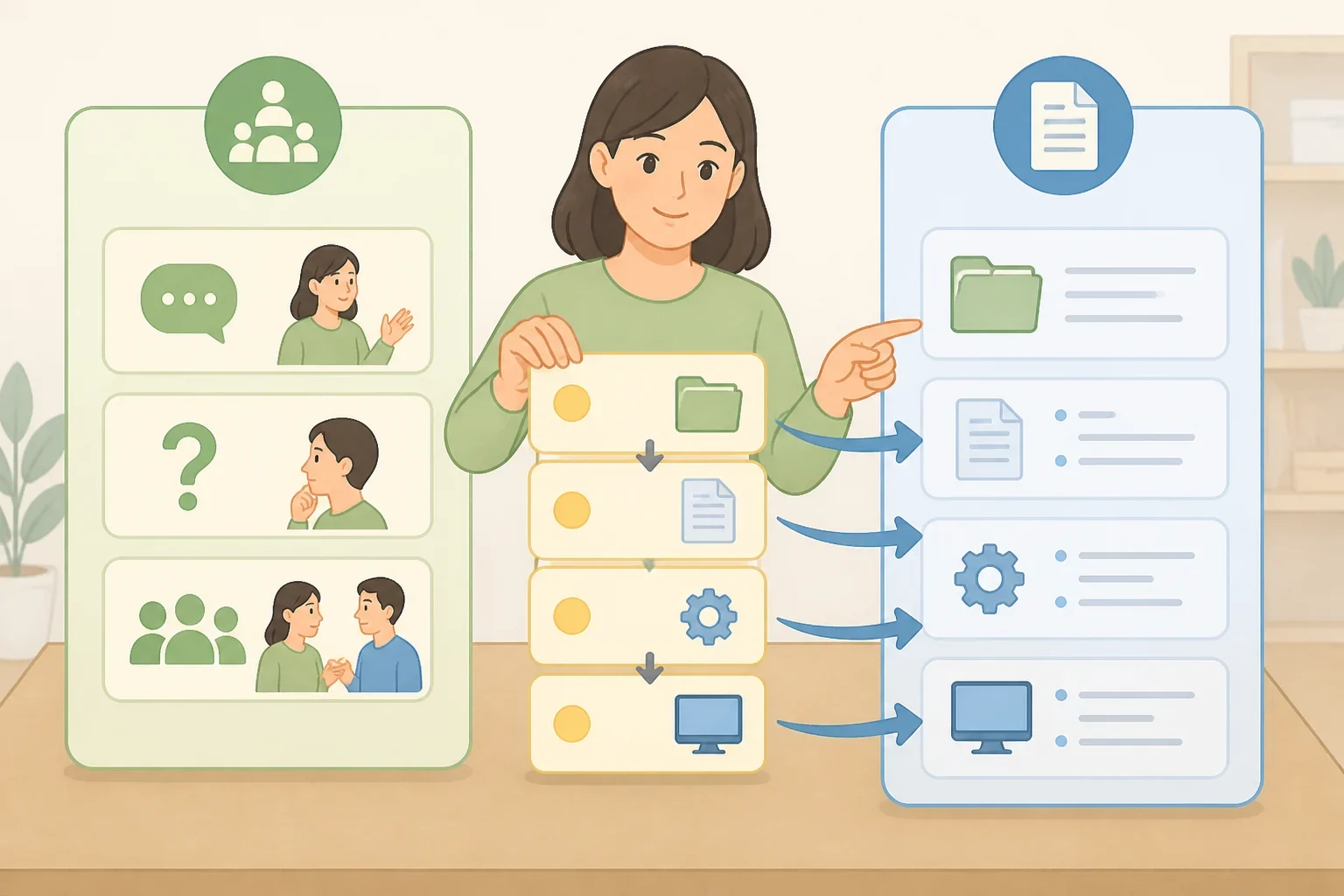
A microlearning training session tends to work better when the delivery format matches how employees will actually use the skill, rather than defaulting to whatever's easiest to produce. The PMC review's framework calls for content that's bite-sized, self-contained, and delivered through an appropriate medium, so a live demo, short video, or written walkthrough should fit the task (PMC systematic review).
Short videos were identified as a particularly effective format in the studies that review covers, and it notes that mobile devices let learners reach microlearning content "anytime and anywhere" (PMC systematic review). That finding describes the reviewed studies; it isn't evidence that video outperforms a live demonstration for a task like expense reporting specifically. Still, it's a reasonable argument for building a job aid that works on a phone, in case someone needs a reminder right before submitting a report rather than during a dedicated study session.
CDC's standards treat usability and accessibility as a benchmark on its own, separate from content accuracy. For a quick staff training lesson, that translates into practical questions: can the job aid be read on a phone? Does a video need captions? Can the employee actually get into the software system to practice during the session?
Applied to the example, the live session covers the standard path: entering amounts, selecting the correct expense category, and attaching receipts above whatever threshold the company requires. Steps that come up occasionally, like splitting an expense across two cost centers or handling a missing receipt, move out of the live session and into reference material: a short written walkthrough with a screenshot for the exception that's easy to explain in text, and a separate captioned video for the one that's easier to show than describe. Treat those as two separate resources, not one page trying to hold both.
Frequency is one reasonable way to decide what stays live and what moves to the job aid, but it isn't the only factor worth weighing. A step that comes up rarely but carries more risk, or requires more judgment, may still belong in the live session, where mistakes can be caught and corrected directly.
List every step in the current process, then sort each one into "covered live" or "moved to job aid," weighing frequency against risk and complexity. Confirm the job aid works on the device employees will actually use, and that it's readable without sound.
Confirm the skill transferred
CDC's standards treat learner assessment, evaluation, and follow-up support as three separate benchmarks, apart from content and delivery. Applied to a short session, that supports breaking confirmation into three checks, run on three different timelines:
- During the session: can the learner complete the sample report against the checklist in Section 2? The independent attempt in the sample agenda can double as this learner assessment.
- Short-term follow-up: can the learner complete the real task independently in the actual system, a few days or weeks after training?
- Longer-term evaluation: do correction requests, or another performance indicator, change over a defined period?
The reviewed studies tied microlearning to outcomes across three categories: cognitive skills like recall and transfer, behavioral changes like task completion, and affective shifts like motivation and confidence (PMC systematic review). CDC's own sample objectives extend measurement 30 days past training completion, underscoring why the session-level check and the job-performance check belong on separate timelines.
A single short session with a job aid may not be enough for higher-stakes processes flagged in the earlier screening list: safety, compliance, or judgment-heavy tasks. Check with a supervisor or compliance contact about what supervised practice, documentation, or sign-off the organization's training requirements call for, rather than assuming one practice round closes the gap.
For the expense-report example, the longer-term evaluation might mean checking, around 30 days out, how many correction requests come back tied to that employee's reports. A change there doesn't prove the training alone caused it; other factors, a new finance reviewer, a policy update, could shift the number too. Treat it as one signal worth weighing alongside direct observation, not a stand-alone proof point.
A simple worksheet for turning a work process into training
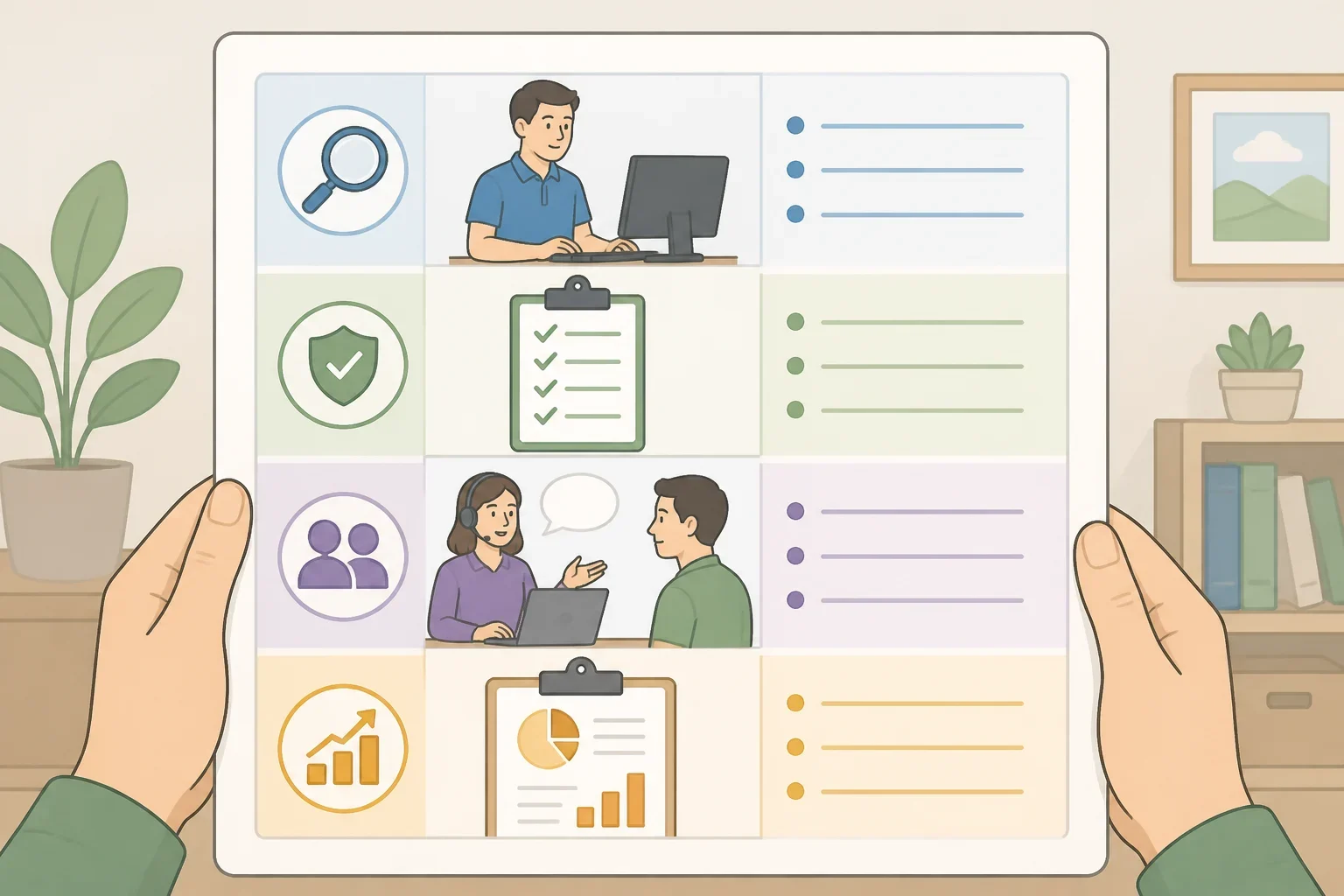
Fill in one of these before writing any content for your own process:
- Learner: who is this session for, and what's their current experience level?
- Trigger: when does this task come up in their actual workflow?
- Observable action: what should the learner be able to do by the end?
- Standard: what does "done correctly" look like, in numbers or specifics?
- Practice scenario: what sanitized sample task will they complete during guided and independent practice?
- Access and tools: do they have the logins, permissions, or materials to practice live?
- Job aid: what gets moved out of the live session and into reference material, weighing frequency against risk?
- Follow-up measure: what will you check, and when, to confirm the skill transferred?
Pick one recurring task and run it through the worksheet above, using the expense-report example as a model.
Test the agenda on one coworker first. Note exactly where they hesitate or ask a question, then revise the job aid or the script based on what actually confused them. Only after that trial run should the session move to a full team rollout, with the follow-up date already on the calendar.
