
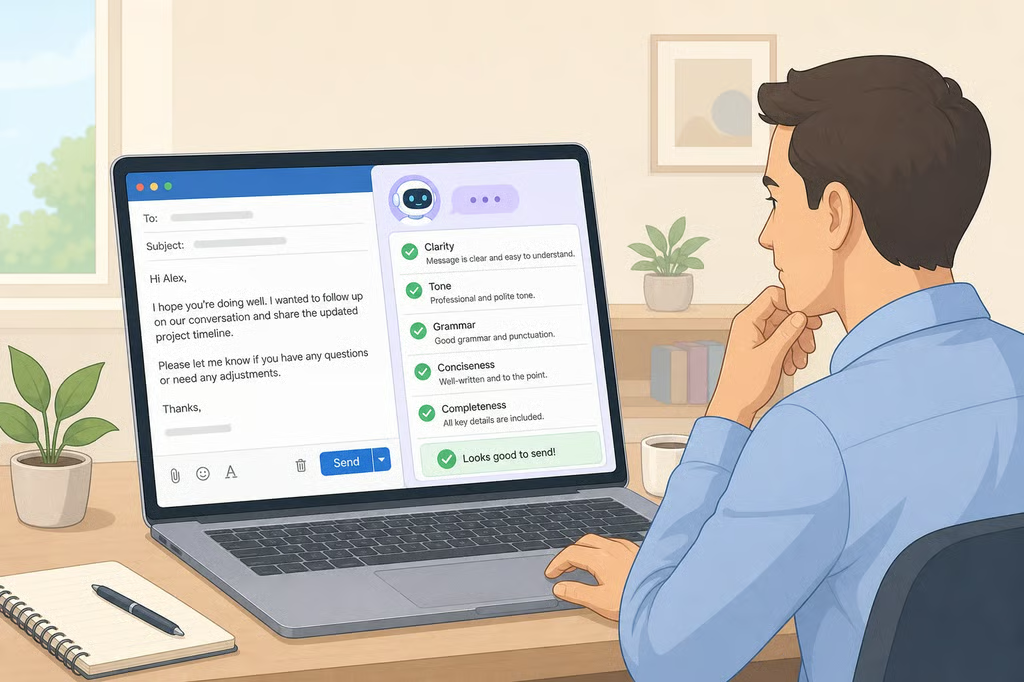
How to Avoid AI Slop at Work: 5 Checks Before You Send
More than three-quarters of professionals now use AI tools such as ChatGPT, Gemini, Copilot, or Claude to write or edit workplace messages, University of Florida reported last year. That volume of AI-assisted writing is exactly why knowing how to avoid AI slop at work matters, whether the person sending the message is a new hire drafting a status update or a manager writing performance feedback.
The study behind that number was conducted by University of Florida researcher Anthony Coman with University of Southern California co-author Peter Cardon, who surveyed 1,100 professionals for the International Journal of Business Communication. Participants were told a congratulatory email had been written with a disclosed low, medium, or high level of AI assistance, then asked to rate both the message and the person who reportedly sent it, according to University of Florida.
SHRM has a name for the version of this problem that shows up on teams: "workslop," AI-generated content for coworkers that looks finished but pushes correction work back onto whoever receives it, according to SHRM. About half of organizations currently using or piloting AI, 49%, have a formal policy governing that use, and SHRM says the gap is contributing to workplace problems including workslop, according to SHRM, reported earlier this year.
That combination, widespread AI use paired with thin formal guidance, applies across seniority levels. The findings below, drawn from the University of Florida study, SHRM's research, and federal guidance on generative AI risk, point to review habits worth building before an AI-assisted message goes out.
What "AI slop" means at work
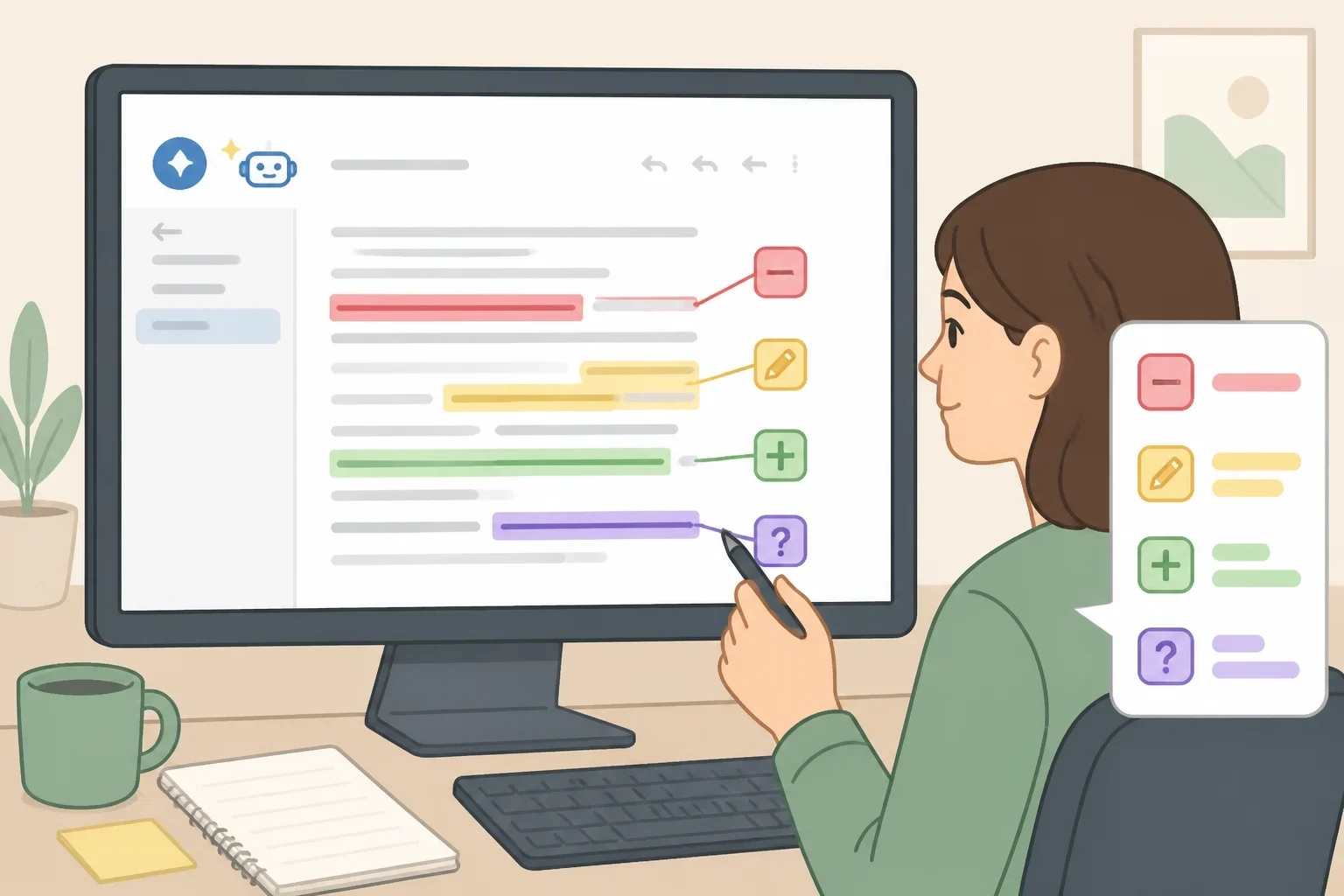
In this article, "AI slop" refers to the kind of unverified, generic output SHRM describes as workslop: AI-generated content that degrades quality and slows productivity across a team, according to SHRM. The University of Florida research offers a clue about why that content damages trust even when it reads smoothly.
"When people evaluate their own use of AI, they tend to rate their use similarly across low, medium, and high levels of assistance," Coman said. "However, when rating other's use, magnitude becomes important. Overall, professionals view their own AI use leniently, yet they are more skeptical of the same levels of assistance when used by supervisors," according to University of Florida.
Employees can often detect AI-generated content, and the research found they tend to interpret it as a sign the sender did not care enough to write it personally, according to University of Florida.
What the research on AI and trust at work shows
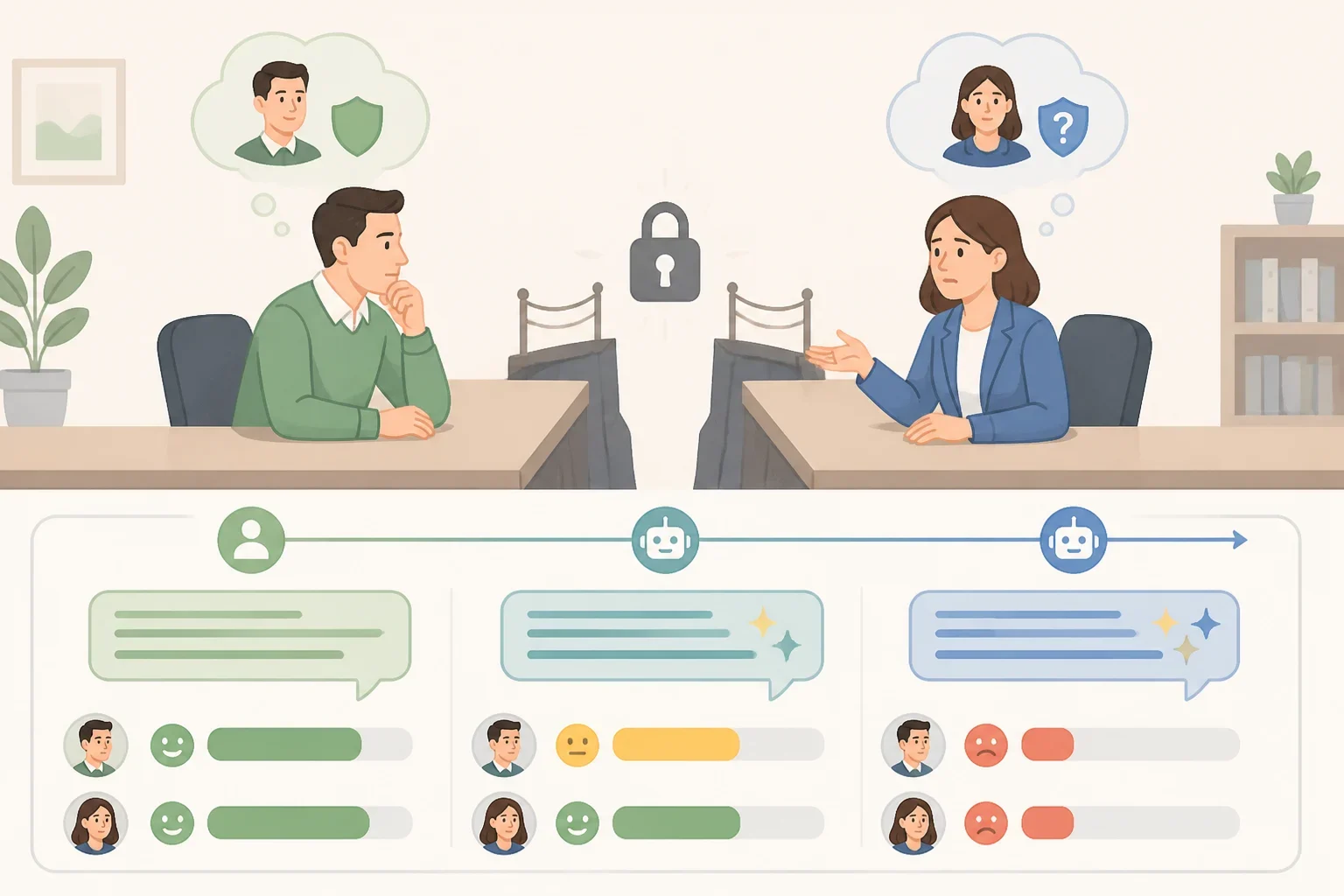
The University of Florida study tested one specific scenario: a congratulatory email disclosed upfront as written with low, medium, or high AI assistance. Participants rated both the message's quality and how they perceived the sender, according to University of Florida. The reported study focused on congratulatory messages, so the findings describe reactions to one relational message type rather than workplace communication broadly.
AI-assisted writing was rated as generally efficient, effective, and professional across assistance levels, according to University of Florida. But Coman and Cardon found what they called a "perception gap" between messages attributed to managers and those attributed to employees: the same drafting habit read differently depending on whether an employee or a supervisor sent it, according to University of Florida.
That gap showed up clearly in the numbers. Only 40% to 52% of employees viewed a supervisor as sincere when a message showed heavy AI assistance, compared with 83% for messages with light AI assistance, and perceived professionalism fell from 95% to 69%-73% over that same range, according to University of Florida. Coman said the pattern can undermine perceptions tied to a supervisor's trustworthiness specifically, pointing to drops in perceived ability and integrity, according to University of Florida.
Because the study tested only one message format, it does not establish that every workplace message carries identical risk. The researchers suggested managers weigh message type, level of AI assistance, and relational context before drafting with AI, according to University of Florida, guidance that reasonably extends caution to other personal or high-stakes messages such as recognition, feedback, or apologies, even though those weren't measured directly.
How to avoid AI slop at work: 5 checks before sending a message
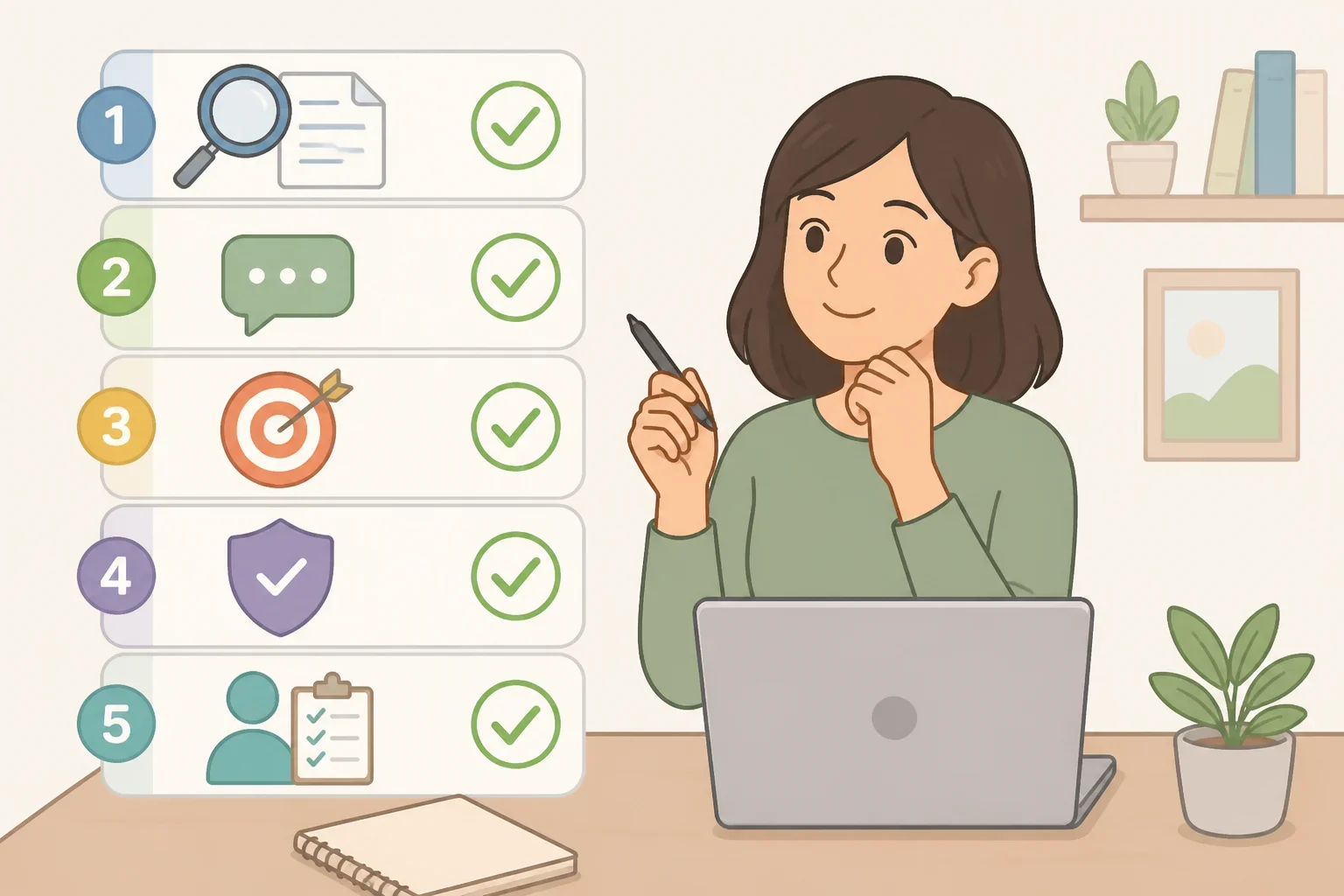
The checks below translate those findings into steps for reviewing AI-generated messages before sending them, and offer a starting point for how to use AI professionally at work regardless of role or seniority. None of the three sources tested this exact checklist; each check is built from a specific finding.
- Fact accuracy. Finding: generative AI systems are prone to confabulating, or "hallucinating," false information, one of 12 risks identified in NIST's generative AI risk guidance, published in 2024, according to NIST. Check: names, dates, figures, links, and claims in an AI-drafted message are worth verifying against original source material before anything goes out.
- Responsiveness. Finding: SHRM's workslop concern centers on unverified AI output that looks finished but shifts correction work onto the recipient, according to SHRM. Check: reread a draft against the original question or request, and cut generic filler that doesn't give the recipient information they actually need.
- Specificity in personal messages. Finding: in the reported congratulatory-message scenario, disclosed heavy AI assistance from a supervisor sharply lowered how sincere employees perceived that supervisor, according to University of Florida. Check: for recognition, feedback, or other personal messages, adding one detail only the sender would know, a project name, a number, a shared reference, is worth considering as a way to make the message read as personal rather than templated.
- Company policy on confidential information. Finding: about half of organizations currently using or piloting AI, 49%, have a formal policy governing that use, according to SHRM, which means many employees are working without explicit guidance. Check: as a general precaution, confirming what's allowed before entering client, employee, or proprietary details into any AI tool, and asking HR or IT directly if the approved tools aren't already clear, is a reasonable step regardless of what a specific policy says.
- Final accountability pass. Finding: NIST's generative AI risk guidance calls for organizations to actively manage risks such as confabulated or low-quality output rather than assume it's trustworthy, according to NIST. Check: treating an AI draft as a starting point rather than a finished message, and giving it one last read for tone and accuracy, applies that same principle at the individual level before a message goes out under a person's name.
Messages from supervisors, and messages meant to recognize or motivate someone, carry the most documented risk in this research. Routine status updates and internal notes weren't part of the study and may reasonably get a lighter review.
What varies by employer
The SHRM statistic above describes organizations currently using or piloting AI, not the workforce as a whole, so what ends up written into a formal AI policy may differ significantly by workplace, according to SHRM. Some employers spell out exactly which tools are approved and what information can go into a prompt. Others haven't formalized anything yet, which means what's acceptable to send through an AI tool may depend on employer-specific rules rather than a single industry standard.
What to do next
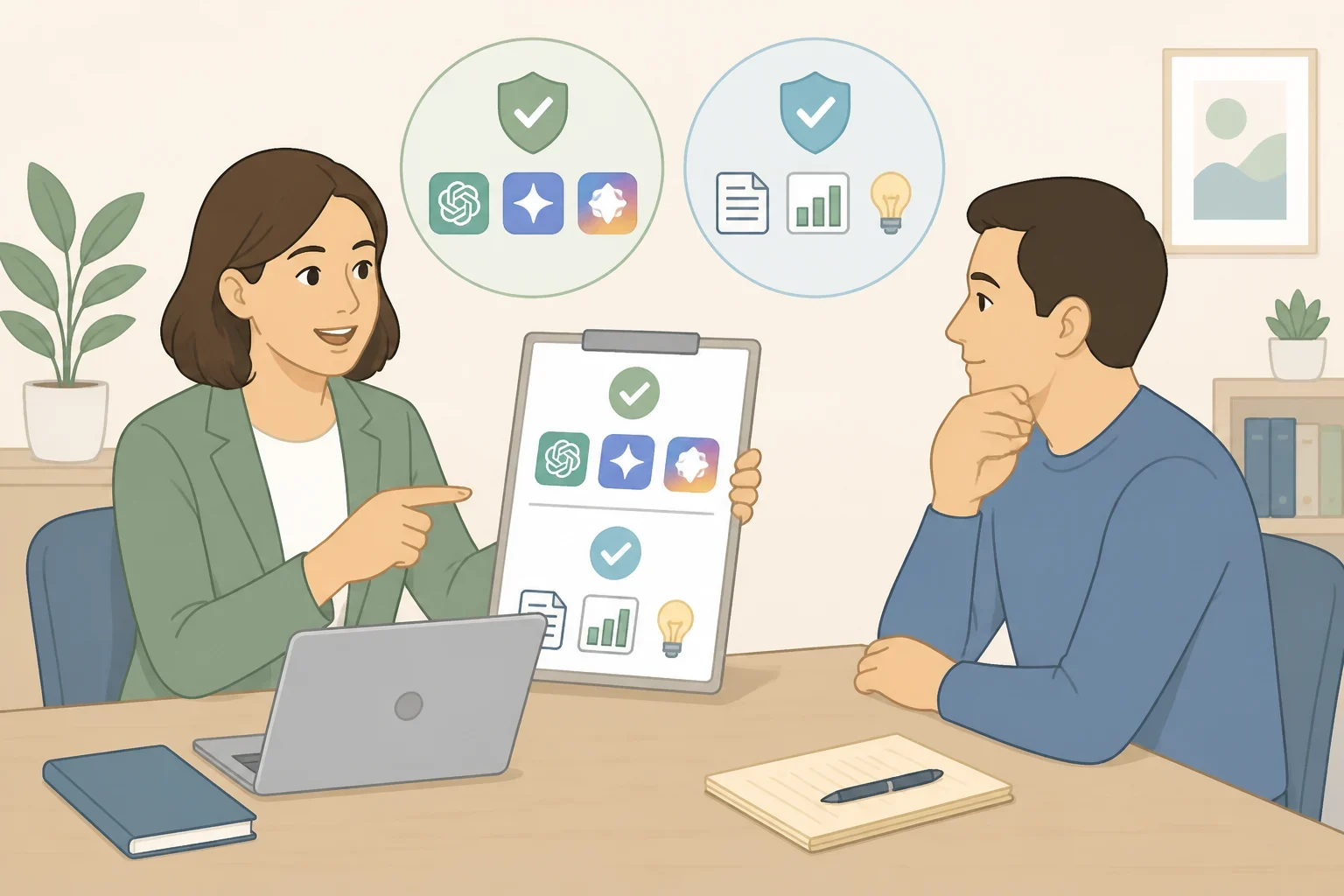
Before sending the next AI-assisted message, checking with a manager or HR about what the company's AI-use policy actually covers is a more direct step than assuming a smooth-reading draft is ready to go. That conversation, not a general checklist, is what determines which tools are cleared and what information can safely enter a prompt in the first place.
Running a draft through the five checks above, meanwhile, is a more reliable way to avoid sending low-quality AI content than trusting how polished it looks on a first read. The same message can look identical to the person who wrote it and land very differently with the coworker who receives it.
