How to Set a Samsonite Briefcase Lock | Career Trend

How to Set a Samsonite Briefcase Lock

How to Set a Samsonite Briefcase Lock
Written By
Andrew Todd
Andrew Todd
Apr 14, 2010
1 minute read

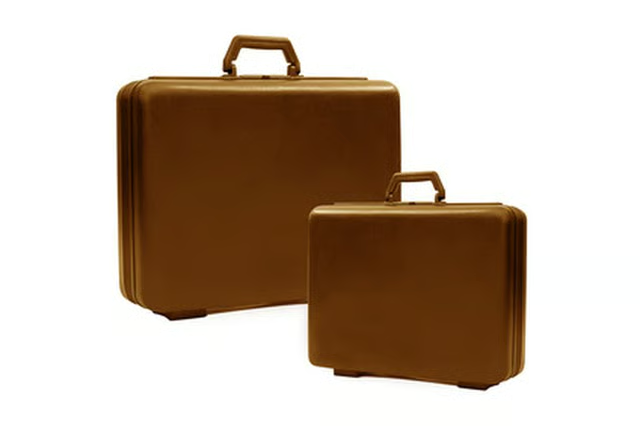
Samsonite briefcases include a three-digit combination lock to ensure that the contents are safe. The default combination on a new Samsonite lock is 0-0-0, but the user can change this combination at any time. If you have recently purchased a Samsonite briefcase, it is recommended that you set a custom combination, write it down and store it in a secure location for future recall if necessary.

Open the briefcase.

Look to see if there is a lever or a button next to the dials.

Push to button toward the dials and hold, or push the lever to the lower position and hold, depending on your model of briefcase.

Rotate the dials to set your desired combination while holding the button or lever.

Release the button or lever when the dials display your desired combination. Your briefcase lock is now set to this combination.

Andrew Todd

Andrew Todd has been writing since 2006. He has written for the Consumer Search website and the U.S. Attorney's Office for the Middle District of Florida. Todd has a Bachelor of Science in criminal justice from the University of Central…

Sponsored
Career Trend Logo

Career Trend is the go-to guide for readers navigating their careers, offering diverse and credible content for those looking to achieve professional success.

Property of TechnologyAdvice. © 2026 TechnologyAdvice. All Rights Reserved

Advertiser Disclosure: Some of the products that appear on this site are from companies from which TechnologyAdvice receives compensation. This compensation may impact how and where products appear on this site including, for example, the order in which they appear. TechnologyAdvice does not include all companies or all types of products available in the marketplace.