


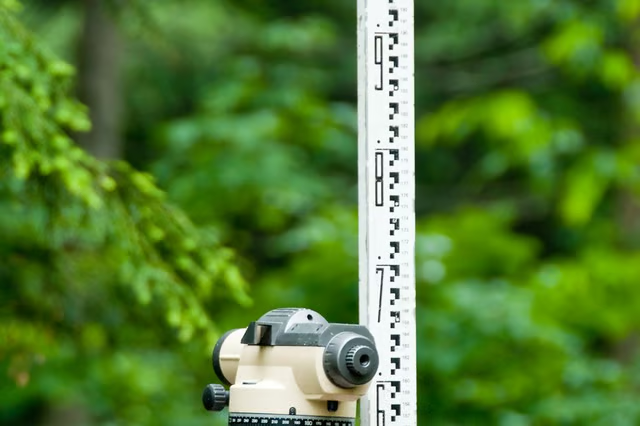
Civil engineers must sometimes execute plans that reference a particular elevation. For example, a plan might require an engineer to build a wall up to a certain elevation, and no higher. The engineer relies upon several pieces of equipment to calculate elevations to ensure his team executes the plan correctly. The grade rod is a long rod or stick with measurement markings. A level is essentially a small telescope, which may be laser equipped. Last, an engineer uses a stake, topped with a highly visible penny nail with whiskers, to make his starting position easy to locate when he peers through the level. These tools allow an engineer to measure the difference in elevation between a point of known elevation and a point of unknown elevation.
Stand in a point of known elevation. Hammer the penny nail with whiskers into the top of the stake, and pound both into the point of known elevation. Prepare, if you prefer to use a a laser-equipped level, by setting a rod foot onto the point of known elevation. Pat down the dirt if necessary to ensure that you can see either marker.
Stand at the point of unknown elevation with the grade rode and place it firmly into the ground.
Stand behind the grade rod. Slide your level up and down the grade rod, peering through it until you sight the penny nail with whiskers, or, if you are using a laser-equipped level, until the level reads "on grade." Make sure the grade rode stays fixed as you manipulate the level.
Hold the level in place or fasten the level to the rod, if so equipped. Record the measurement mark nearest the grade rod: this measurement contains the elevation loss between the penny nail with whiskers and your current position.
Repeat these steps as necessary to calculate a change in elevation that exceeds the measurement capacity of the grade rod.
