


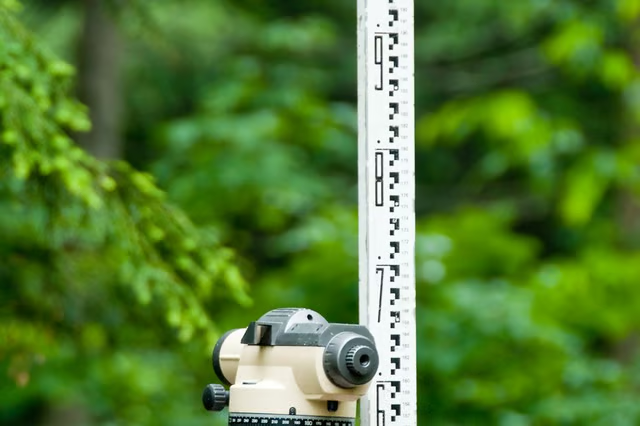
A topographical map of an area features lines that show the relation in elevation from one point in the map to another. To create a topographical map, you must know how the elevation of the land changes. You can use a survey leveling rod along with a survey leveling tripod to quickly determine the difference in height from two points. You will need an assistant to help you with this process.
Choose a benchmark location for which the elevation has been established. There are many locations where the elevation is known that you can use as a reference point to begin making your map. These locations can be obtained at the office in charge of maps in the area you are surveying, such as the city planner's office or county assessor's office.
Have your assistant go to the location that you want to map that is higher in elevation than your location. The assistant should place the leveling rod on the ground and hold it straight up with the numbers side directly facing your benchmark location. The assistant should hold the rod steady at this location until you have made your measurement.
Retract the legs of the level tripod and lock them into place with the leg locks. Ensure the legs rest squarely on the ground to anchor the tripod firmly in this position. Tilt the head of the tripod until the bubble in the level at the top of the tripod is between the two center lines.
Look through the eyepiece of the level tripod. You will see your assistant holding the leveling rod. The lens of the eyepiece has a horizontal line going across it. This line will cross the leveling rod at a specific height. This height is the difference in elevation between your benchmark location and the location of the leveling rod.
