
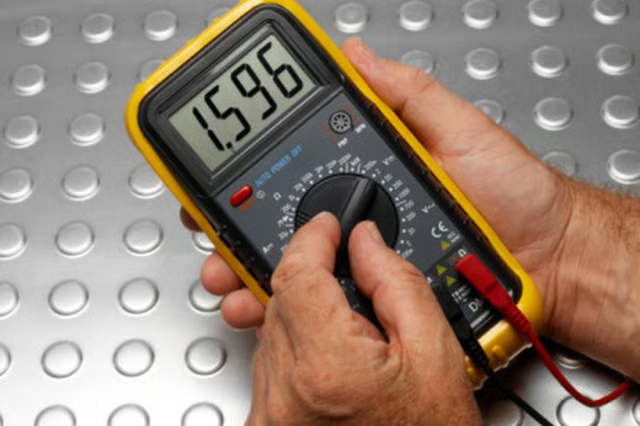
A multimeter is an indispensable tool for those working in many fields, such as electricians, mechanics and technicians. Most multimeters can measure three different properties of electricity: volts, current and resistance. However, if your multimeter is calibrated improperly or damaged it will not provide an accurate reading. Learn how to tell if your multimeter is calibrated correctly so that you can recalibrate it (if it's digital) or replace it (if it's analog).
Attach the rear connector of the black ground cable to the multimeter via the black ground cable attachment slot.
Attach the rear connector of the red lead cable to the multimeter via the red lead cable attachment slot.
Turn the dial or setting selector on the face of the multimeter to the lowest Ohm setting. This usually is around 100 Ohms.
Touch the black ground point to the red lead point and examine the readout of the multimeter. A perfectly calibrated multimeter will read exactly 0 Ohms. As long as your multimeter is within 0.05 Ohms of this reading, it is calibrated well enough to be useful. If it is not, then it must be calibrated before use.
Tip
Many newer multimeters have a built in calibration function. If your multimeter needs to be calibrated, simply touch the lead and ground tips together, and press the calibration button or twist the calibration knob until it reads 0 Ohms.
